AppControl is an enhanced task manager that tracks activity history and lets you monitor an application’s use of the camera, microphone, and geolocation.
Windows Task Manager makes it easy to see system‑resource consumption and the activity of various processes. Modern OS versions offer even more features, but there’s still room to improve on what the built‑in tool provides.
For instance, you can use an alternative task manager called AppControl that shows detailed system activity for the past days.
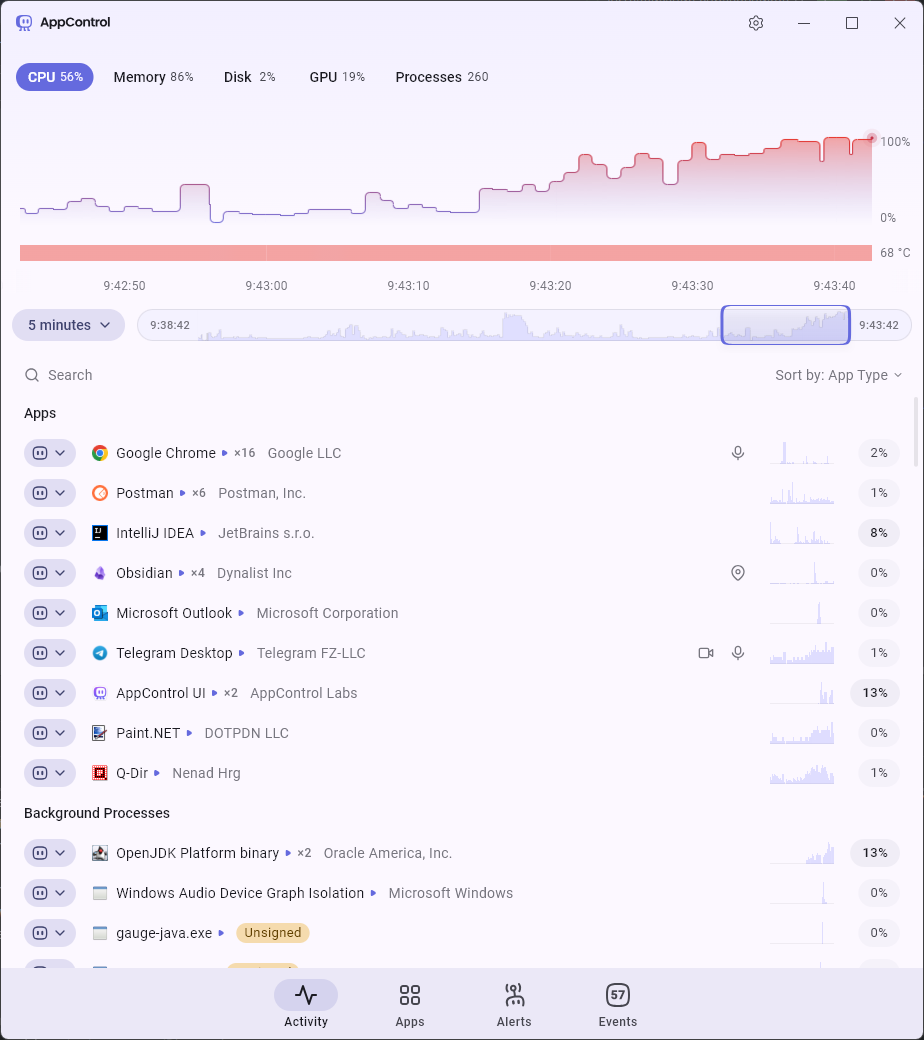
At first glance, its main window displays the same information as the standard Task Manager: currently active processes, CPU, memory, disk, and GPU usage.
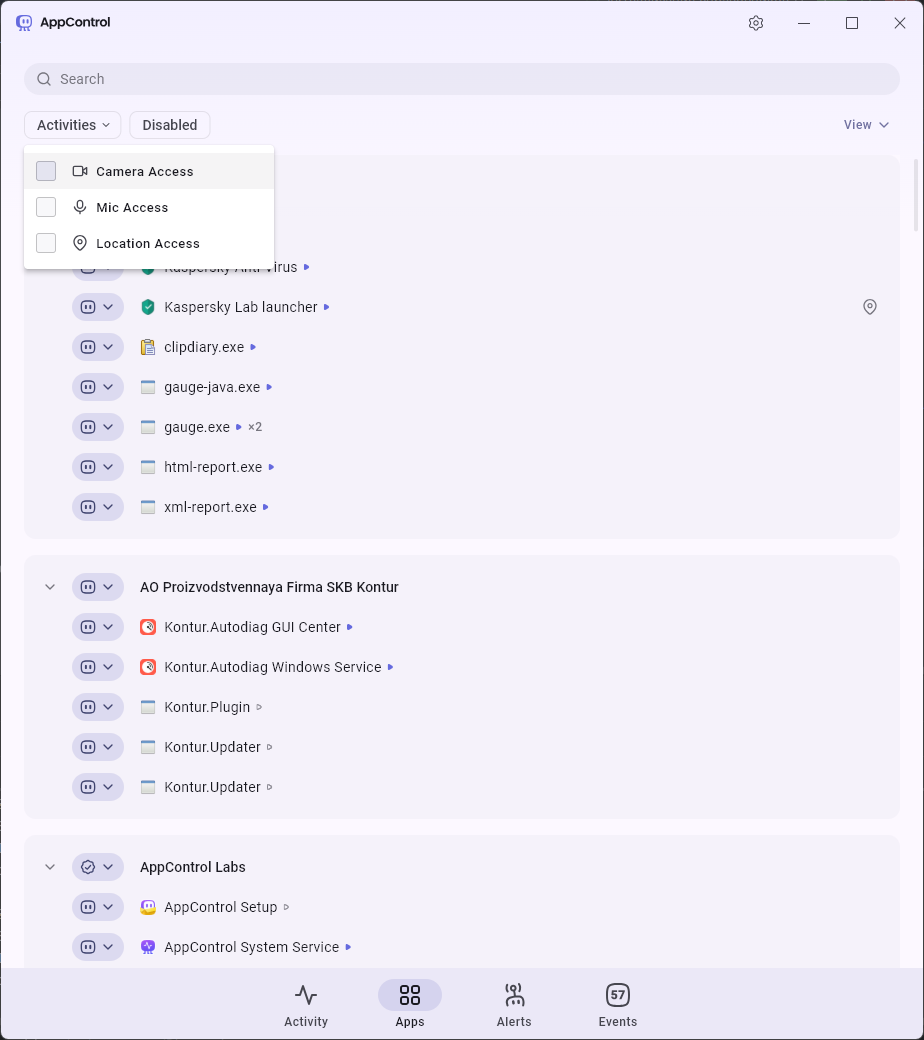
But AppControl goes further by showing which applications are accessing geolocation data, the microphone, or the camera, and by offering in‑depth details for each process. Naturally, you can disable or terminate any active process directly from the app.
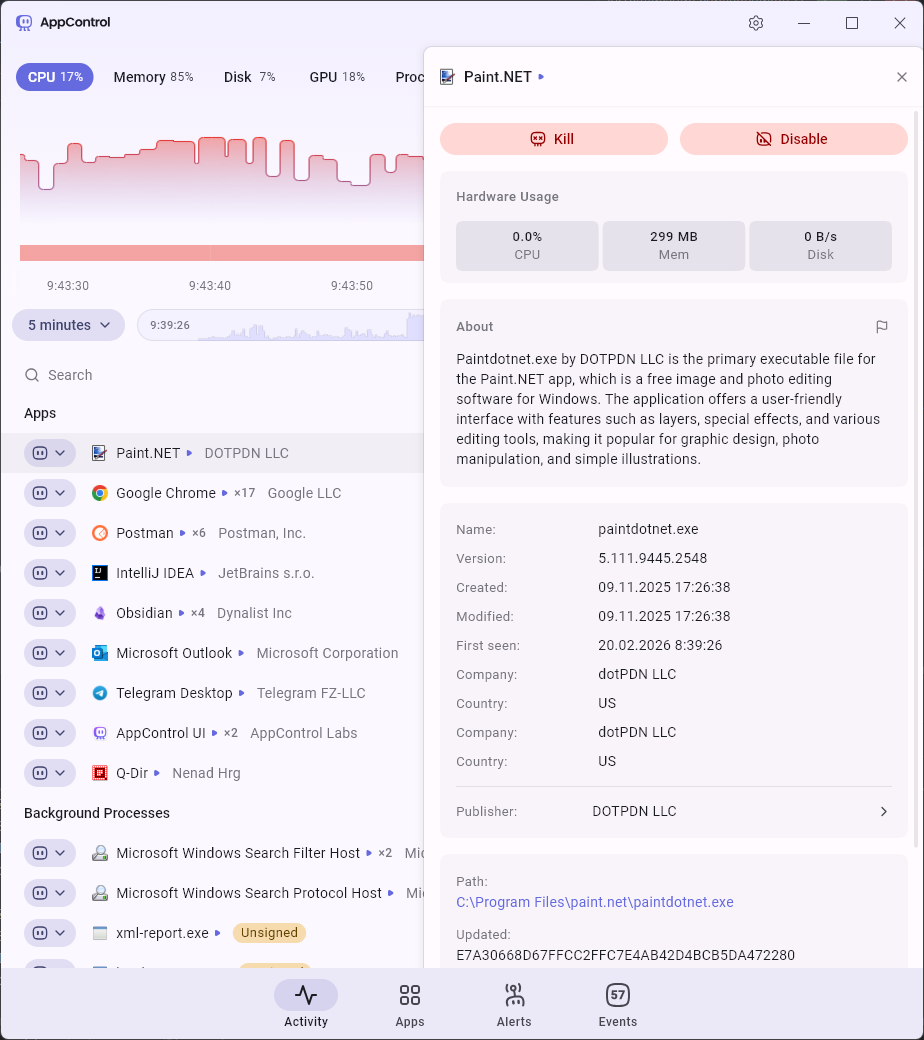
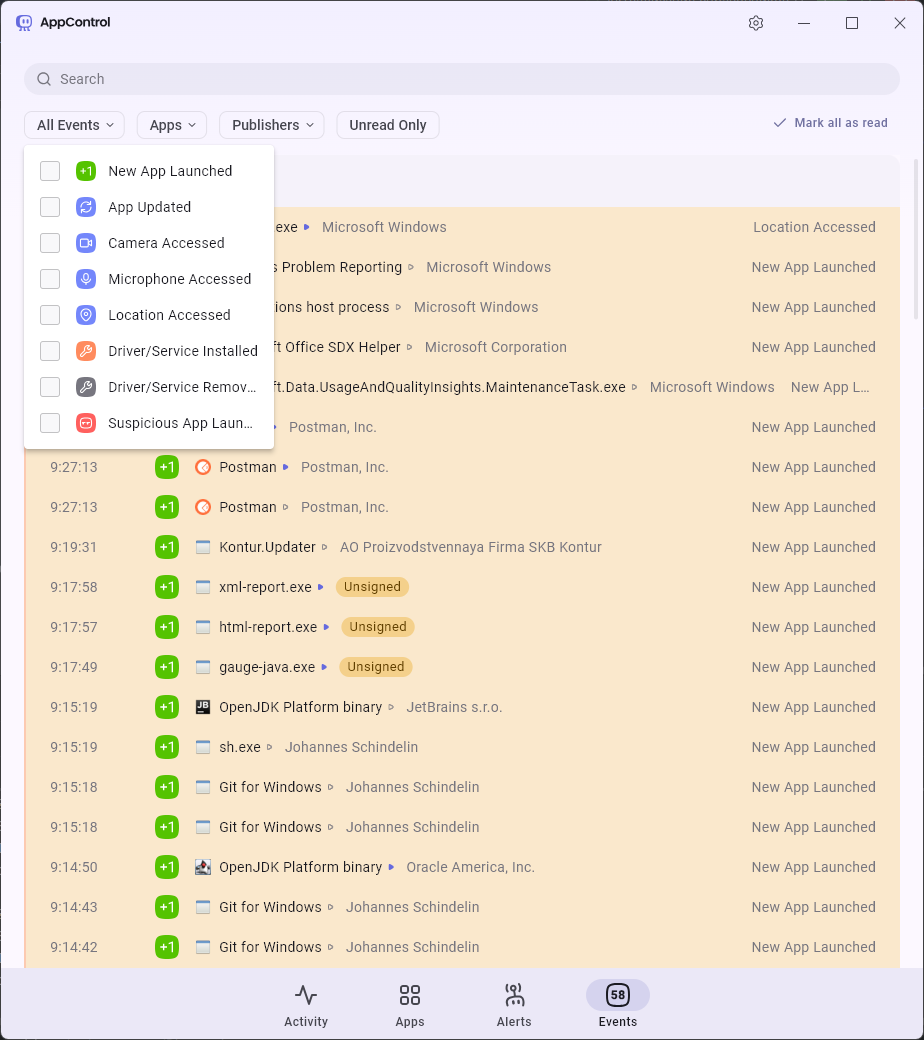
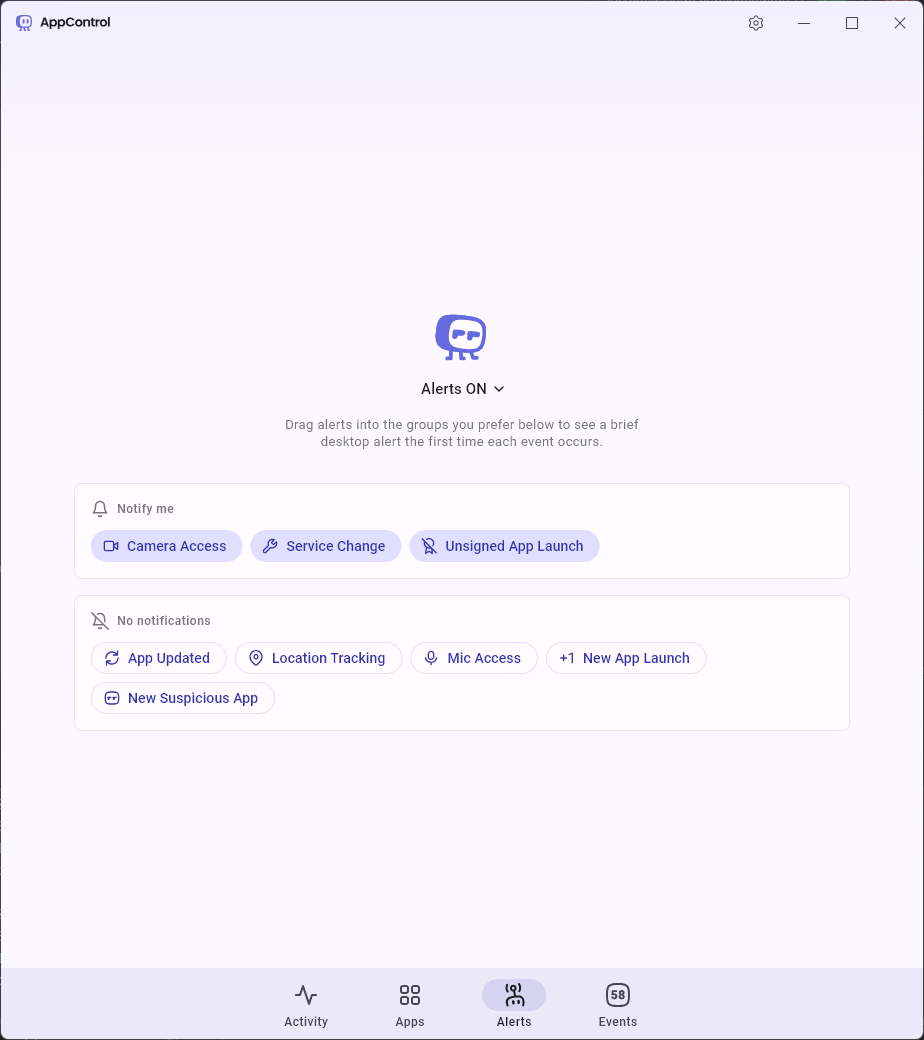
The other three tabs let you review the history of events that triggered processes during the app’s usage, enable notifications for camera, microphone, and GEO usage, and see which applications are currently accessing those resources.