Navidrome is a free server for streaming your own music at home: access from any device, clients for iOS and Android, but setup requires some effort.
I usually use Plex to stream my own movie library. It can also be used for music streaming, but it’s still better to use something more specialized.
Spotify at Home
With the free Navidrome service, you can set up your own music server and listen to music on any device within your home network.
However, this solution has some drawbacks. Navidrome can be set up either by running a server via Docker or by installing a desktop application for Windows, macOS, or Linux.
That said, I couldn’t find a macOS app in the official repository, even though it clearly should be there according to the documentation.
Even with a desktop version available, launching it won’t be completely straightforward. Navidrome runs from the command line, so depending on your operating system, you’ll need to perform different additional steps to get everything working.
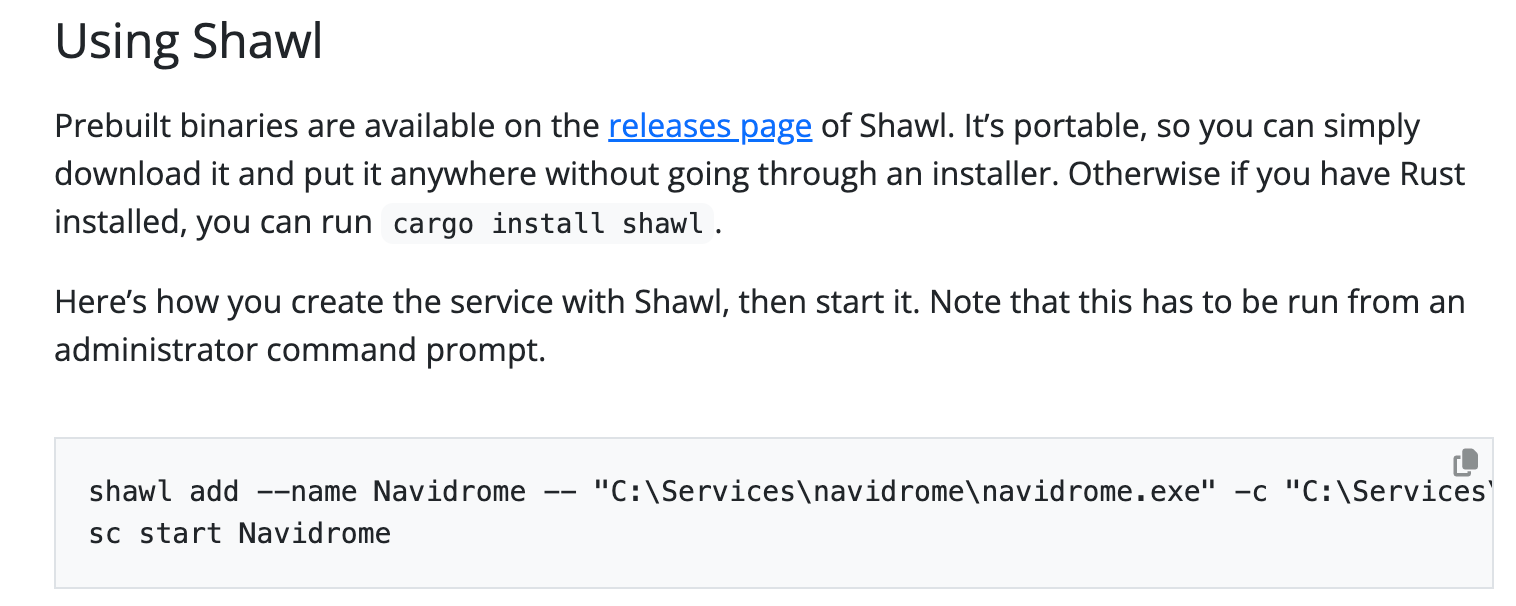
Still, nothing overly complicated is required, and overall you can get it up and running fairly quickly.
Accessing the Library After Installation
Once the installation is complete, you can access Navidrome through a web browser.
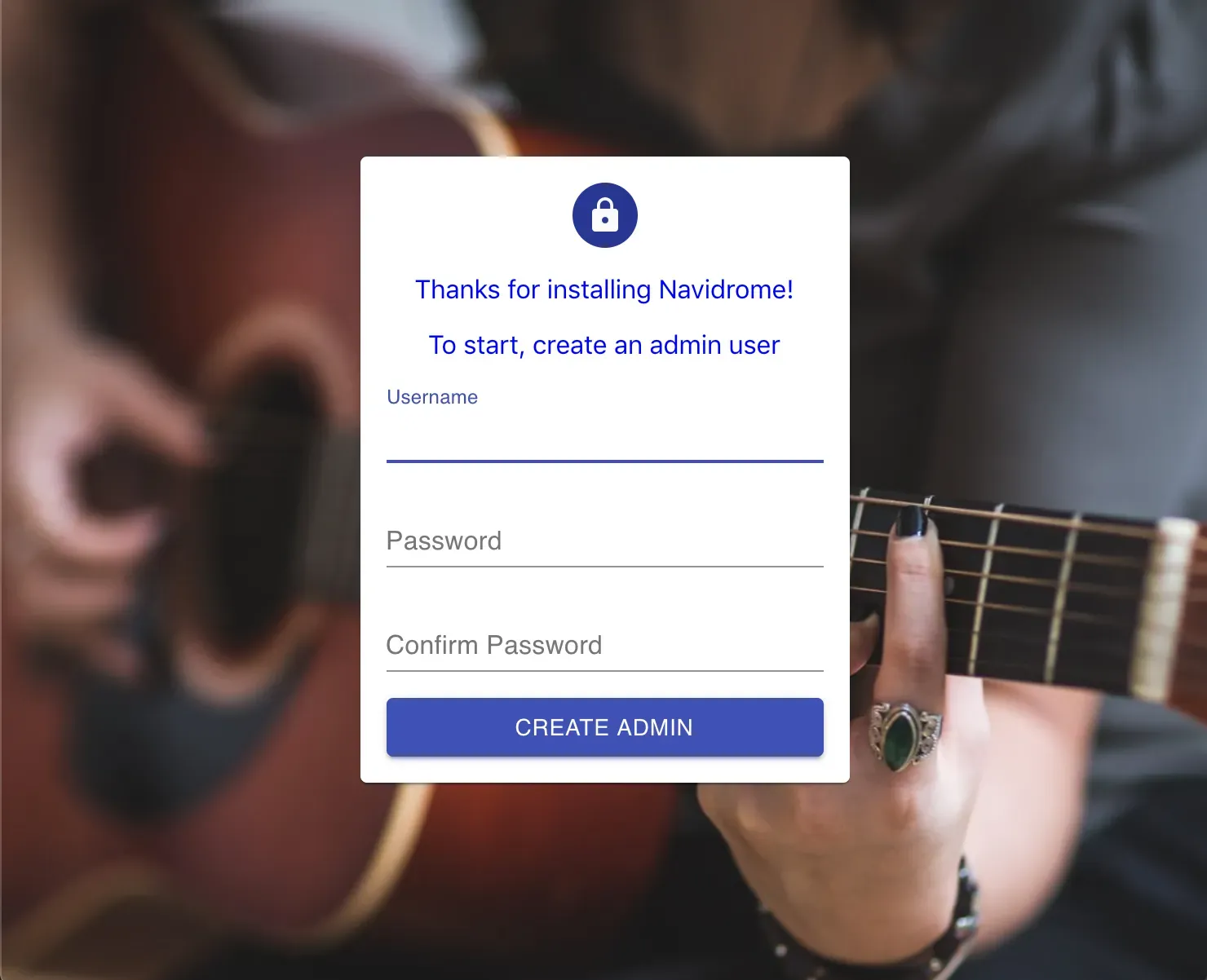
On the first launch, you’ll need to set up admin access to the library and then wait for the music folder to be scanned.
If everything is done correctly, after some time you’ll see your music collection in an interface that looks like a regular media player. Because of this, there’s not much point in going into detail about Navidrome’s basic features. As usual, you can search by albums, artists, and tracks, switch between different playlists, and do all the familiar things.
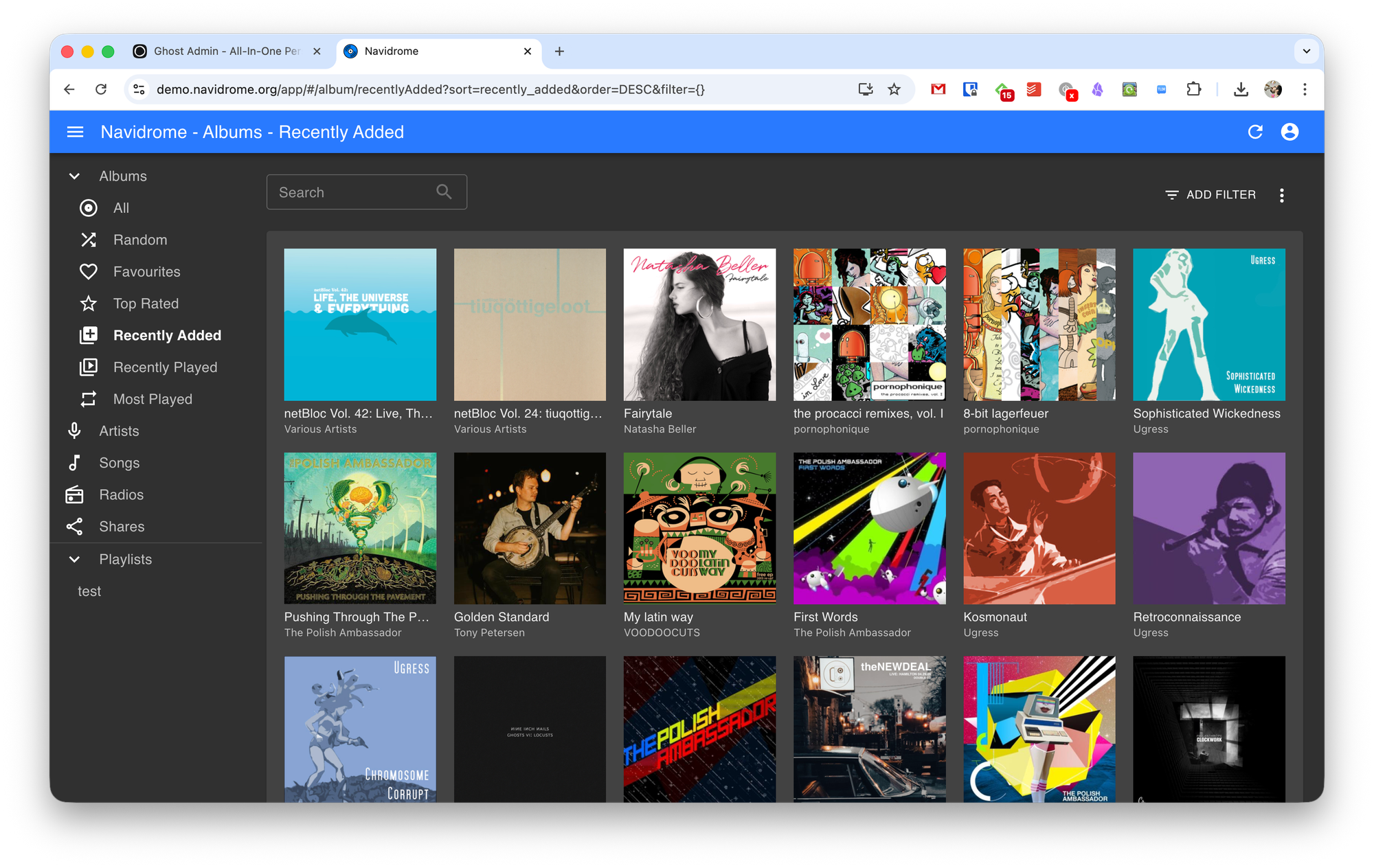
One interesting feature is support for smart playlists—favorites, ’80s music, and similar collections. However, creating them isn’t as simple as it might seem: you’ll need to dive into the documentation and edit JSON files.
You can also assign different access rights to the music library for each user, or even give everyone their own personal library.
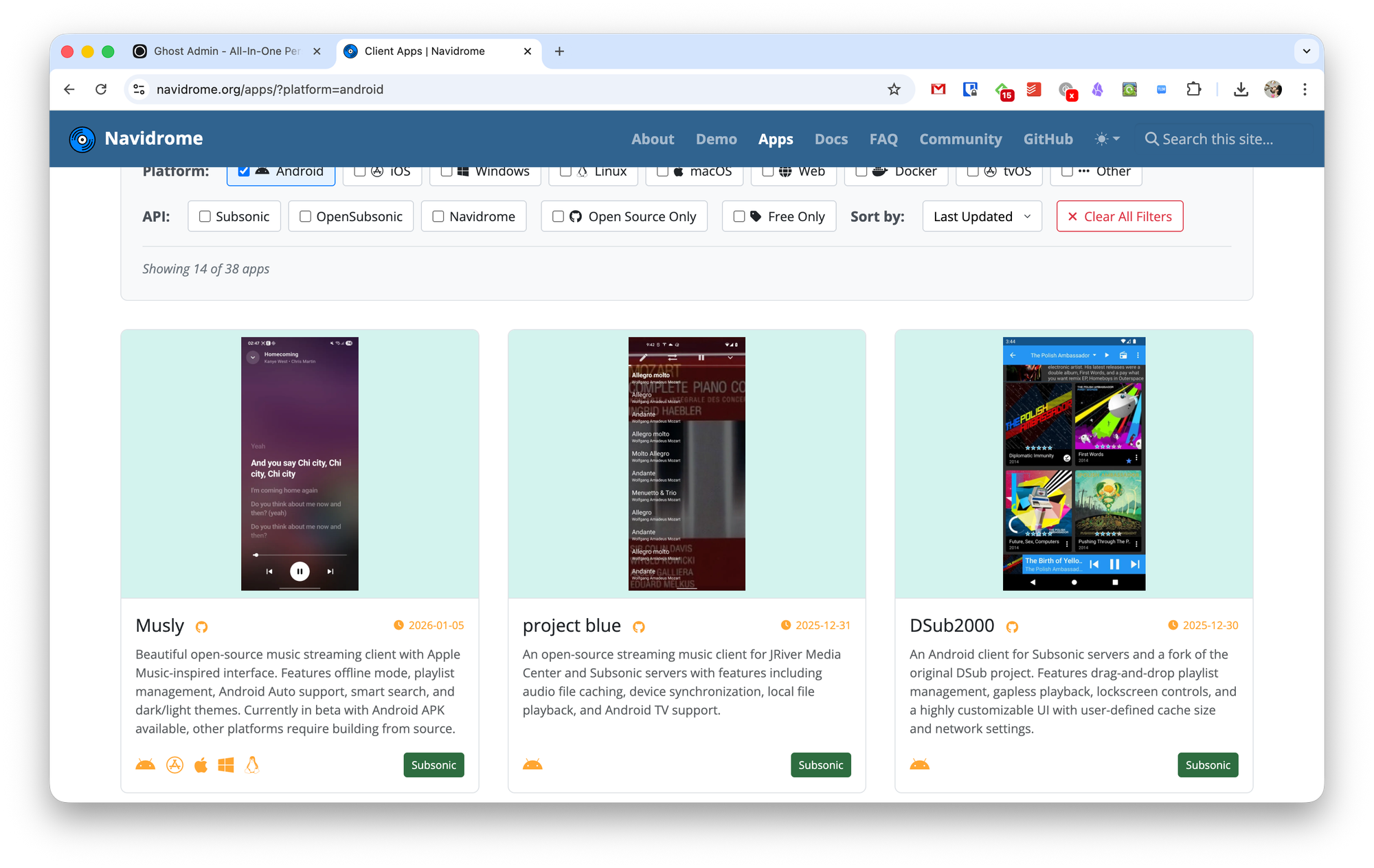
Of course, you’ll want to play music not only through the web interface but also via Android and iOS apps. For that, there are dozens of apps for various operating systems that support Navidrome out of the box.