
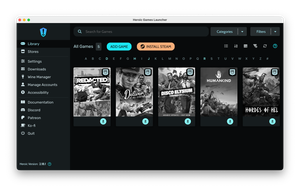
Heroic is a cross-platform launcher for Steam, Epic, GOG, and Amazon, featuring a game library, filters, Wine-based installation, and interface customization.
For some reason, many gamers dislike using any store or launcher besides Steam. Yet in practice, you often need several, and it’s easy to lose track of where a game was purchased.
You can organize this chaos with game cataloging tools or third-party launchers — and today I want to talk about the latter: Heroic.
Advantages of the Launcher
Heroic is available on Windows, macOS, and Linux, letting you manage your library across all major platforms. Supported stores are region-specific: Steam, Epic, GOG, and Amazon.
On first launch, you’ll need to log in to your accounts through the launcher. For Steam, the official client must be installed. After a short while, your games will appear in the Library section.
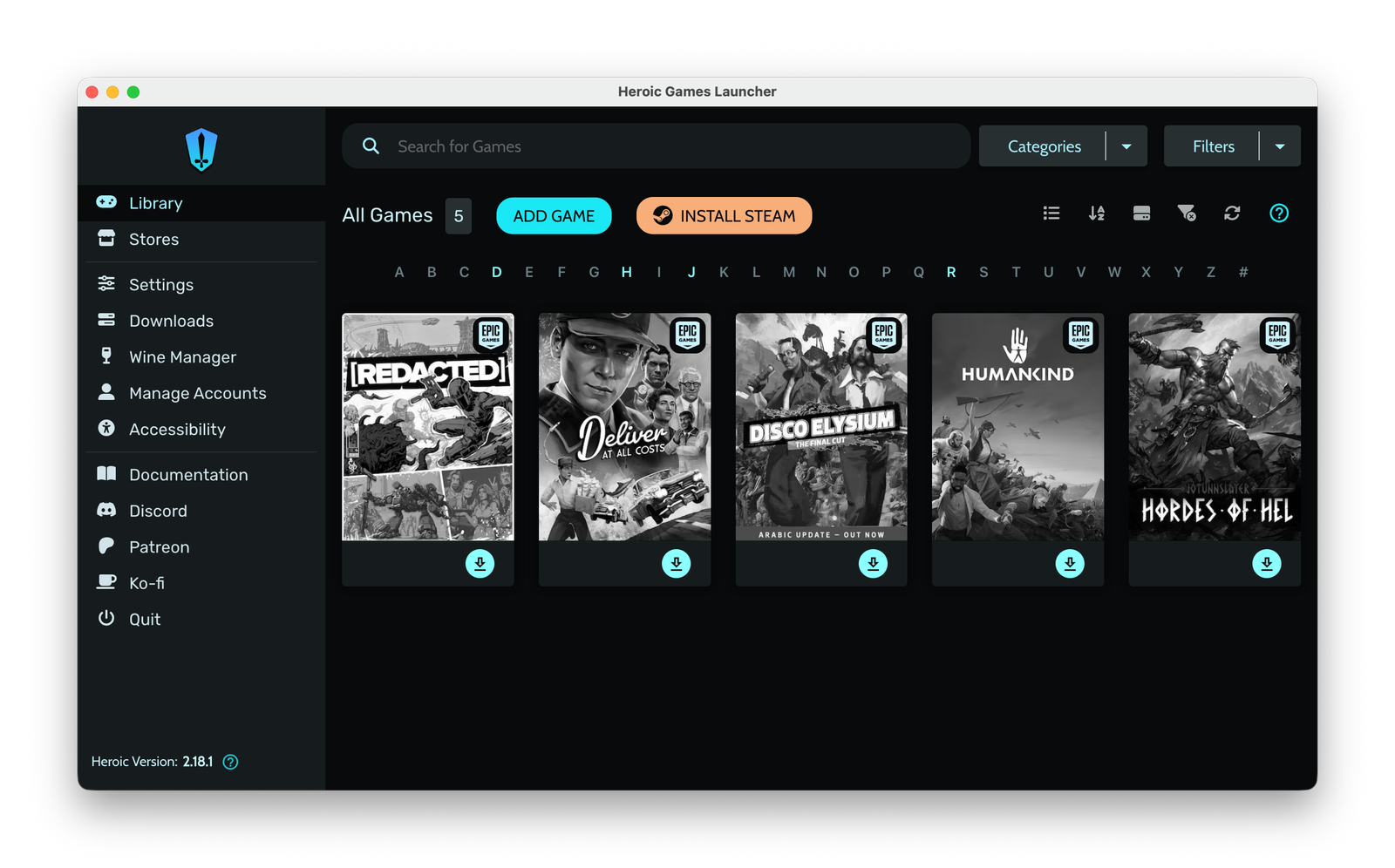
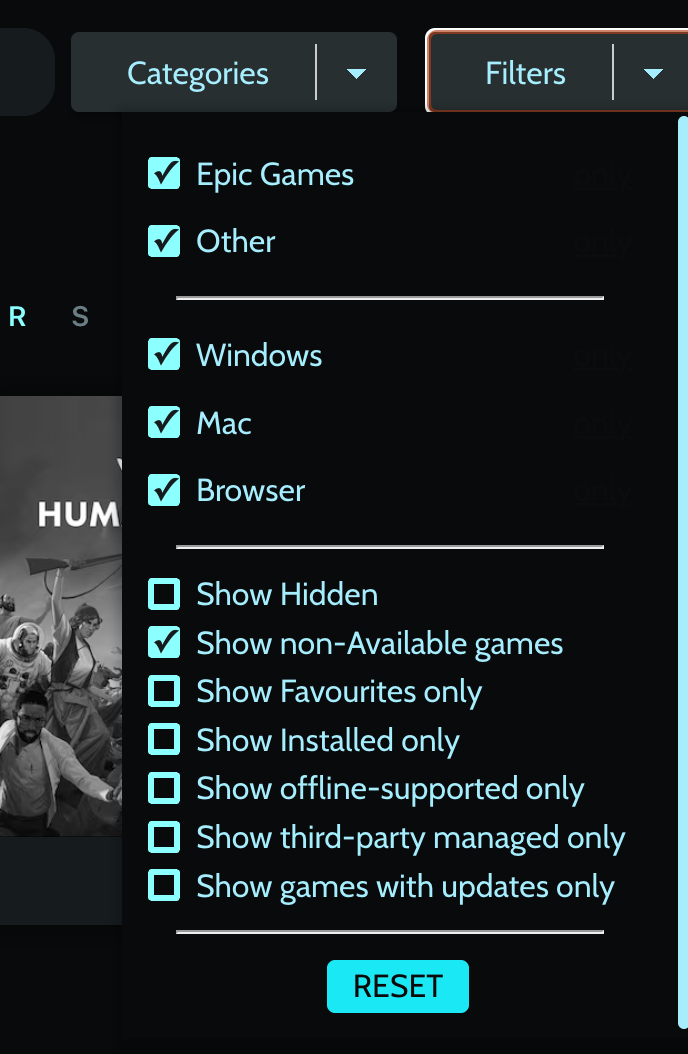
From there, you can quickly search games by name, category, or various filters. Right-clicking a game allows you to install it, view details, hide it, add it to favorites, or assign it to a custom category.
In the game’s card, you can see summary information and quickly add it to your Steam catalog.

As shown in the screenshot, there’s an Install button even though I’m running Heroic on macOS and the game is Windows-only. That’s because Heroic includes Wine, enabling games to run on any OS.
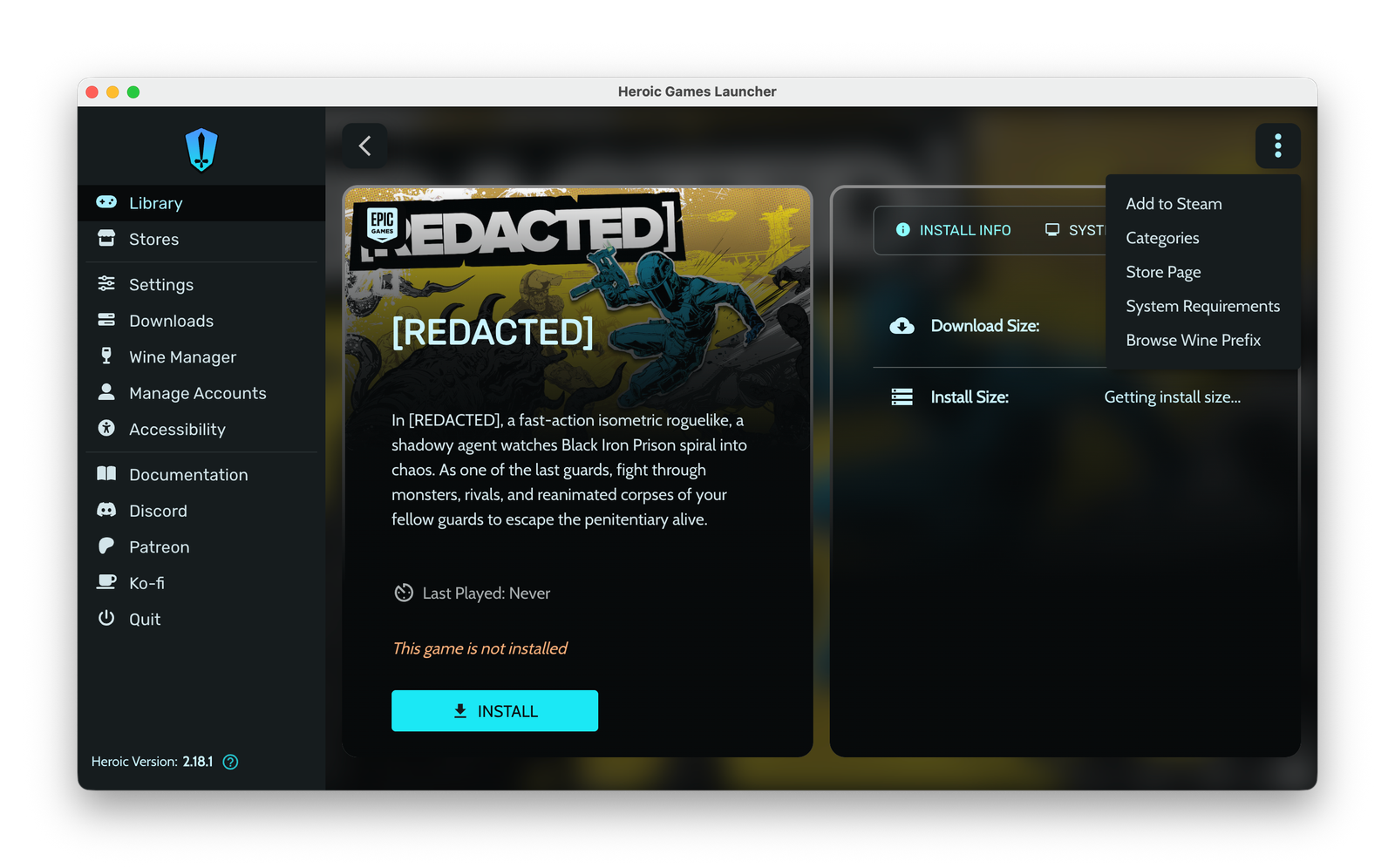
Of course, performance depends on your hardware and the specific game, but it’s worth trying. The launcher settings allow you to change the Wine version to improve compatibility.
Heroic also offers a few cosmetic features, like theme customization and fine-tuning Wine settings for individual games.