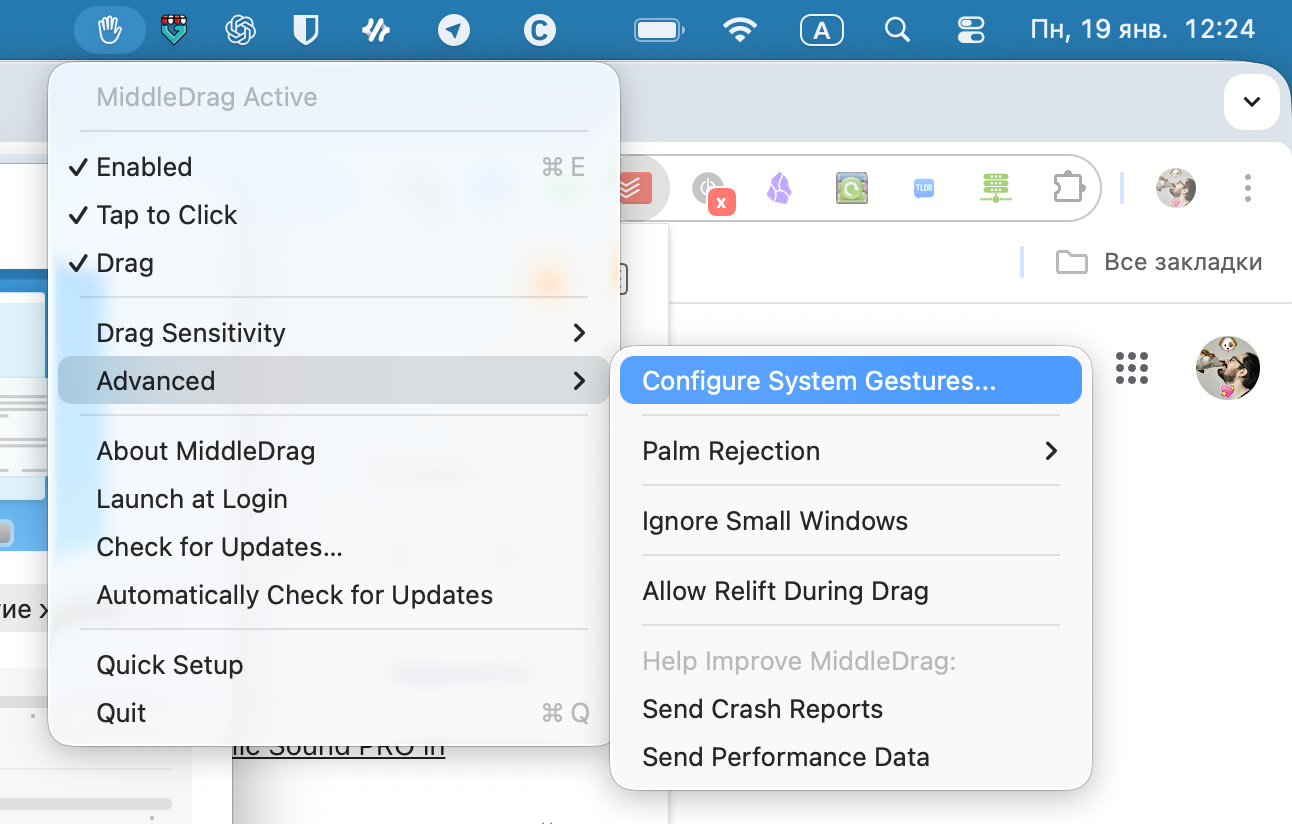
MiddleDrag for macOS adds middle-click and middle-button dragging to the trackpad, with customizable gestures and sensitivity.
On macOS, the trackpad can almost completely replace a mouse. However, some small features are still missing — like the middle mouse button click.
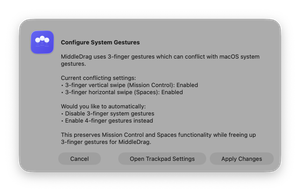
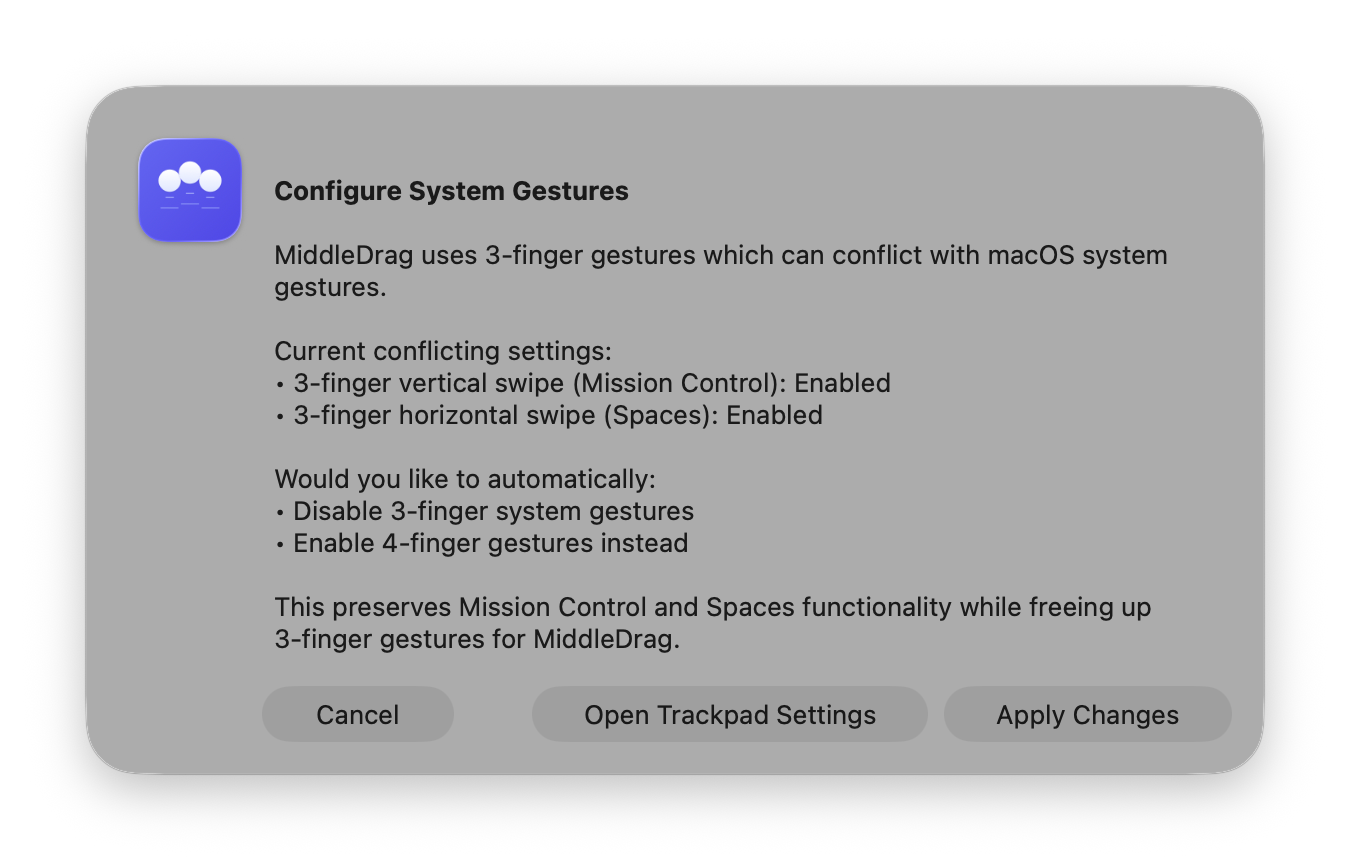
You can add middle-click and middle-drag using the free MiddleDrag app. When you first launch it, you’ll be prompted to remap your current gestures to the ones the app will use to activate the missing functions.
In the settings, you can also disable the middle-click or middle-drag, adjust sensitivity, and set options to ignore palm touches or small-window applications.