
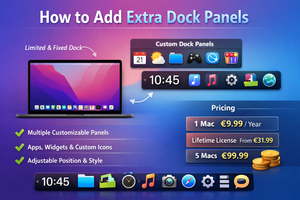
ExtraDock for macOS extends the Dock by letting you create multiple customizable panels with apps, widgets, and custom icons.
As a Windows user, I’m not a big fan of the default macOS Dock behavior. Compared to Windows, it offers far fewer customization options, and some icons can’t be removed at all.
At the same time, for certain tasks I’d like to have one set of apps, and for others—a completely different one. This kind of setup can be achieved with ExtraDock, an app that lets you create your own Dock panels.

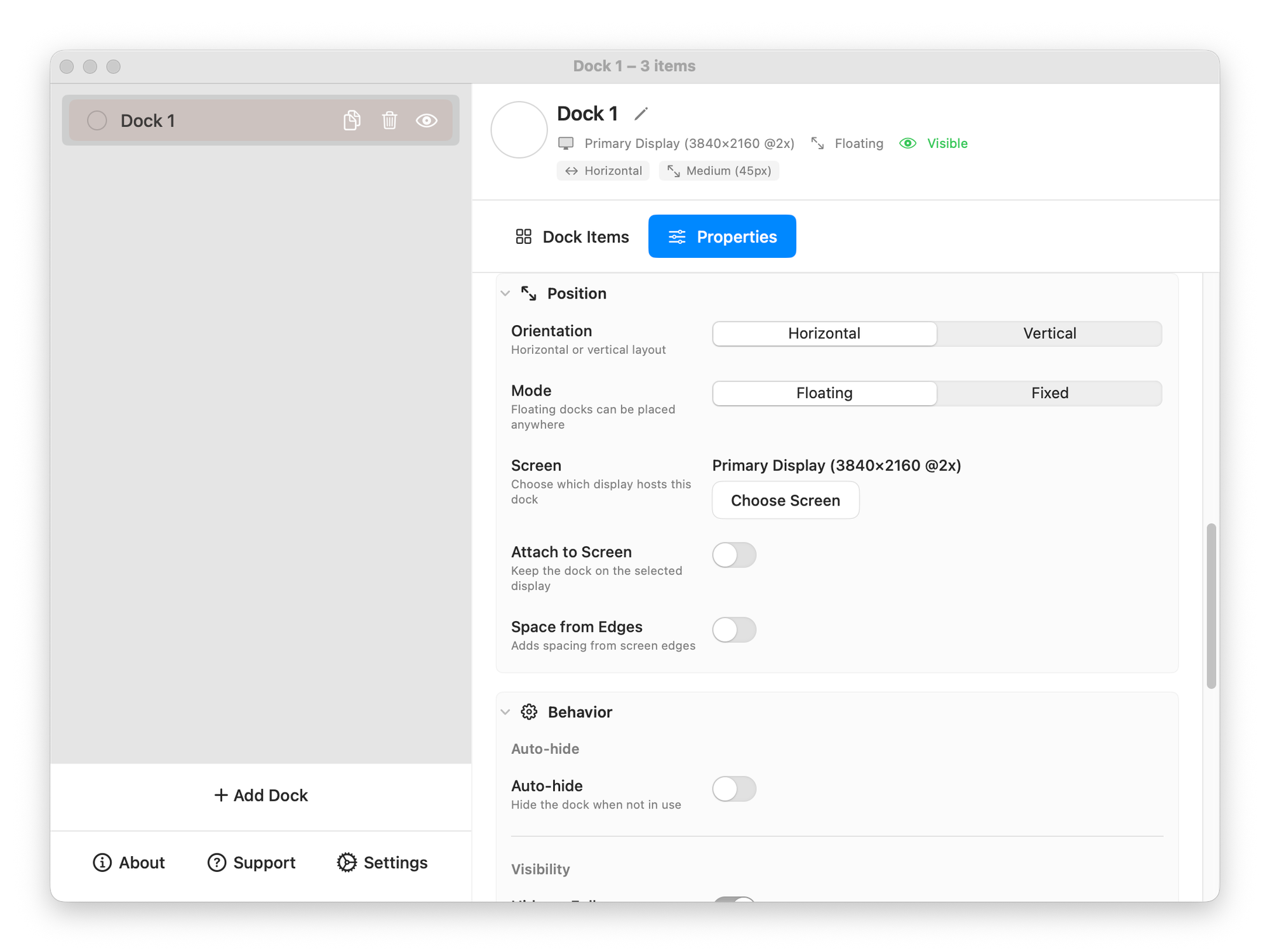
In the app settings, you can define display rules and add new floating panels. Each panel is fully customizable: from its position and shape to the screen it appears on.
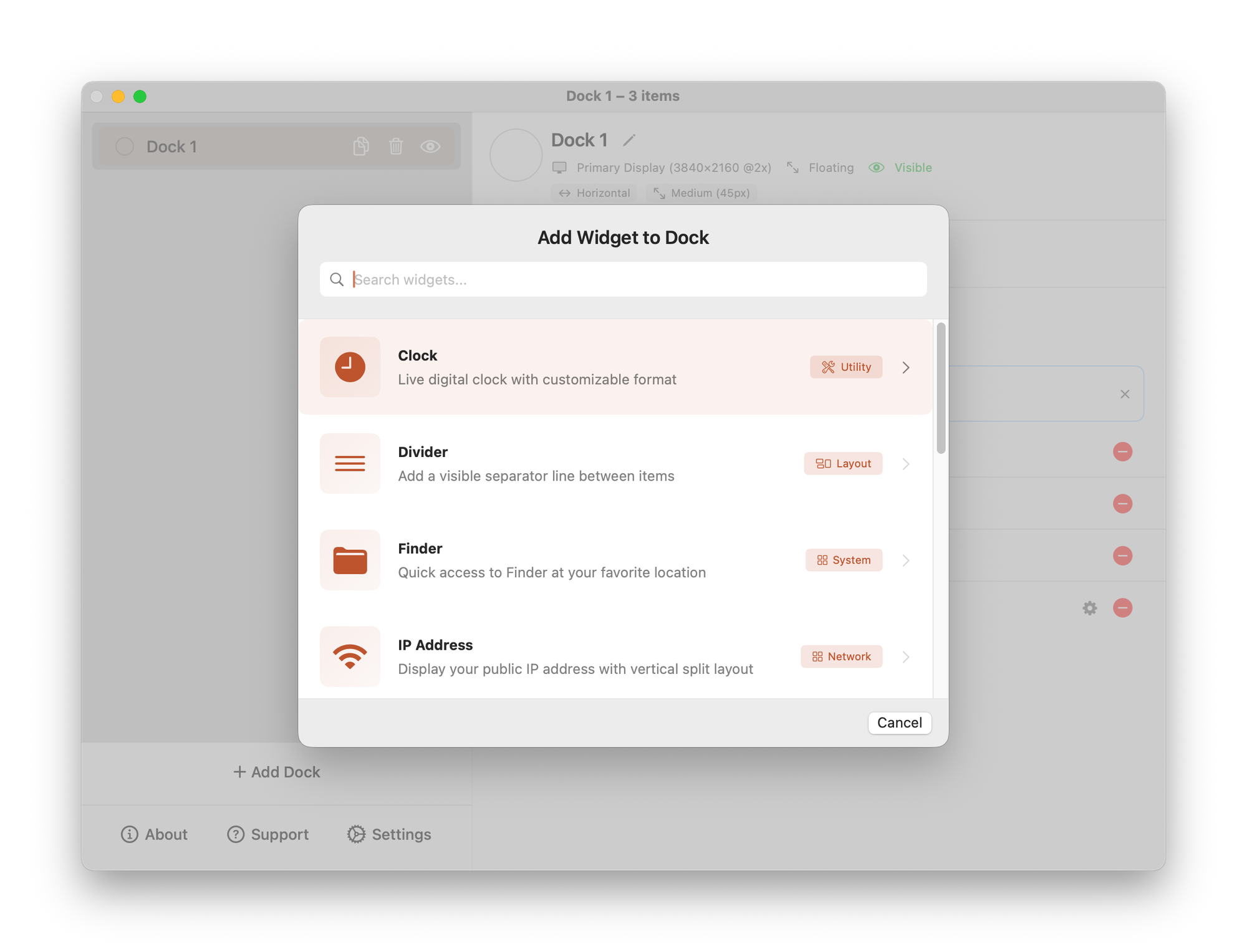
You can add any existing applications or supported widgets to a panel, such as a clock, divider, folder, and more. You can also replace the default app icons with your own.
Pricing
ExtraDock doesn’t offer a free trial—you’ll need to purchase one of three licenses:
- Annual license for one Mac: €9.99
- Lifetime license: from €31.99
- License for 5 Macs: €99.99