
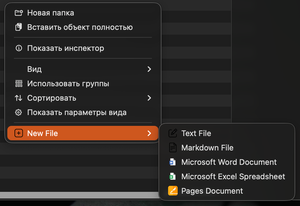
macOS doesn’t support creating files directly from the context menu, but the MacNewFile utility adds this option to Finder for quick document creation.
On Windows, you can create new files using the right-click context menu. macOS doesn’t offer this feature by default, but it’s easy to fix.
Simply install the free MacNewFile utility, and a New File option will appear in the context menu.
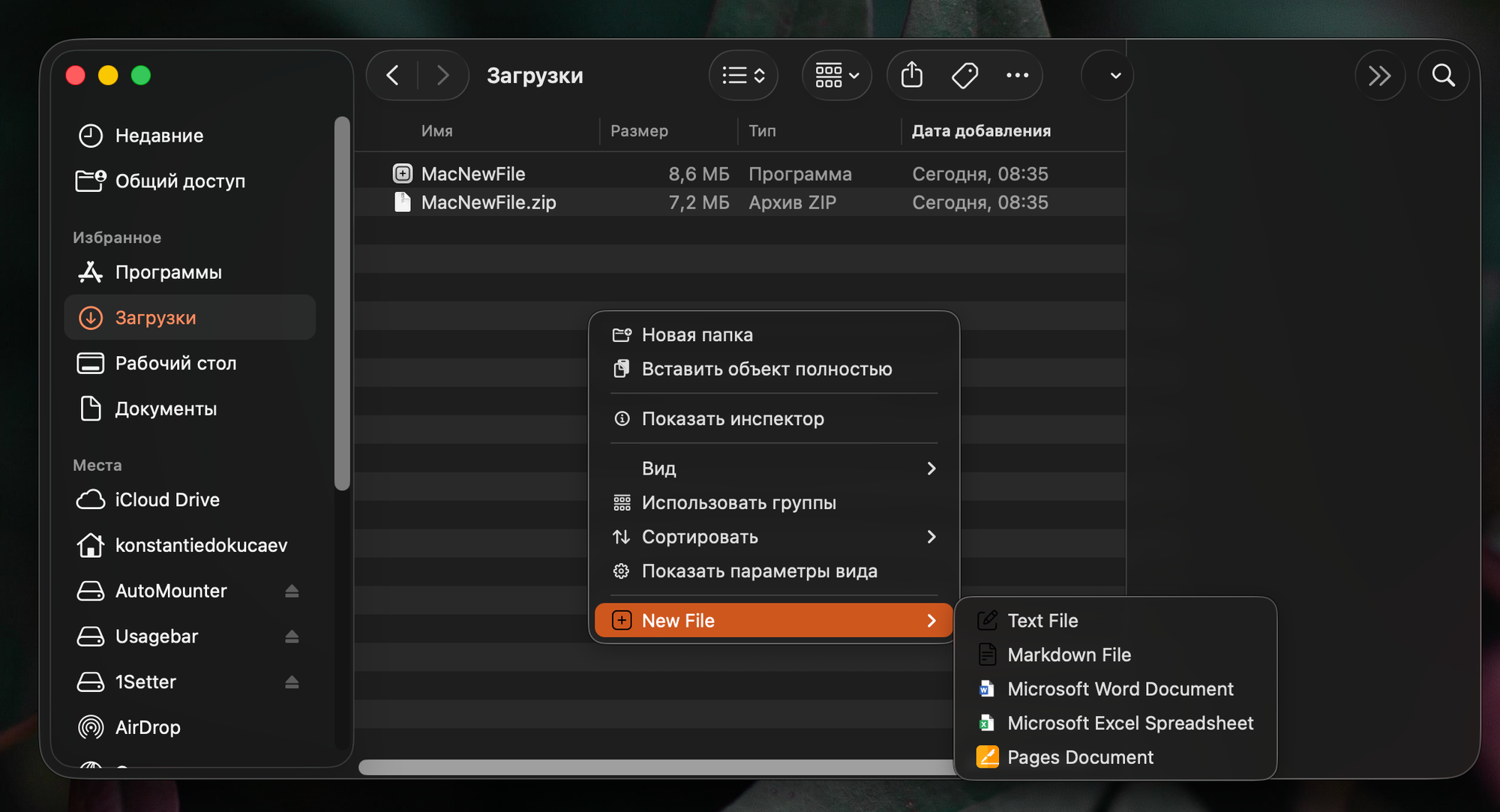
From there, you can create an empty text file, Markdown, Word, Excel, or Pages document.
Unfortunately, the new menu isn’t available in alternative file managers. So if you use something other than Finder, MacNewFile won’t solve your problem.