
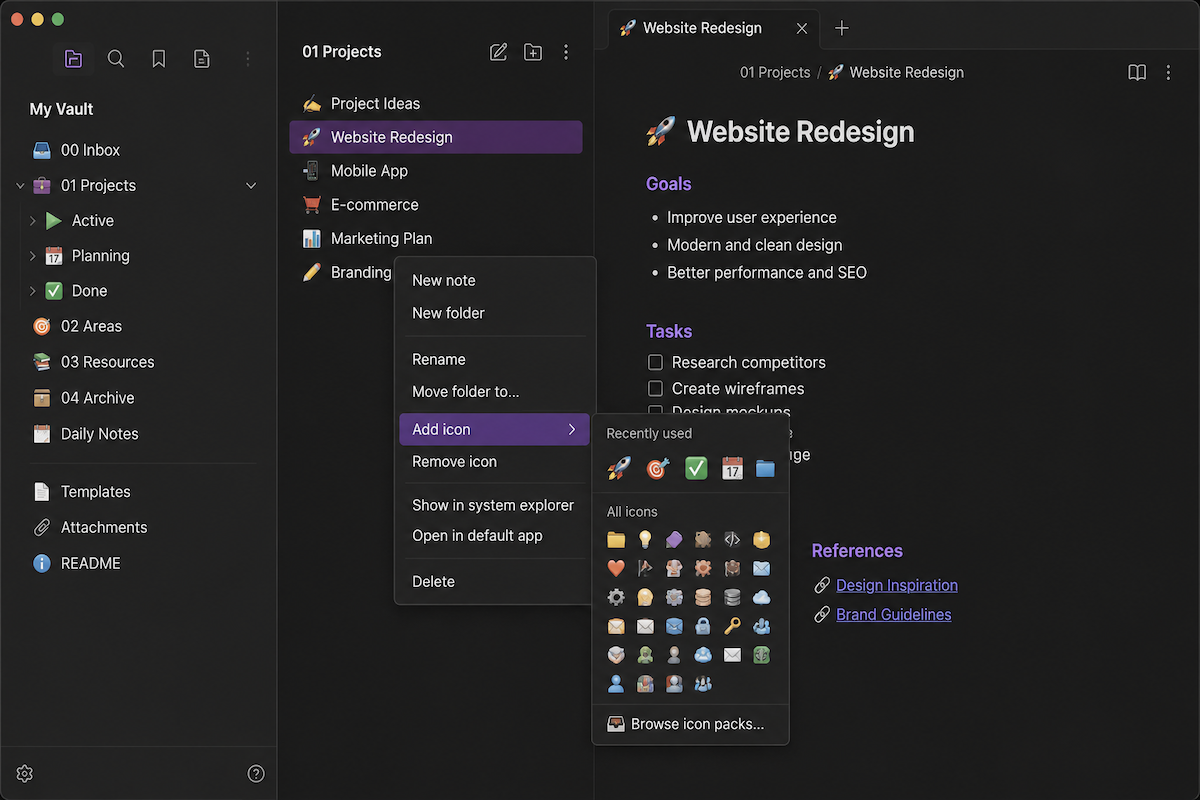
To make it easier to navigate through a large number of notes, you can use tags, folders, repositories, and other tricks. You can also add various icons to visually highlight folders and notes.
Obsidian Iconize lets you add custom icons to notes and folders in Obsidian.
After installing the plugin, a new context menu will appear, from which you can easily add the icon you need.
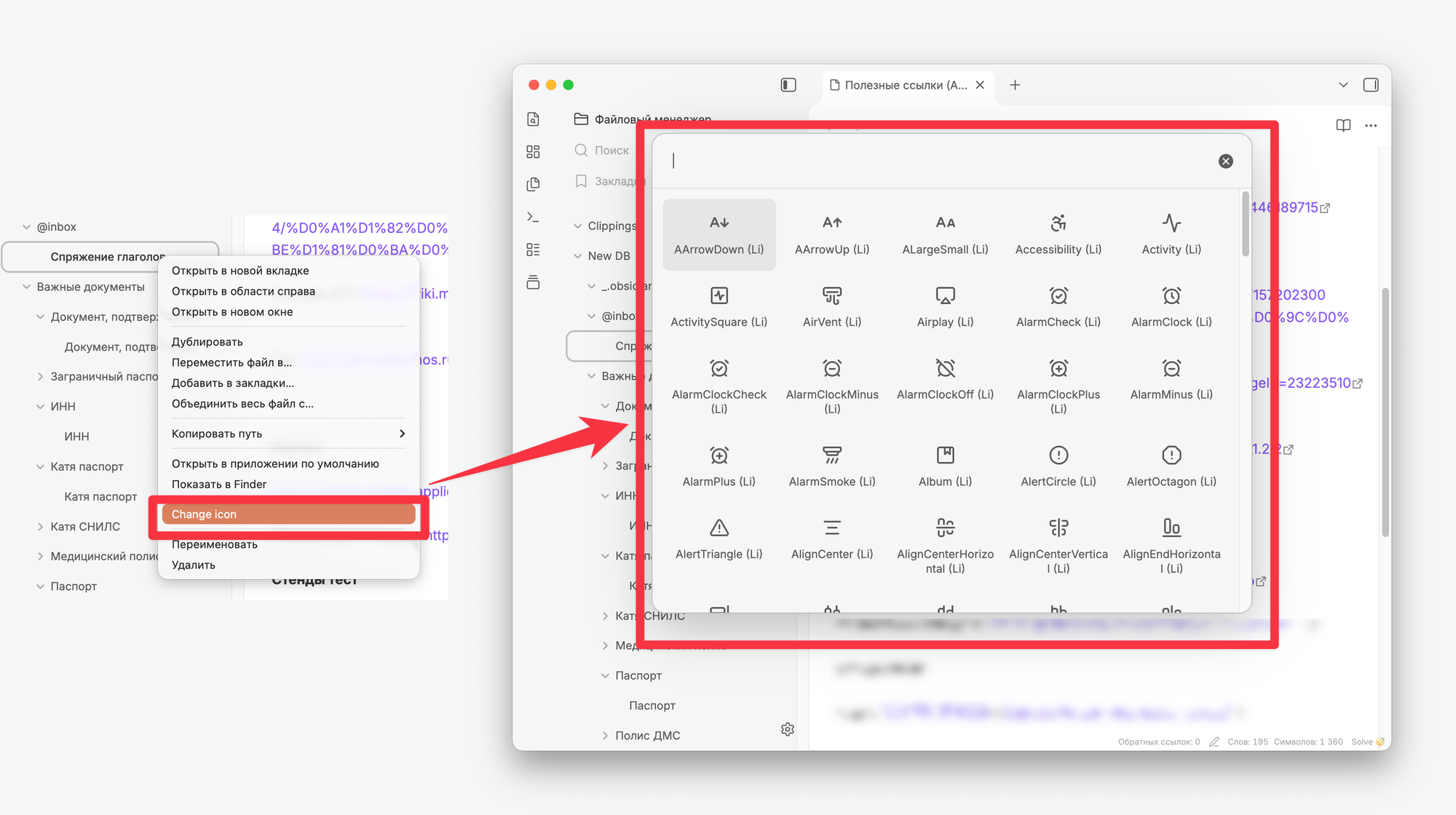
If you need advanced settings, you can customize them. For example, you can switch to a different icon pack, change the emoji style, or enable or disable the visibility of icons in various parts of the interface.