
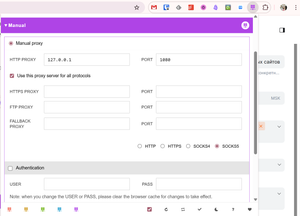
Proxy Switcher is a Chrome and Firefox extension that lets you route some websites through a proxy while loading others directly, without unnecessary configuration.
Recently, I needed a solution that would allow certain websites to go through a proxy while others would connect directly. At the same time, I didn’t want to set up complex configurations or install additional applications.
As a result, I installed the Proxy Switcher browser extension, which is available for Chrome and Firefox. With it, I can quickly separate the traffic I need and not worry about which connection is currently active.
In the extension settings, you can choose one of five ways to activate a proxy in the browser:
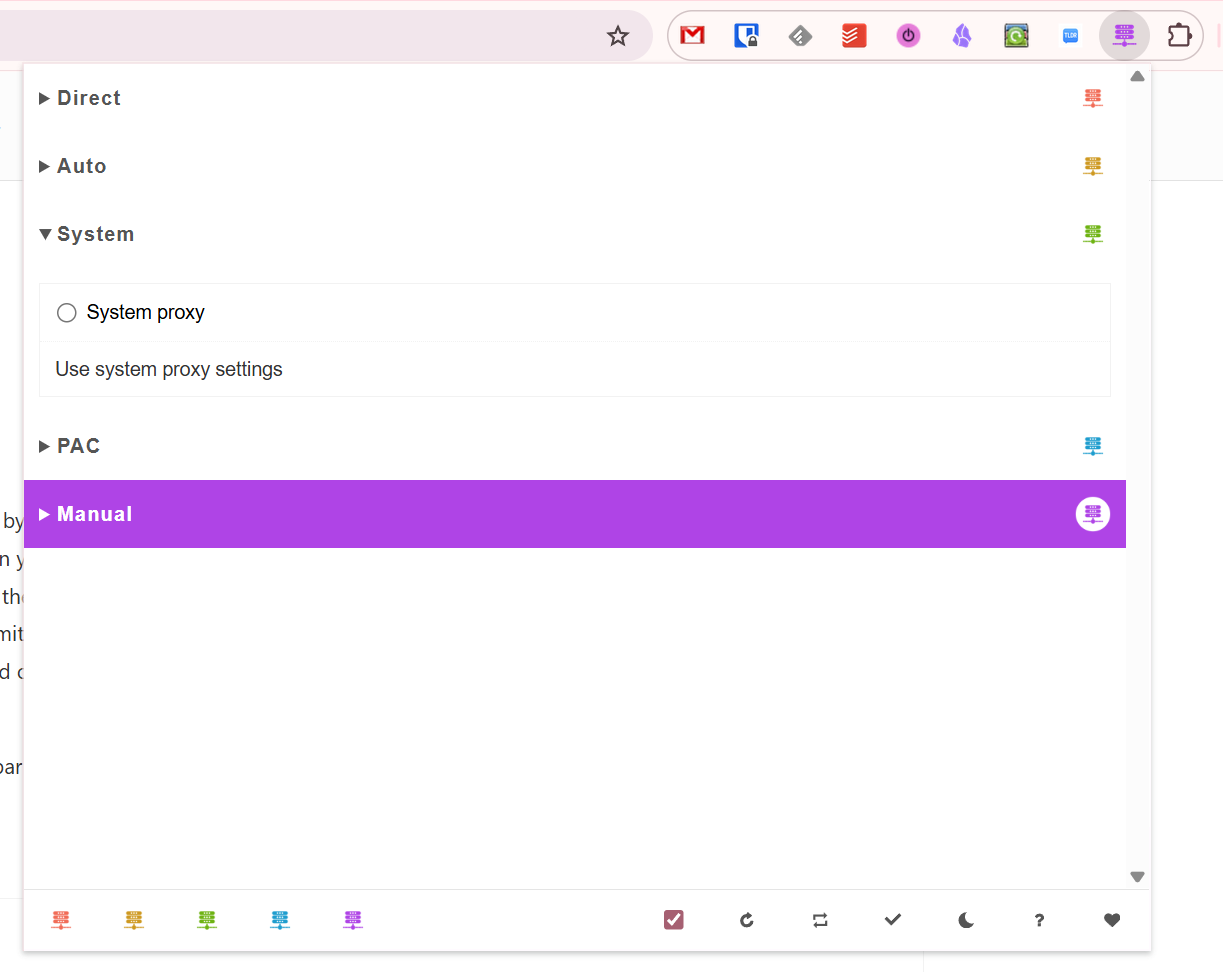
- Direct — direct connection without a proxy;
- Auto — automatically detects a proxy based on the network;
- System — uses the system proxy;
- PAC — uses proxy auto-configuration;
- Manual — manually applies a proxy from the extension settings.
The last option is the one we’re interested in. Specify the required proxy parameters in the settings and activate this mode.
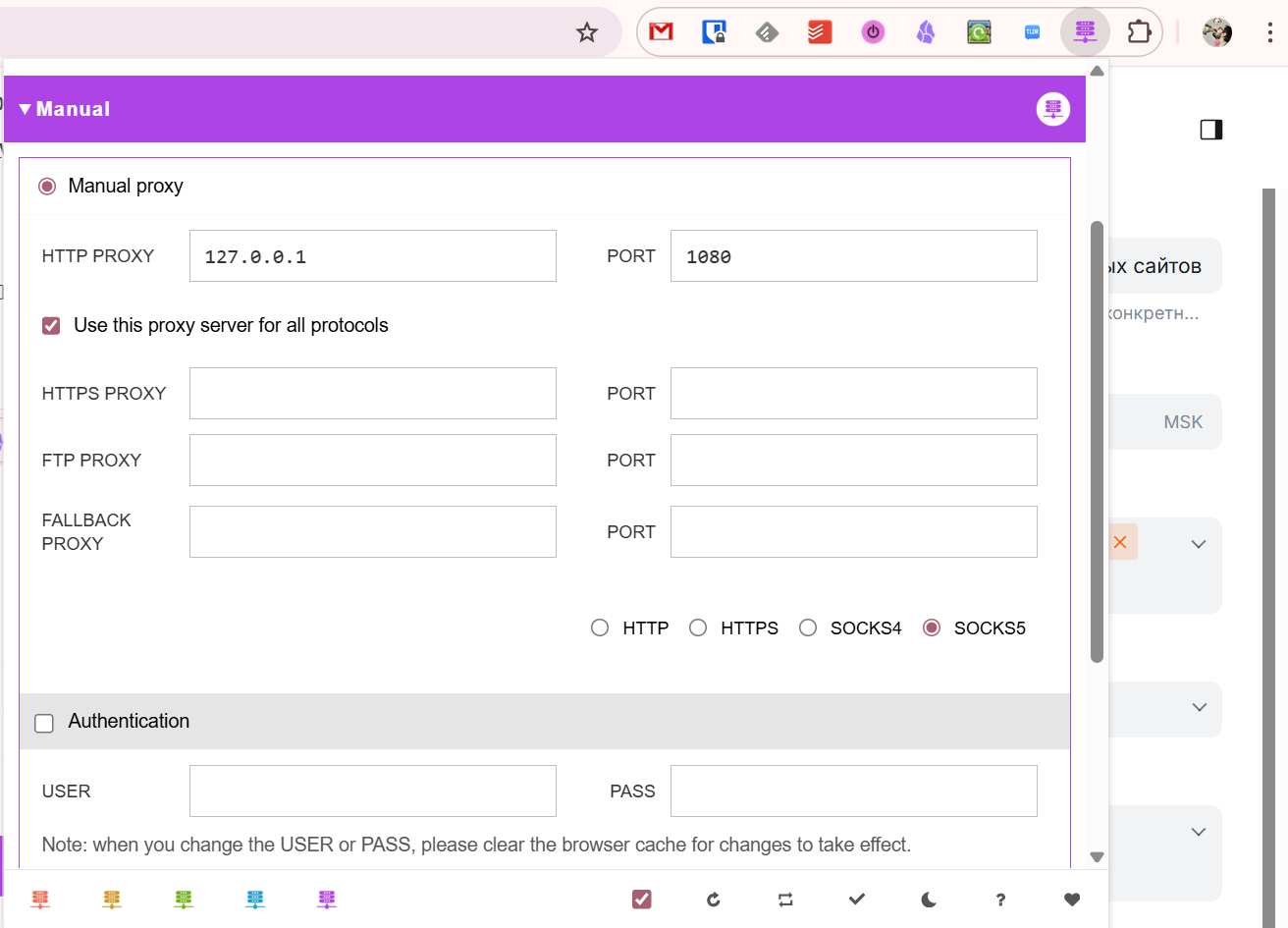
Below that, in the Bypass list section, you need to add a list of resources for which the specified proxy settings should not be applied. Wildcards are supported.
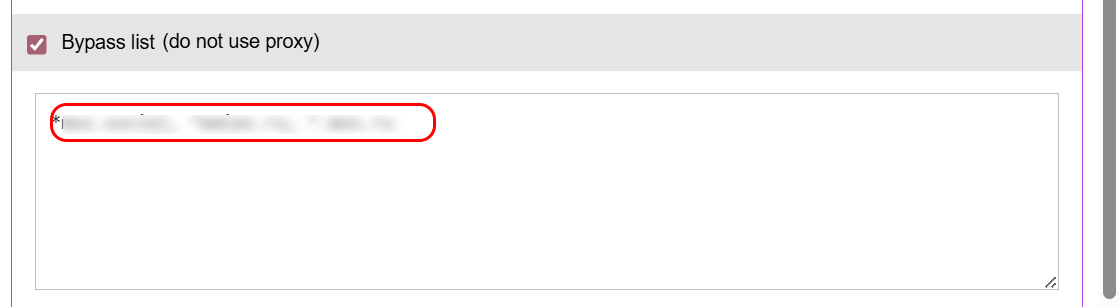
Now, when you visit websites from this list, they will load directly, bypassing the proxy settings. All other sites, on the contrary, will always be loaded through the proxy.