Consent-O-Matic removes GDPR pop-ups: it automatically applies your chosen cookie preferences, hides banners, and supports site-specific rules.
A long time ago, well-meaning Europeans passed a law requiring websites to inform users about exactly which cookies they store. As a result, users all over the world now see annoying pop-ups warning them and asking which data they want to allow.
To get rid of GDPR pop-ups, you can install the Consent-O-Matic extension, which is available for the Chrome and Firefox browsers.
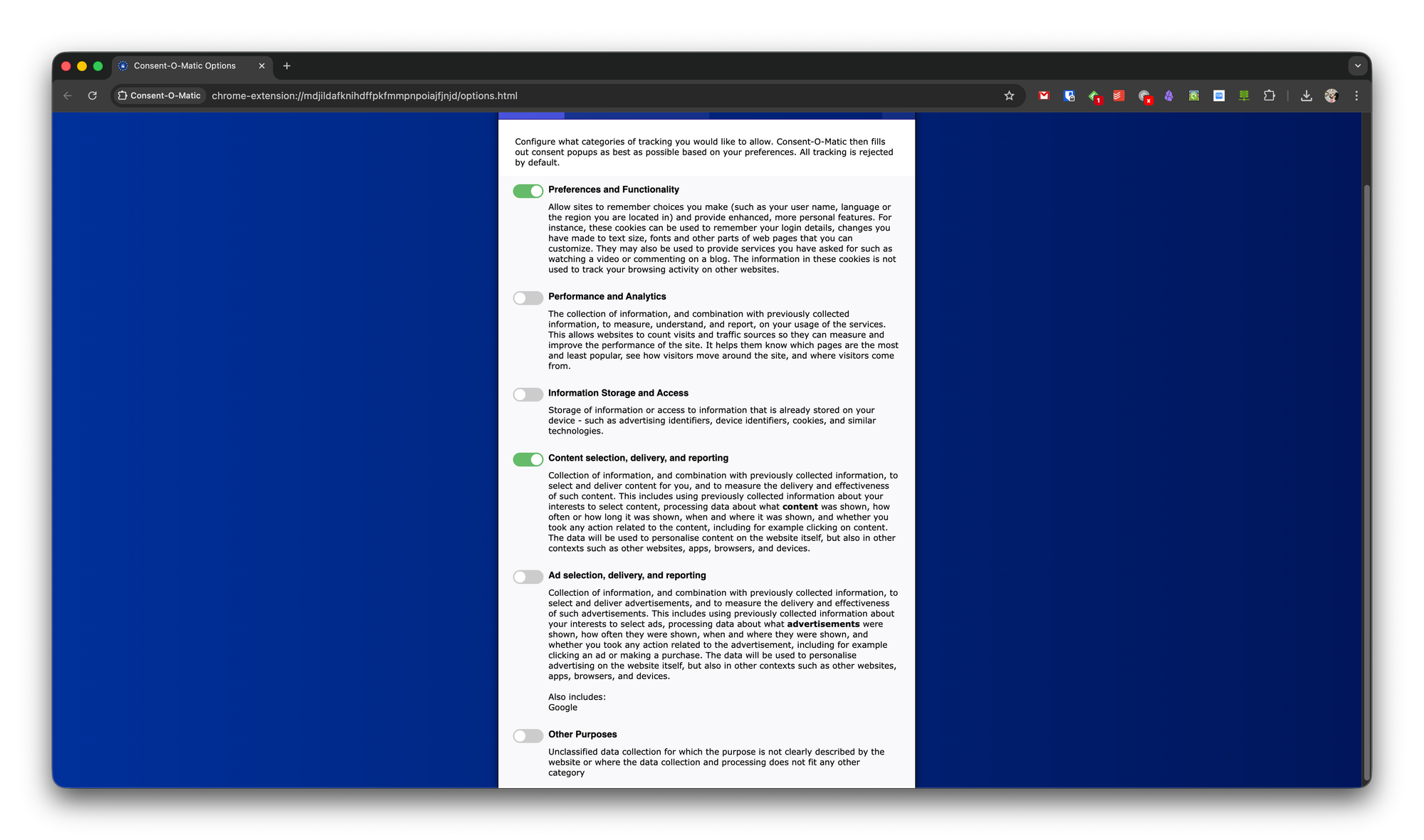
In the extension settings, you can choose exactly which cookies you want to allow, and this choice will be automatically applied to all similar consent requests.
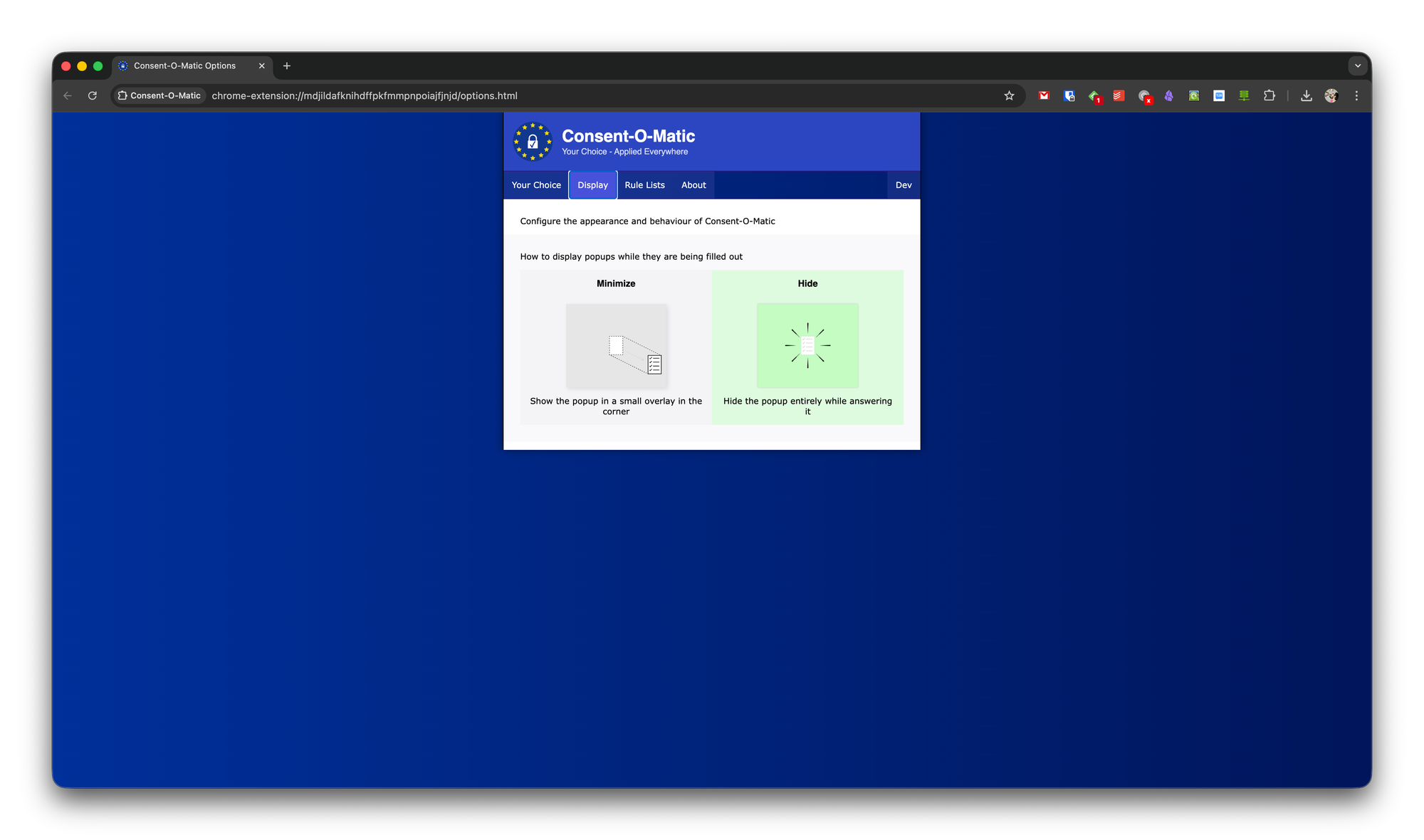
In the Display settings, you can specify what to do with the pop-up itself: minimize it to a corner or hide it completely.
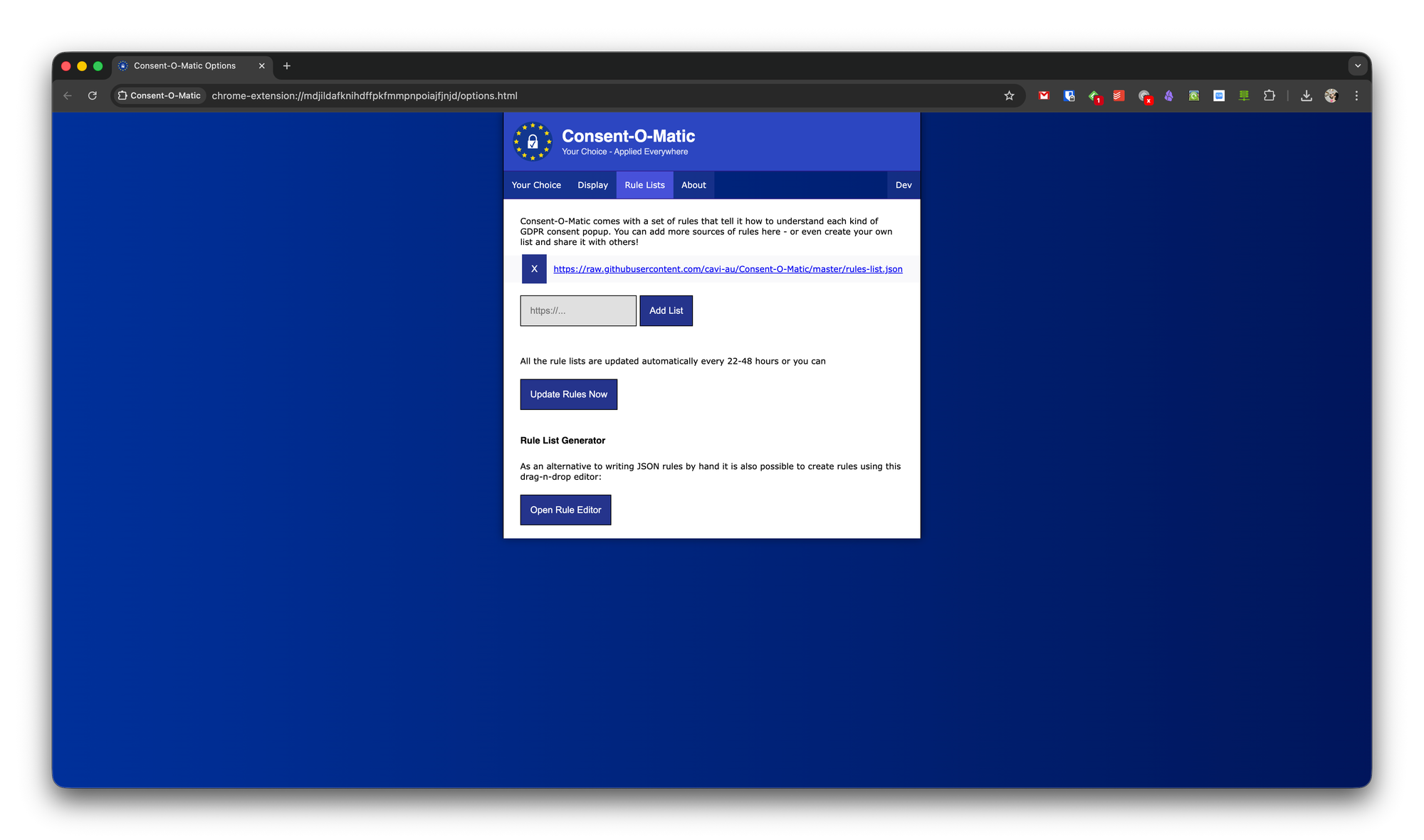
The last useful section lets you configure individual rules for specific websites, if you want. You can create a rule from scratch yourself or load a list of ready-made rules from the community.