
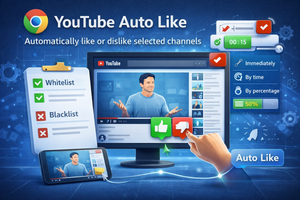
The YouTube Auto Like extension automatically likes or dislikes videos from selected channels based on predefined viewing rules.
I rarely hit the like button on videos I enjoy — mostly because I’m too lazy to reach for it. And honestly, I usually watch YouTube on a TV anyway.
Still, you can support a channel — or, on the contrary, mess with it — automatically using a Chrome extension called YouTube Auto Like.
After installing it, you can configure automatic likes or dislikes for channels added to whitelist and blacklist categories. You can also define when exactly the action should happen: immediately, after a certain percentage of the video has been watched, or after a specific amount of time.
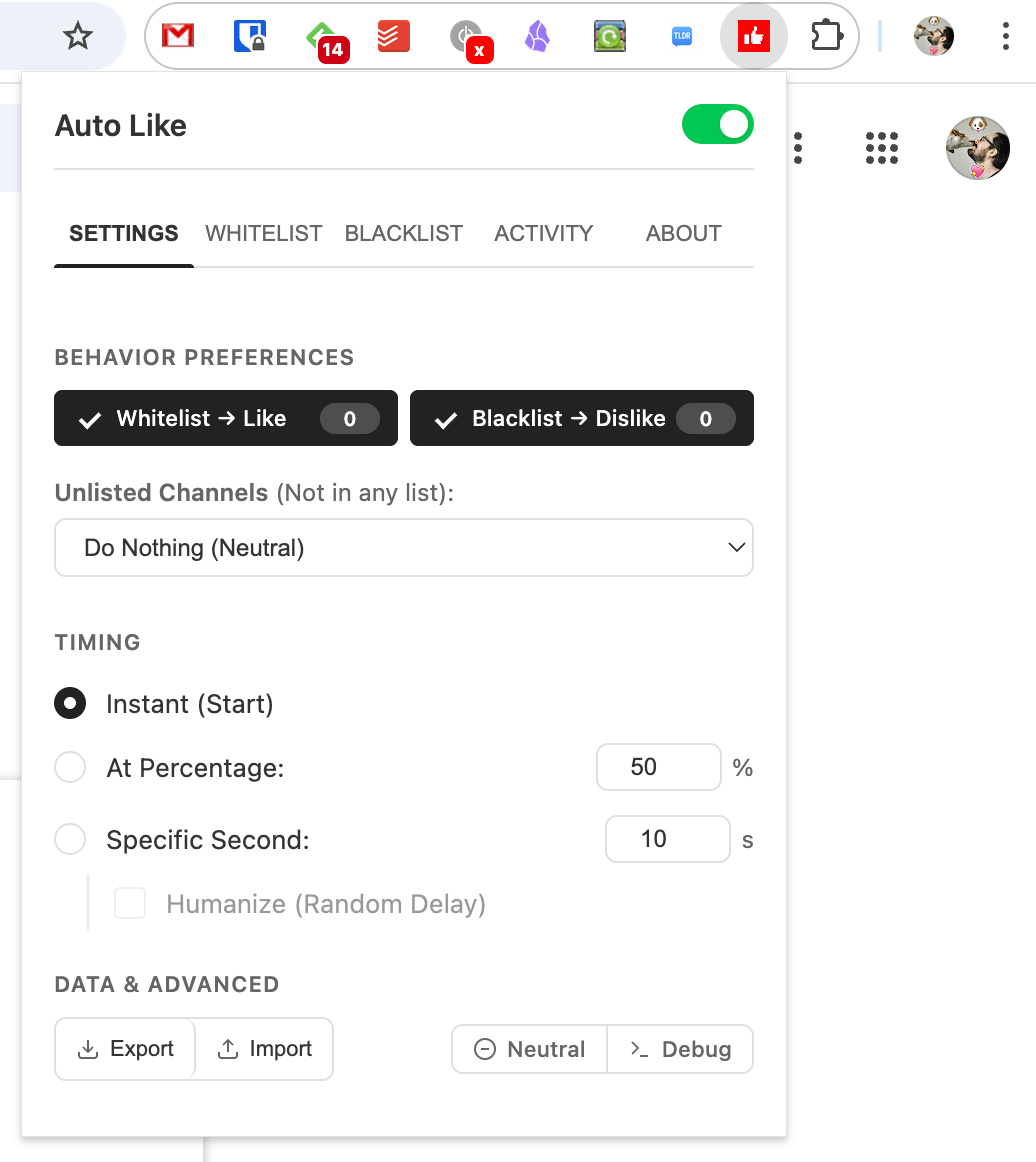
So all you need to do is add channels to the Whitelist or Blacklist sections. From then on, when you watch videos from those channels, you no longer have to worry about whether you remembered to like the video or not.