
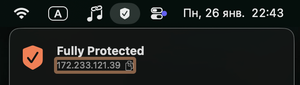
VPN Peek displays complete VPN information (IP, status, geo, DNS, IPv6 leaks), includes exception settings, and costs $3.99.
If a VPN connection is configured using system tools, there’s no convenient way to view detailed connection information. And “built-in” VPN interfaces don’t always show accurate or complete data.
In this case, you can install the VPN Peek app, which displays all the most important information about your current VPN connection.
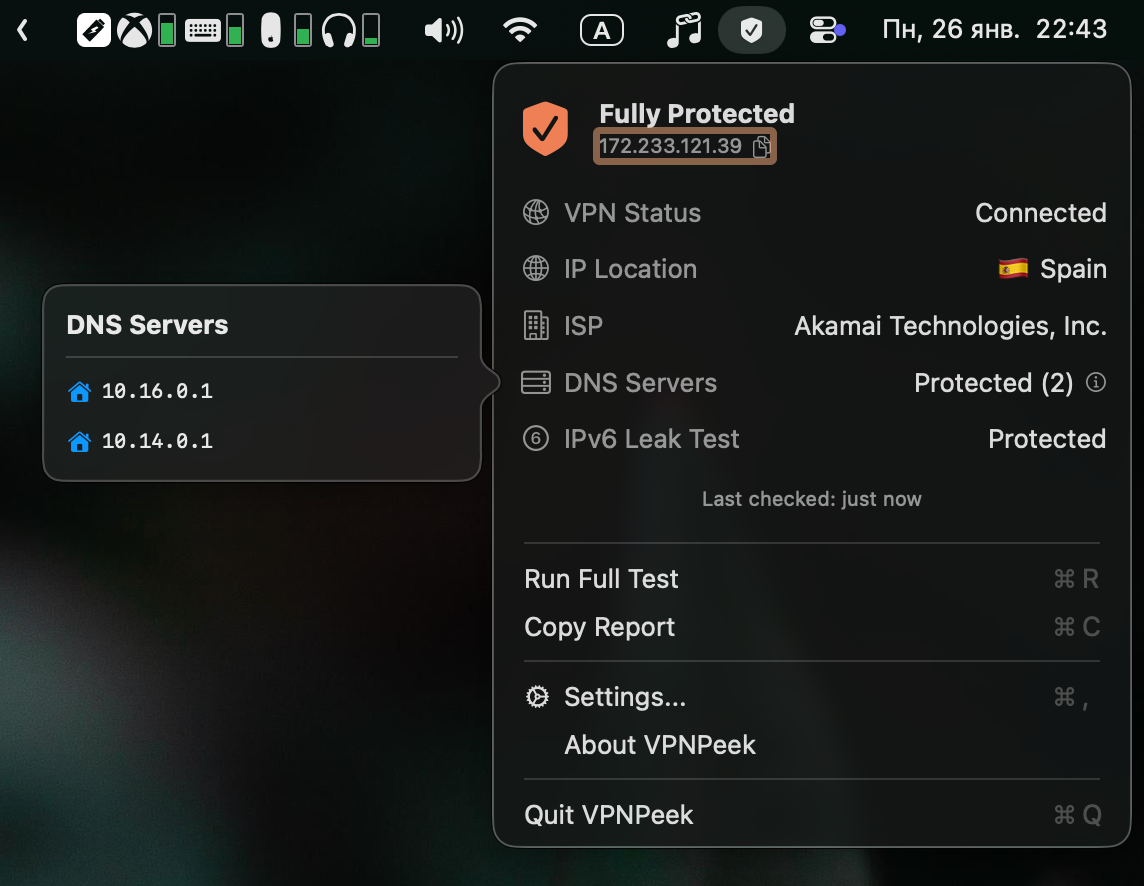
You can see:
- Server IP address
- Connection status
- Server location
- Hosting provider name
- DNS details
- IPv6 leak protection information
In the settings, you can choose to ignore traffic that intentionally bypasses the VPN and specify trusted DNS servers.
Price
VPN Peek does not offer a free trial. The price is $3.99.