

Raw Accel – a utility for fine‑tuning mouse acceleration in Windows, offering curves, sensitivity adjustments, a real‑time graph, and profiles.
If the default mouse cursor acceleration in Windows isn’t to your liking, it can be easily customized. Of course, this only makes sense if you really know what you want.
To get started, install the Raw Accel utility, which lets you tweak acceleration settings with maximum precision.
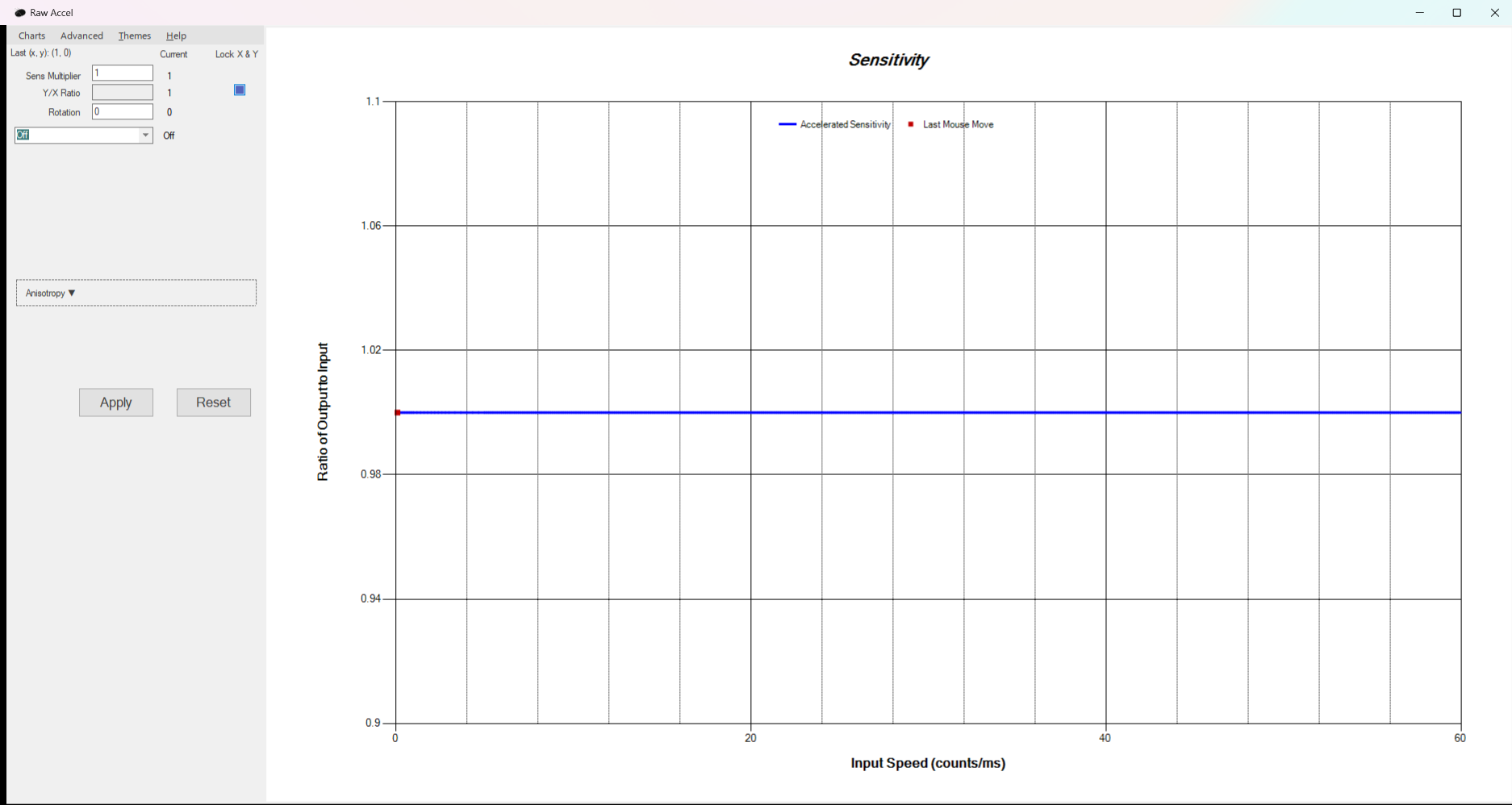
After installing and launching the application, you can modify the following parameters:
- Sensitivity
- Acceleration curve
- Gain, Offset, Multipliers
- And a few other options
All changes are immediately displayed on the graph on the right, so you can see in real time exactly how each parameter affects the cursor.
Your settings can be saved as profiles and activated whenever needed.