
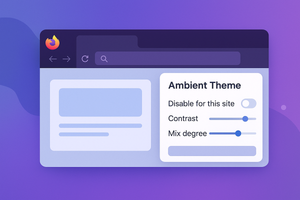
A Firefox extension adjusts the browser’s theme color to match the website, allowing you to customize contrast, blending, and exclusions.
I like it when the color of the current window matches the rest of the environment. Usually, system colors depend on the desktop wallpaper — but the browser’s color can also be adapted to the website itself.
Ambient Theme by Site Colour adapts Firefox’s color scheme to the currently open site.
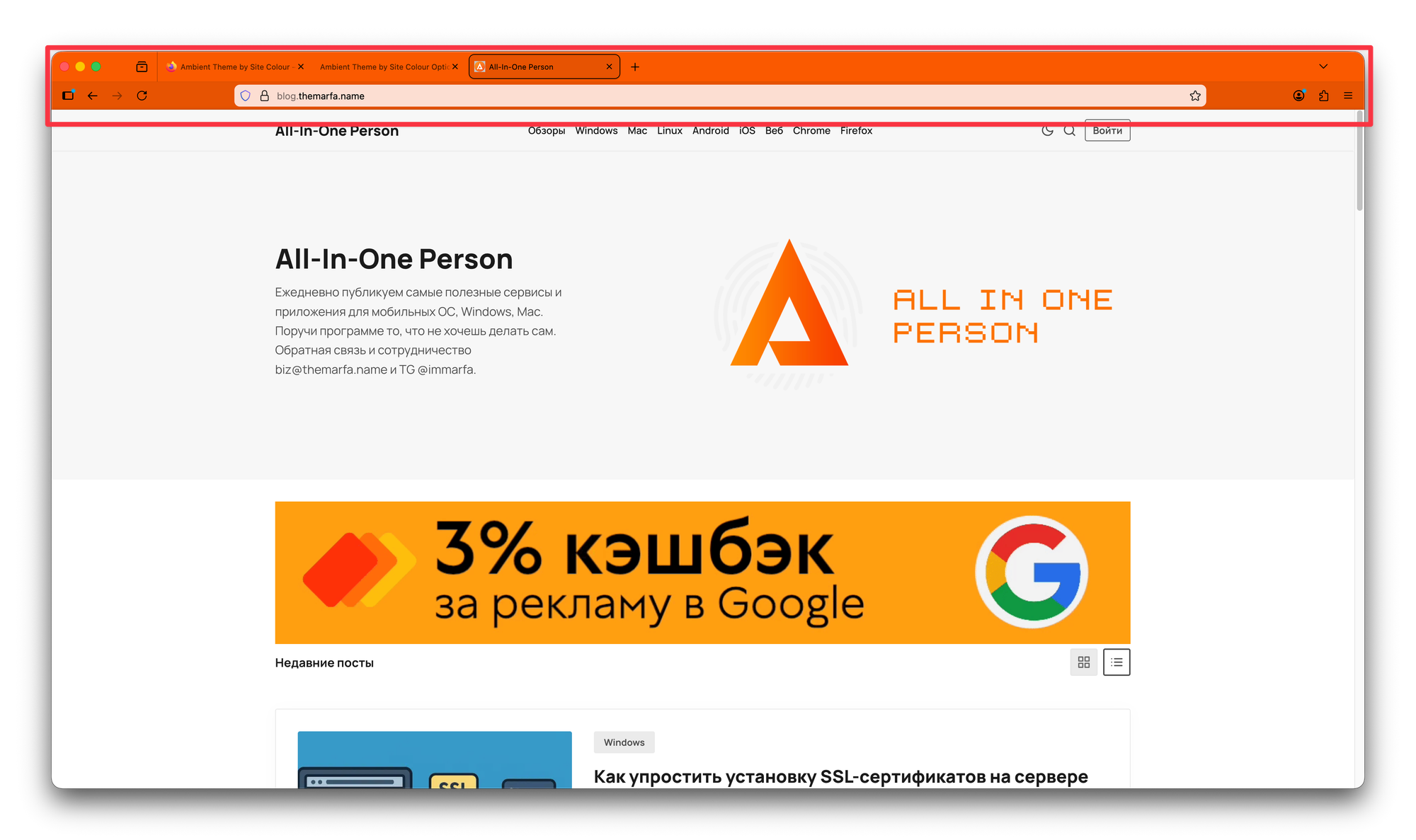
All you need to do is install the extension, but if necessary, you can tweak a few settings:
- Disable the extension for a specific website;
- Adjust the contrast;
- Change the level of blending between the default panel color and the site’s theme.