
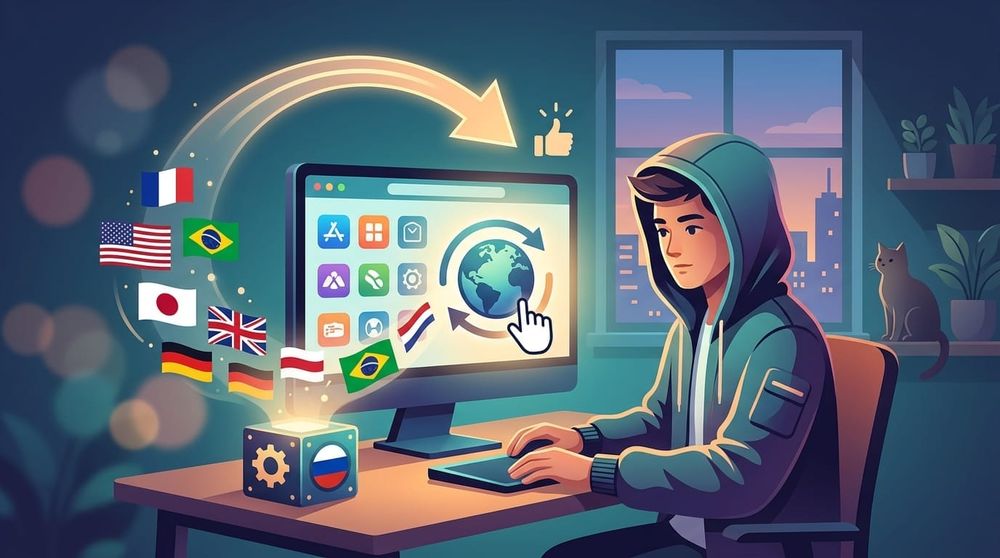
For some reason, some Windows app developers publish releases in the Microsoft Store. For me, as a user, this option has never been convenient. And the Windows Store often restricts app downloads by region, and VPN doesn't always help.
You can solve this problem with the help of the WinStoreRegion utility, which helps to temporarily change your region to the desired one.
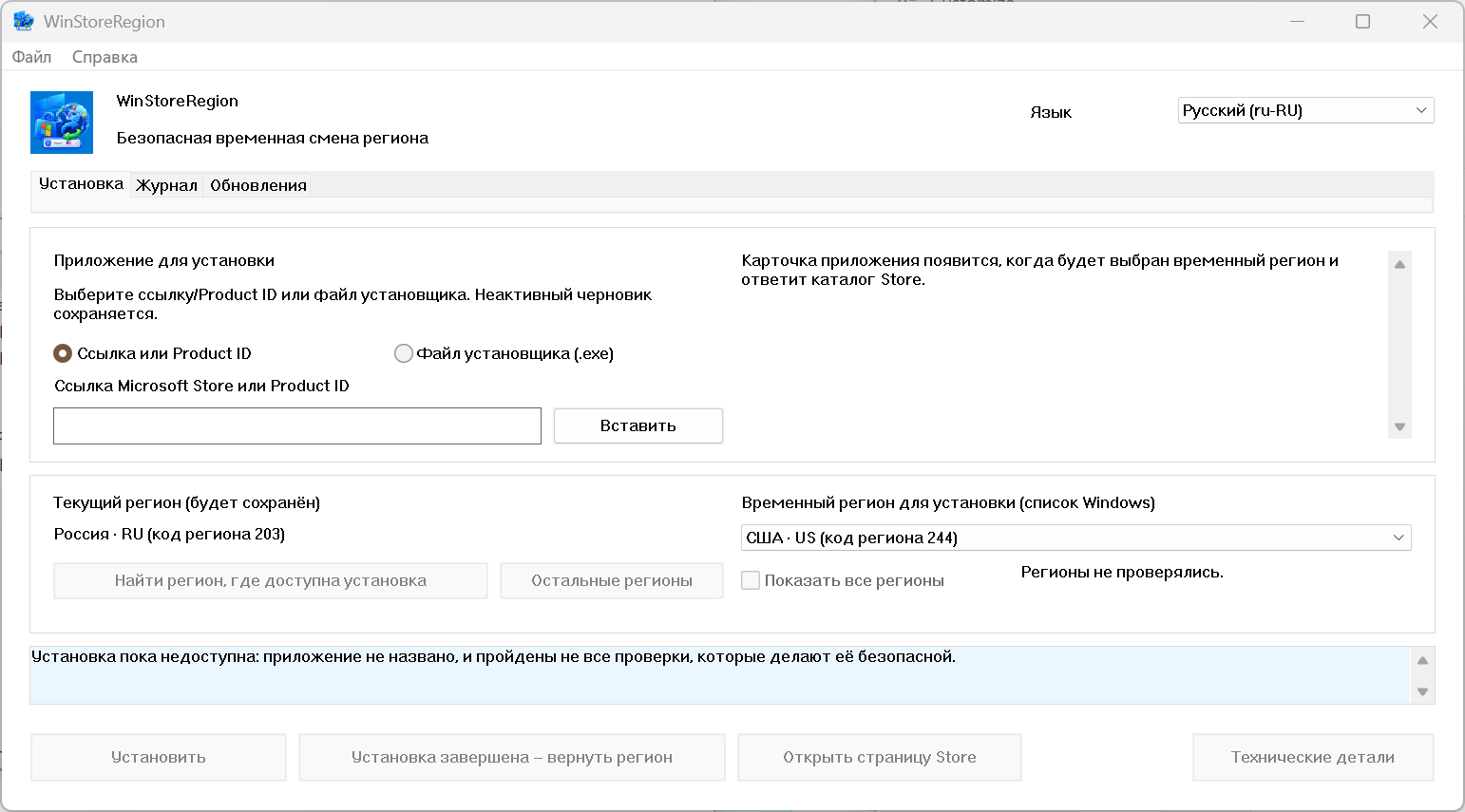
To change the region, you need to select the installation method: from the link from the Microsoft Store or from the distribution package. Then just select the appropriate region and click the Install button. When the installation is complete, you need to click the Installation completed button to return the region back.