
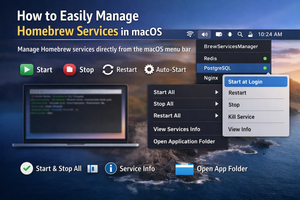
BrewServicesManager lets you manage Homebrew services directly from the macOS menu bar: start, stop, enable auto-start, and restart.
If you install many Homebrew applications, you’ve probably noticed that some of them run their own services. However, starting or stopping such a service when needed isn’t always straightforward.
After installing the free BrewServicesManager app, you can control these services right from the menu bar.
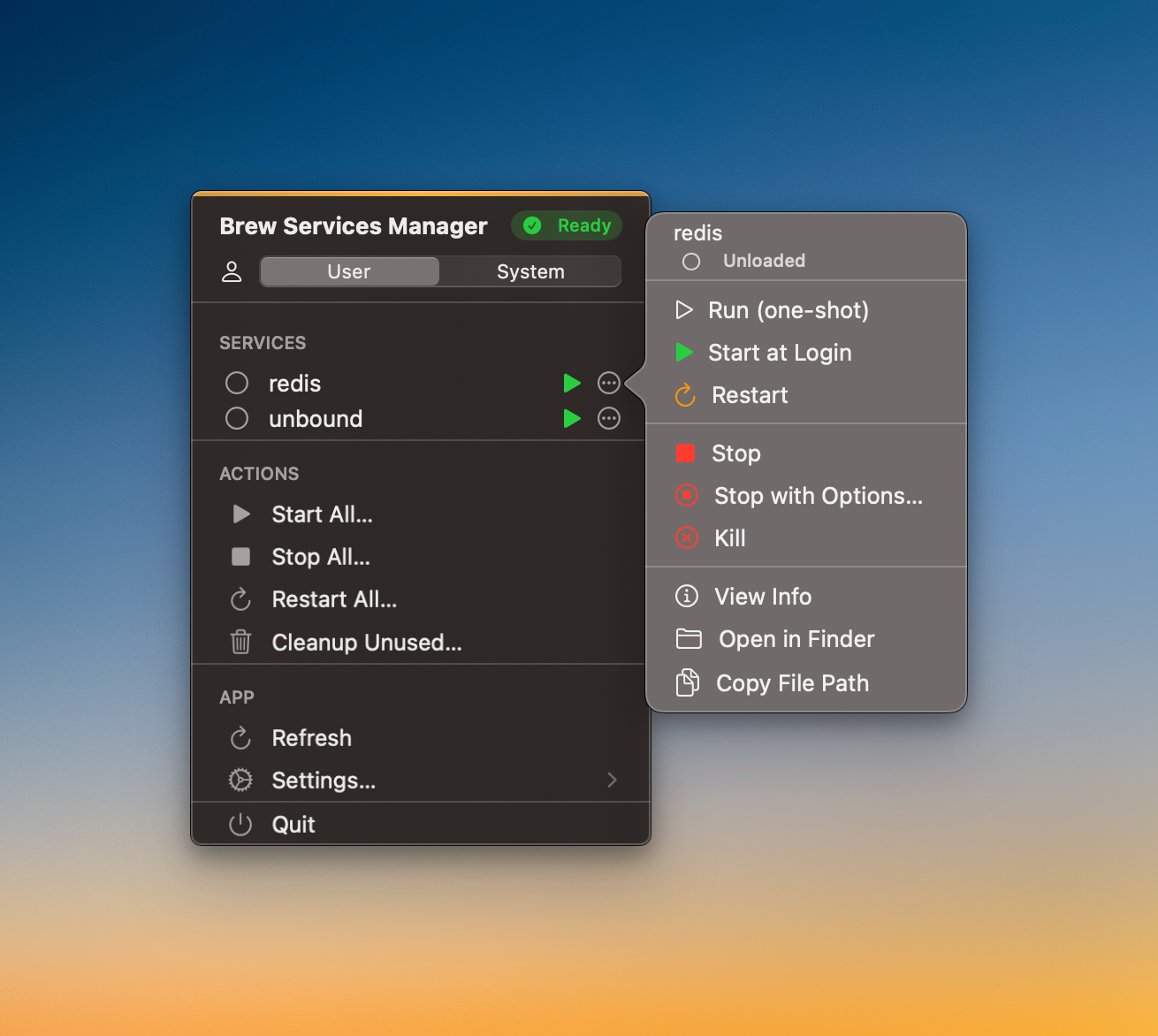
By clicking the control menu next to a service, you can:
- Stop it once;
- Start it at system login;
- Restart it;
- Stop it;
- Kill the service.
You can also bulk stop, start, and restart services, view detailed information about them, or open the folder containing the application.