
SpreadPaper makes it easy to set a single wallpaper across multiple monitors, letting you adjust the image scale and position with instant preview.
Properly placing an image across multiple displays can be a real headache. You usually have to edit the image manually and set it separately for each monitor.
Or you can simply launch SpreadPaper, choose the desired image, and apply it to all monitors at once.
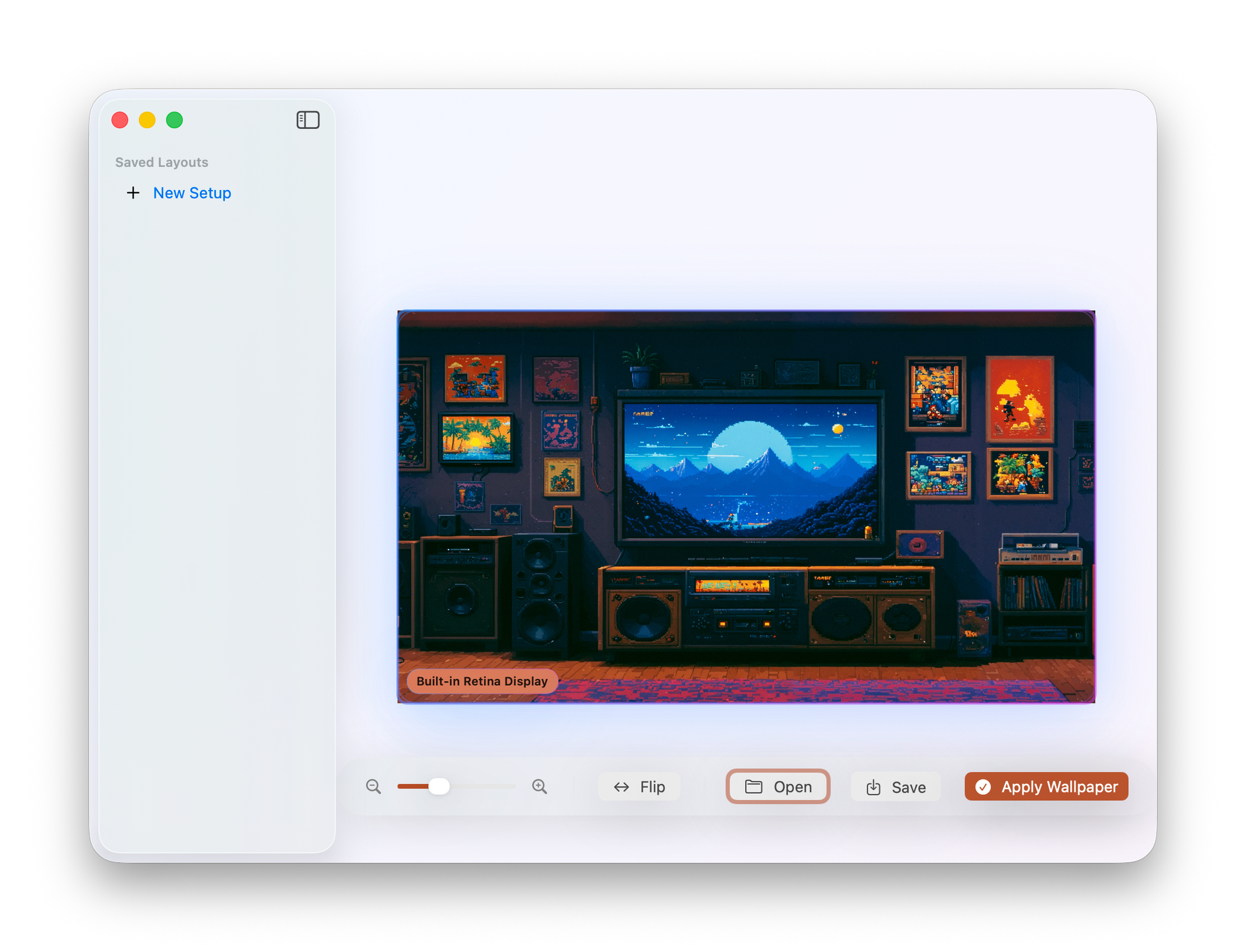
When selecting an image in SpreadPaper, you can immediately set the zoom level, shift it horizontally or vertically, and preview all changes in real time. Once you’re done adjusting everything, just click Apply Wallpaper, and the app will automatically place the wallpaper across all your monitors.