
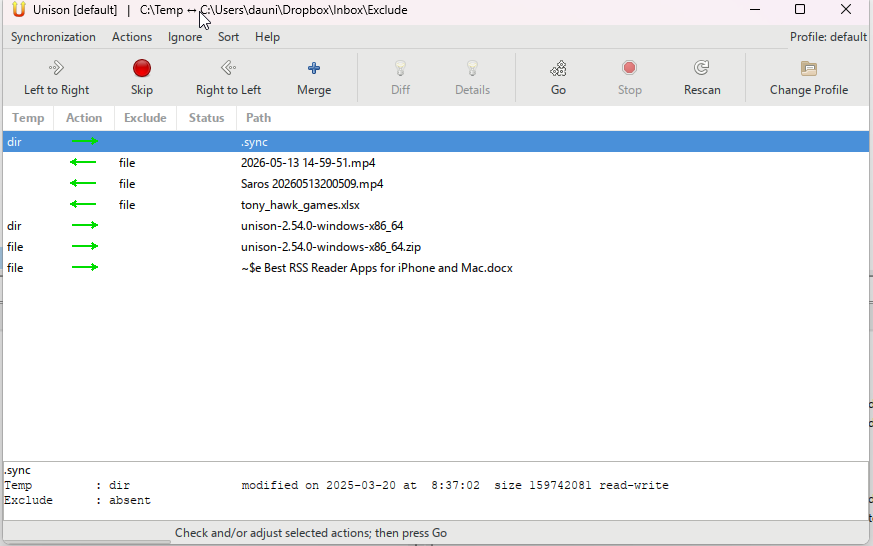
When you need to sync data between devices, one of the main challenges is correctly identifying the files that have actually been changed. Many synchronization apps simply overwrite newer data and delete everything else.
Unison is a cross‑platform application that lets you synchronize files between desktop operating systems.
The setup process is as simple as possible: each sync occurs within a profile, and you only need to specify the folders you want to monitor for changes.
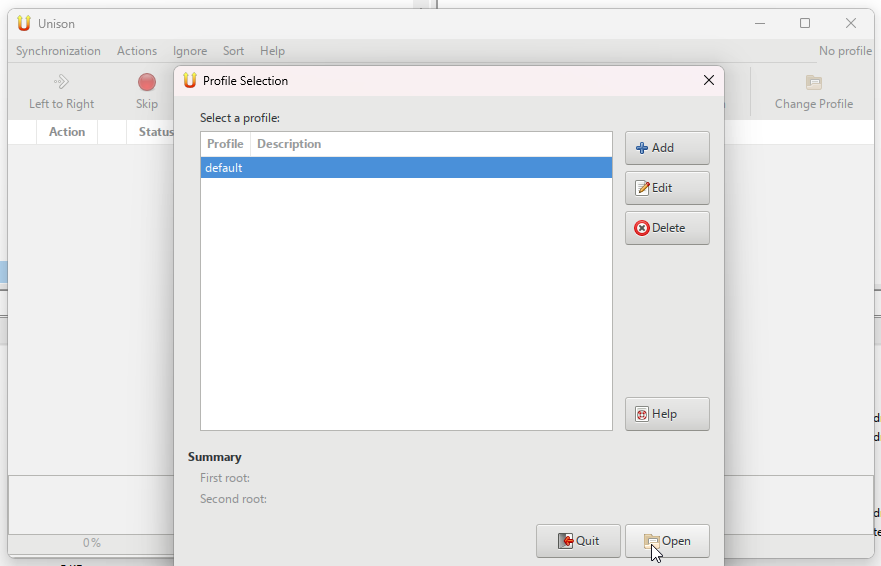
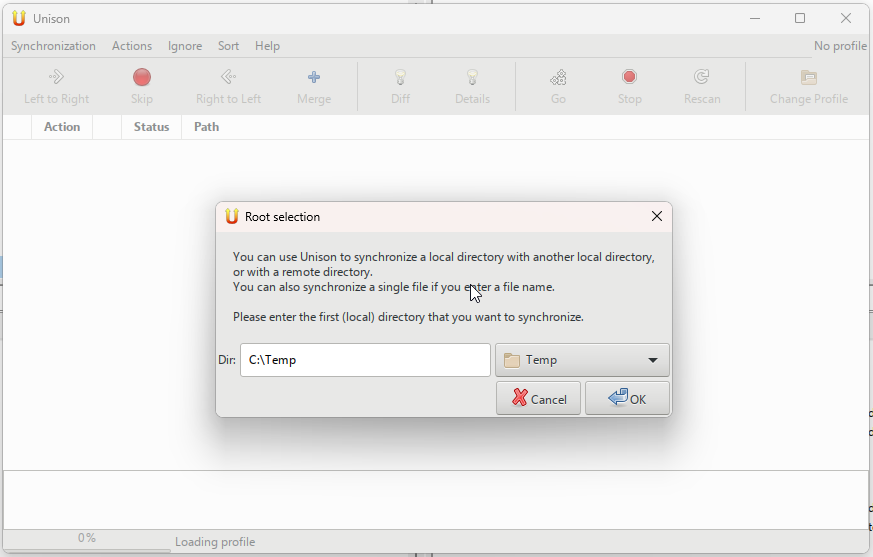
You can specify both local and network folders, though you’ll need to configure SSH or TCP connections. Note that Unison cannot synchronize more than two folders at once, nor can it automatically schedule syncs.
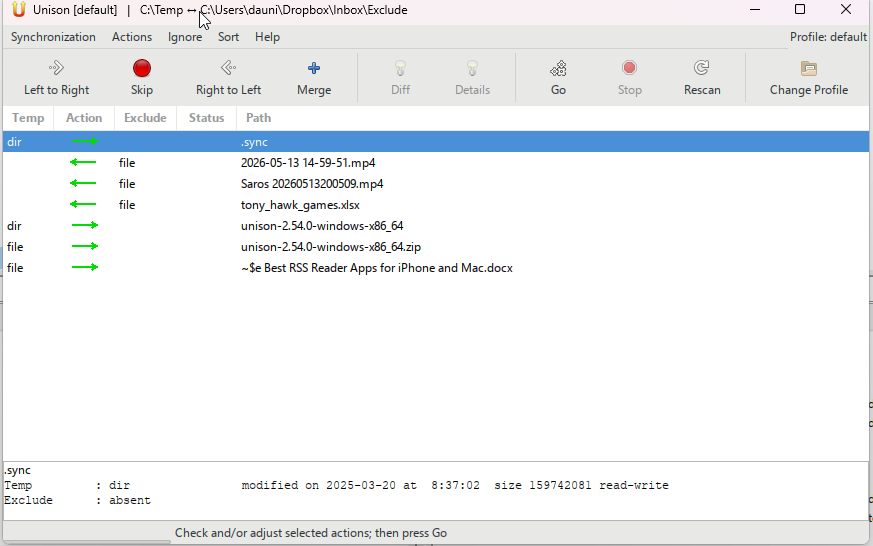
After configuration, Unison performs an initial scan of the folder and displays which changes will be made during synchronization. For each file you can change the sync type to “merge,” reverse the direction, or exclude the data entirely.
To start the synchronization, simply press the Go button, and the application will update the selected folders according to the specified settings.