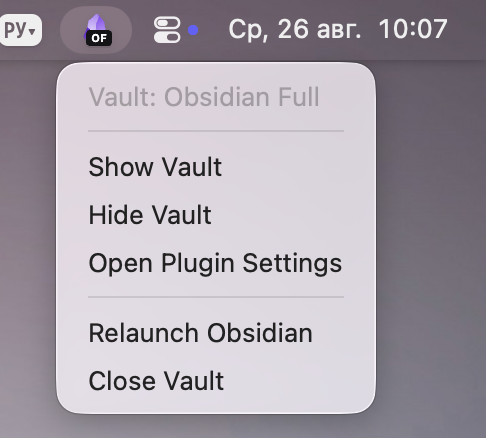
"Out of the box," Obsidian doesn't run in the background, and if you have standard storage sync set up, updated note data might not sync properly. To ensure everything works correctly, you need to keep the app and sync running in the background.
Run in Background is a plugin for Obsidian that allows you to keep the app and sync running in the background even when the app is closed.
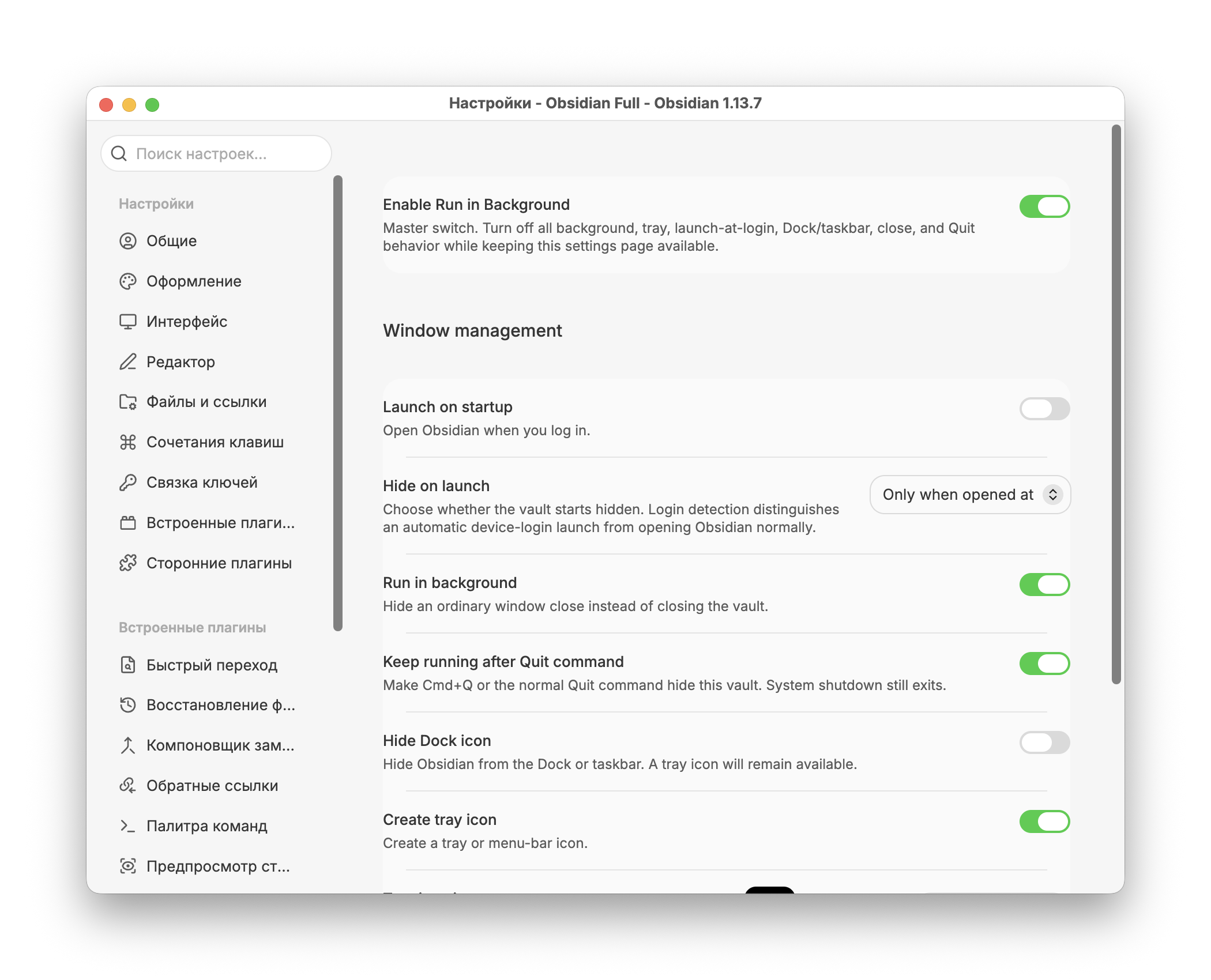
In the plugin’s settings, you can also configure Obsidian to launch automatically when you turn on your PC and customize the appearance of the icons in the menu bar.
No further configuration is required, and after installation, you’ll immediately see a new icon in the menu bar showing the status of the app and the cloud storage.