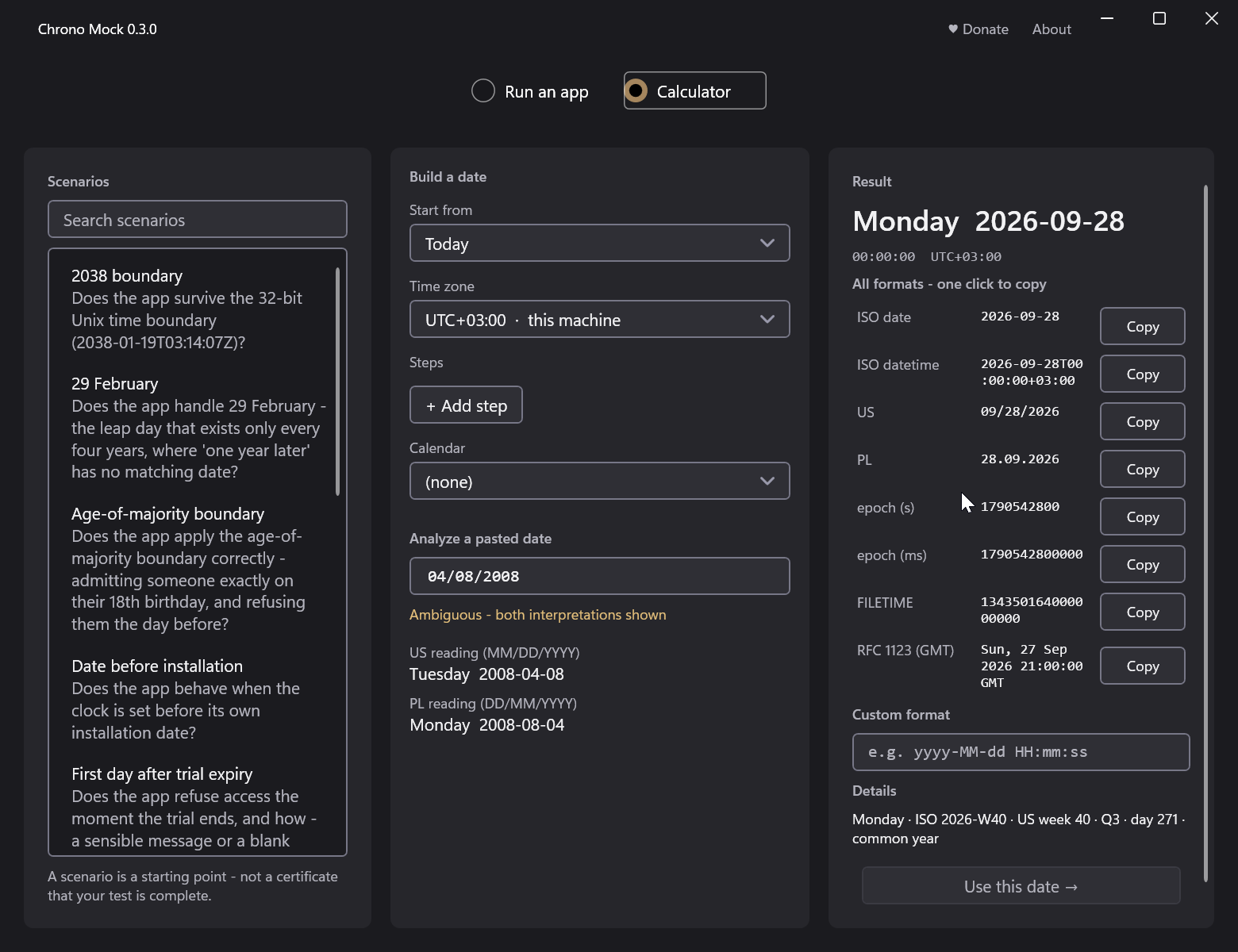
There are situations when you need to launch an application with a certain system date. For example, to knock out the Go Outside achievement in The Stanley Parable, when the game should think that it has not been launched for five years. Or if the trial has expired, and the application needs to be launched a little earlier than this date.
Of course, you can change the system time and do whatever you need. Or you can install the Chrono Mock application, which allows you to replace the system time for a specific application, and not the entire operating system.
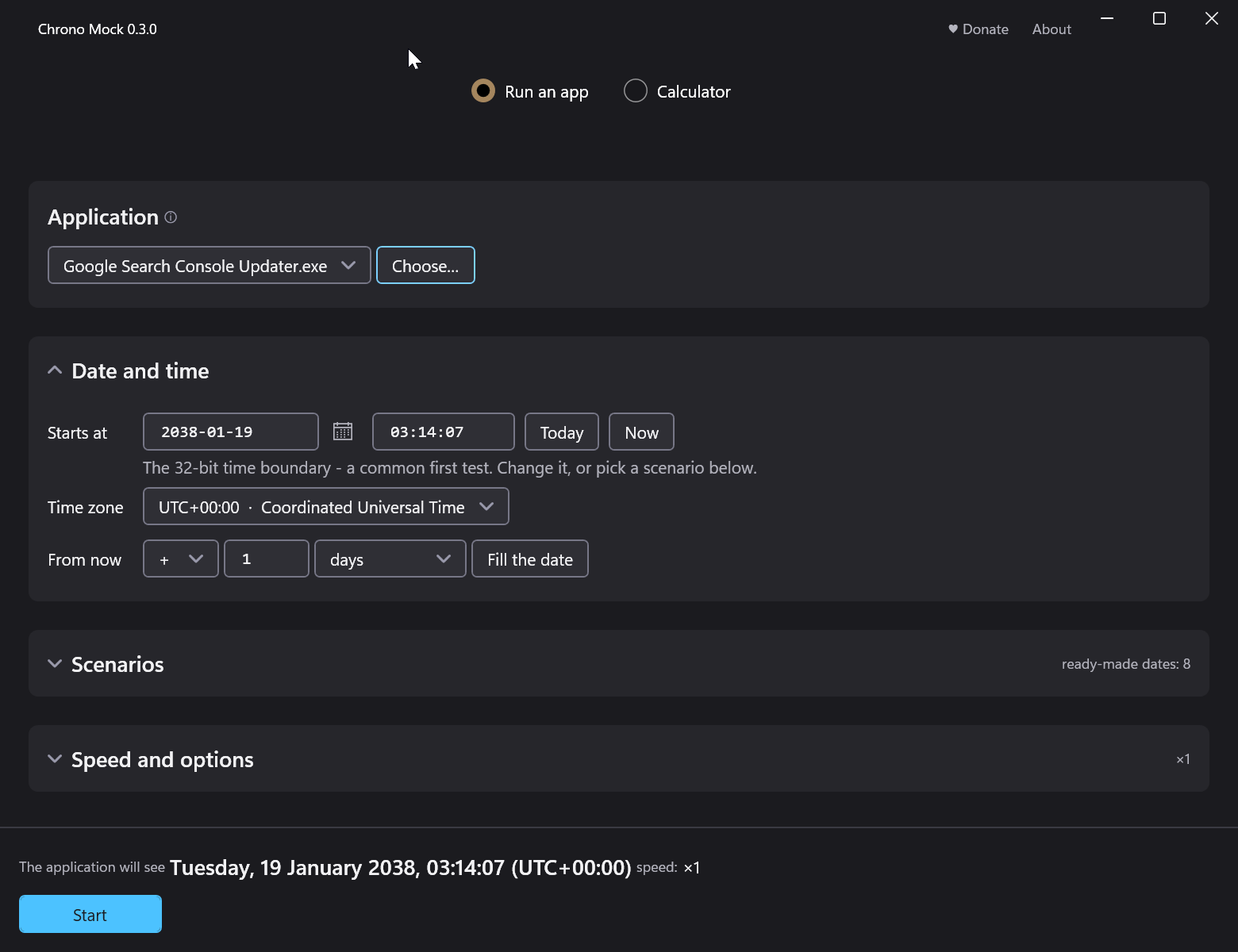
To do this, just select the application and specify the required date manually or relatively in days.
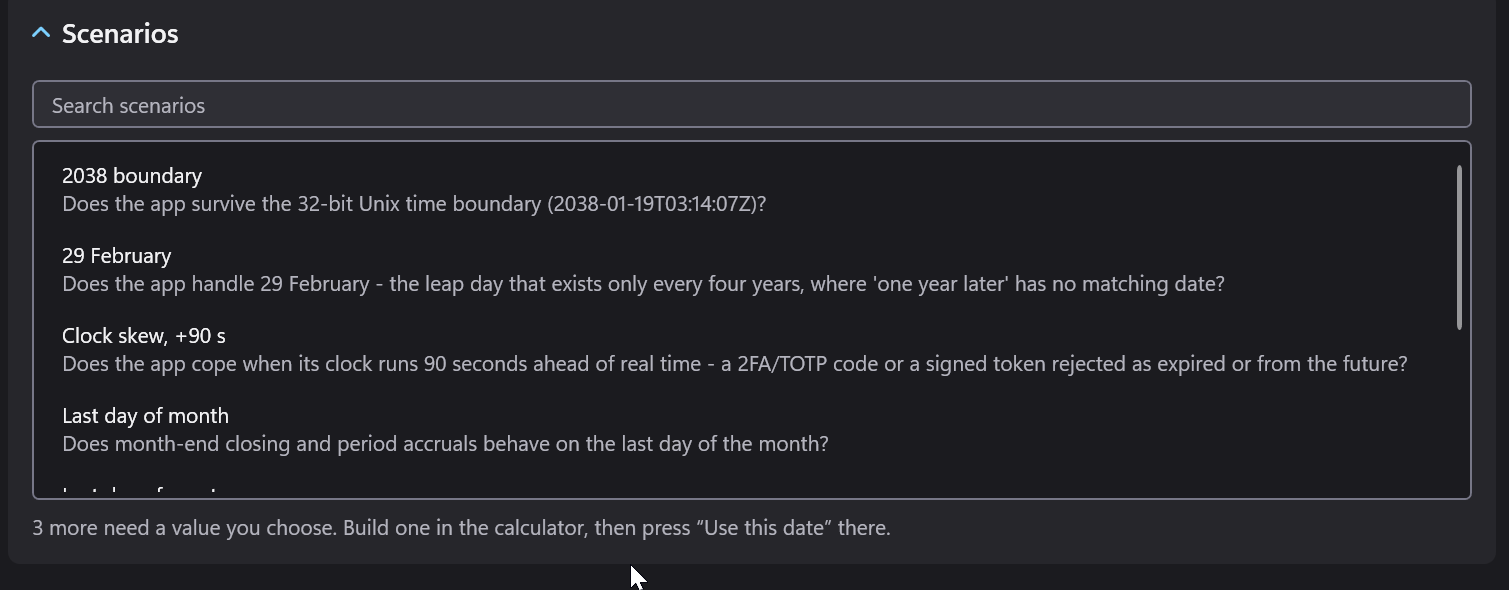
There are several user scenarios that are more likely to be useful to testers. For example, to launch an application on the last day of the month, to check the boundary of 32-bit systems, and so on.
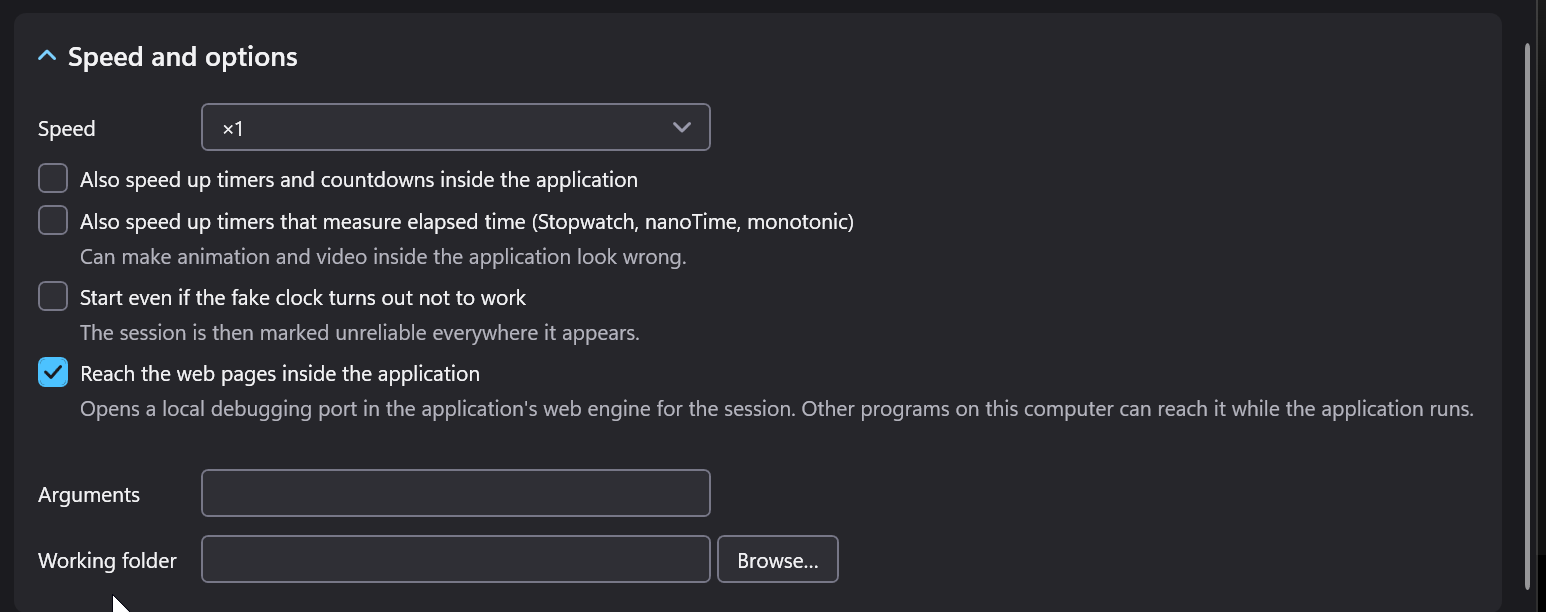
If the app you are launching has a timer, you can speed it up in the Speed and options section.
In the Calculator section, you can calculate the required launch date and copy it in one of the standard parameters.