
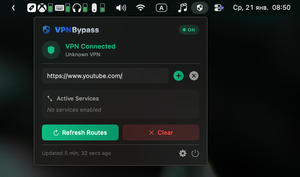
VPN Bypass for macOS allows selected websites and applications to connect directly, bypassing the VPN, using convenient rules and exceptions.
Many VPN services do not offer traffic splitting, which means that all applications and websites always go through the VPN while it is active. This issue is especially relevant for corporate VPNs, over which the average user has no control.
If you still want to configure a website or application to work directly, macOS has a utility called VPN Bypass that solves exactly this problem.
After installing it, an icon will appear in the menu bar. Clicking it shows the current VPN connection status and a list of connections that will access the internet directly.
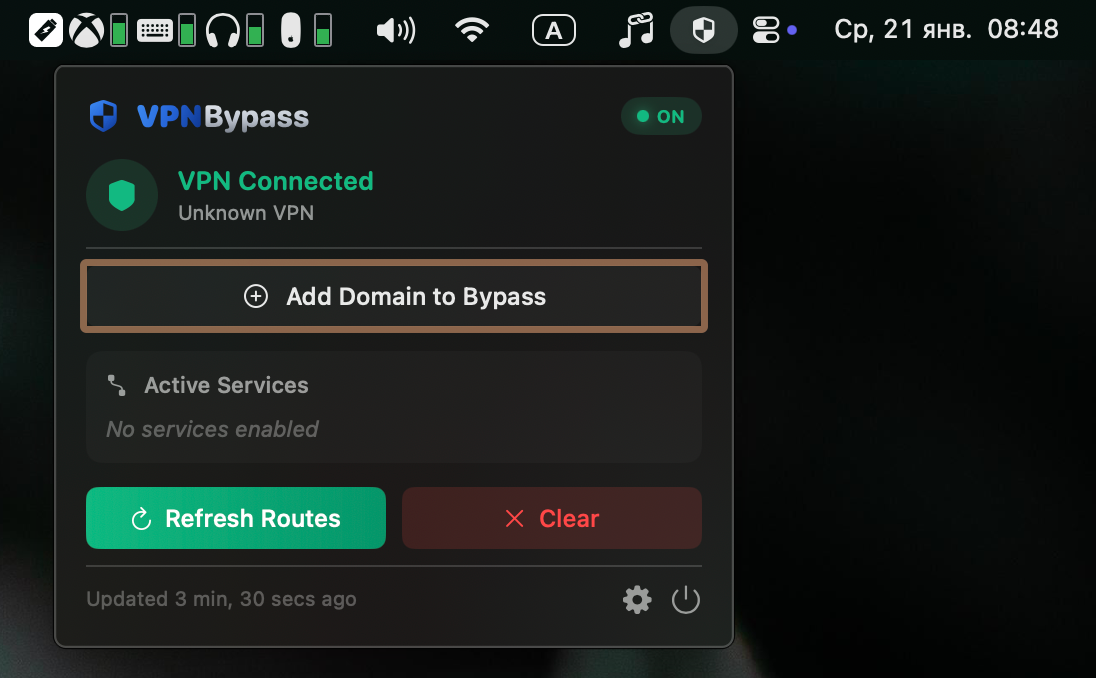
To add a new address, click the Add Domain to Bypass button and simply specify the required address.
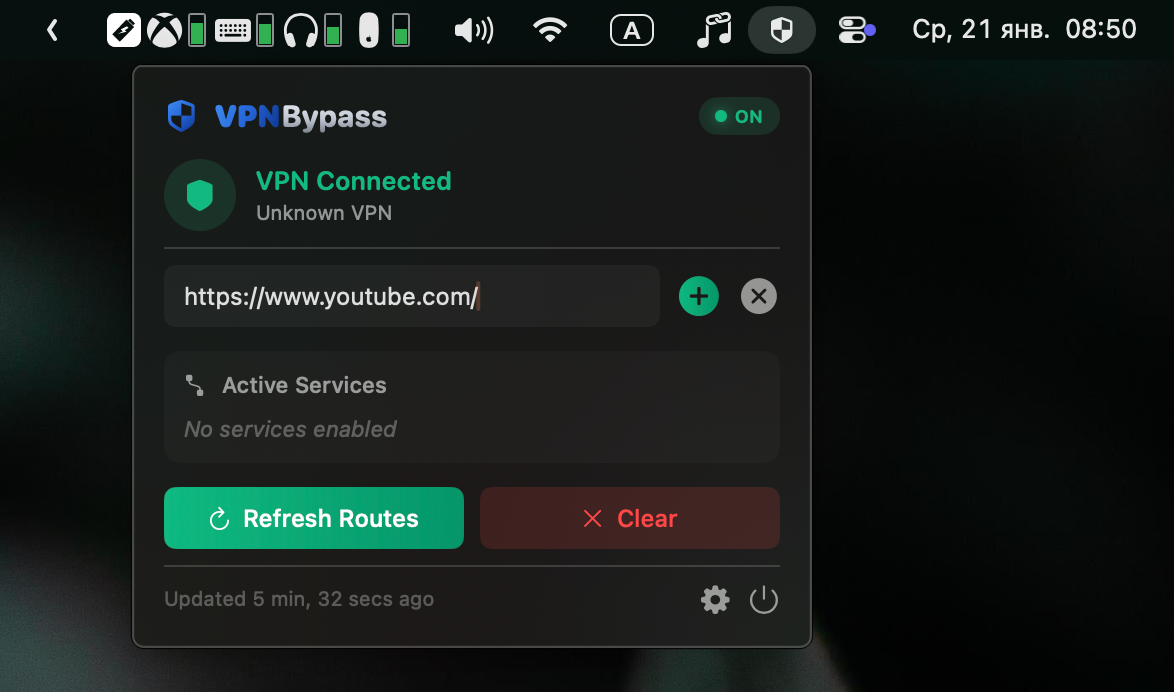
After that, any applications and websites using that address will open outside of your VPN.
To avoid guessing which addresses applications use, you can add exceptions for predefined sets in the Services section of the VPN Bypass settings.
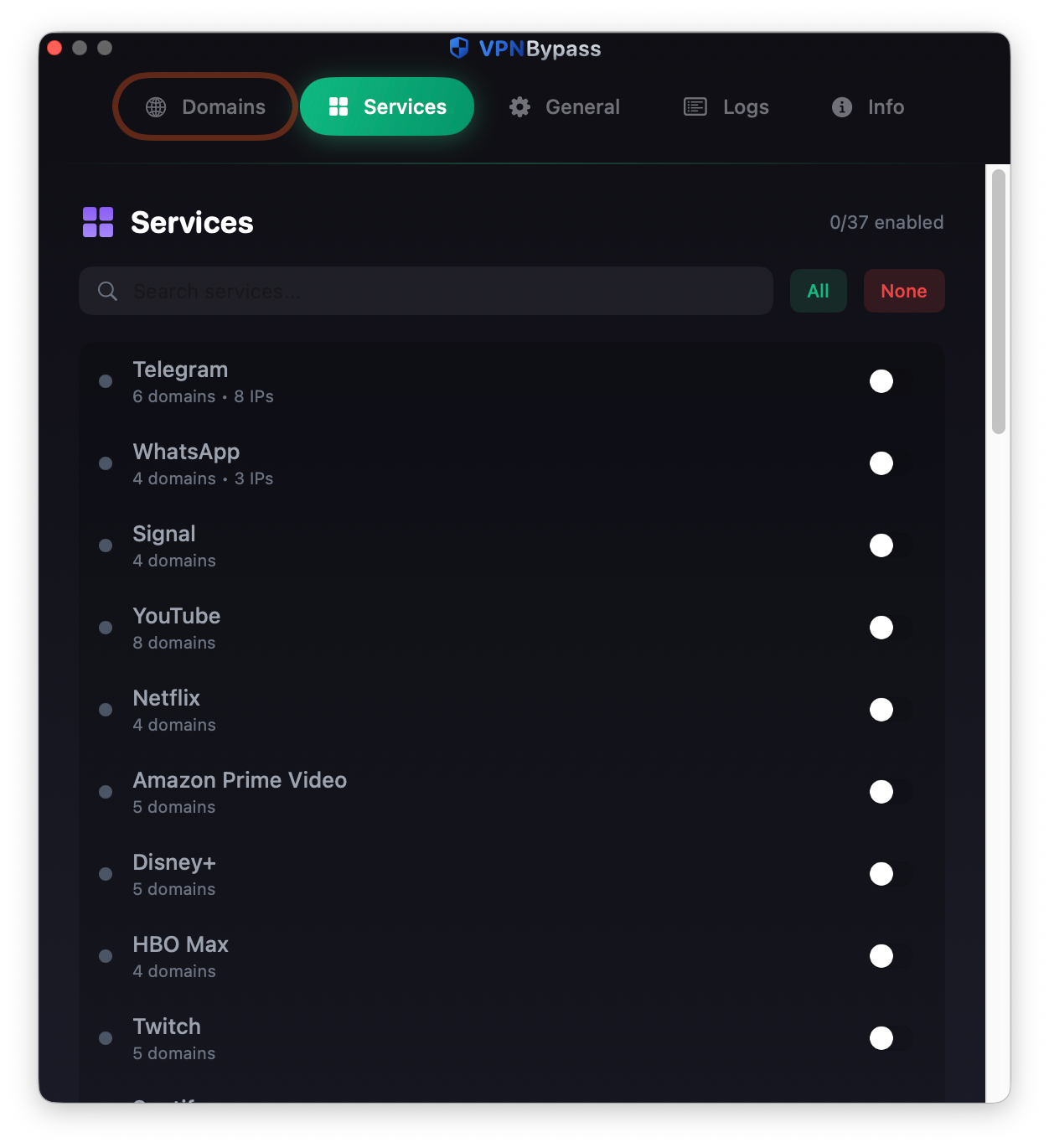
In the General section, you can define your own DNS handling logic, but I recommend changing this section only if you are confident in your knowledge.