
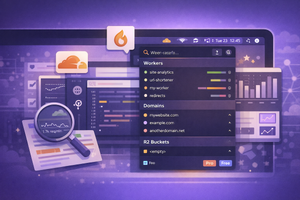
FlareBar is an app for quick Cloudflare management right from the menu bar: workers, domains, metrics. It offers both free and paid versions.
If you build websites and Cloudflare is one of the tools you use, you’ve probably wanted a convenient way to quickly manage your resources.
A useful solution in this case is FlareBar — an app that adds the ability to quickly view or update various parameters in your Cloudflare account directly from the menu bar.
On the first launch, you’ll need to create a read-only token with access to all Cloudflare data. After that, you’ll be able to access everything from the menu bar.
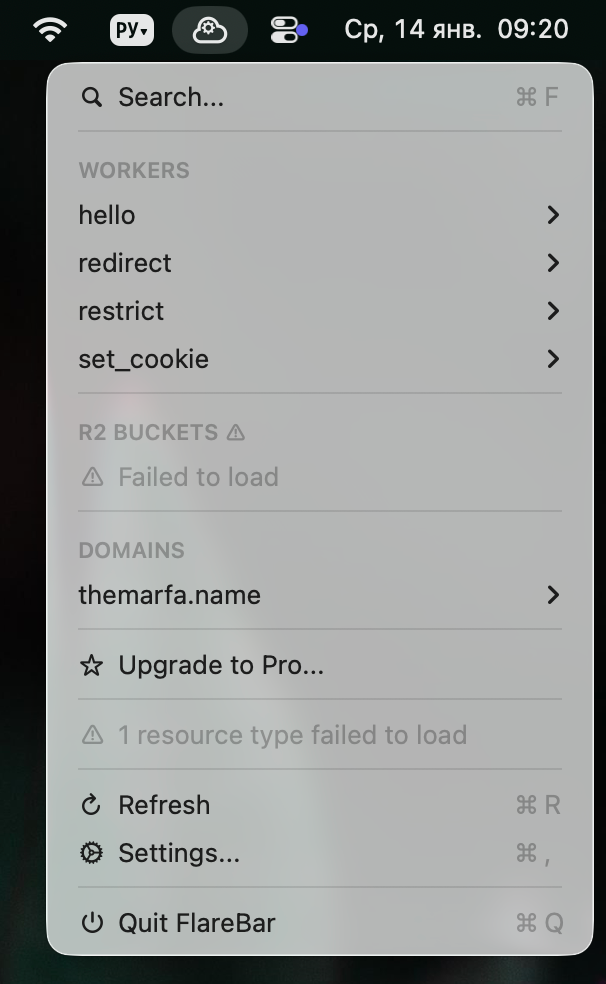
What You Can Manage
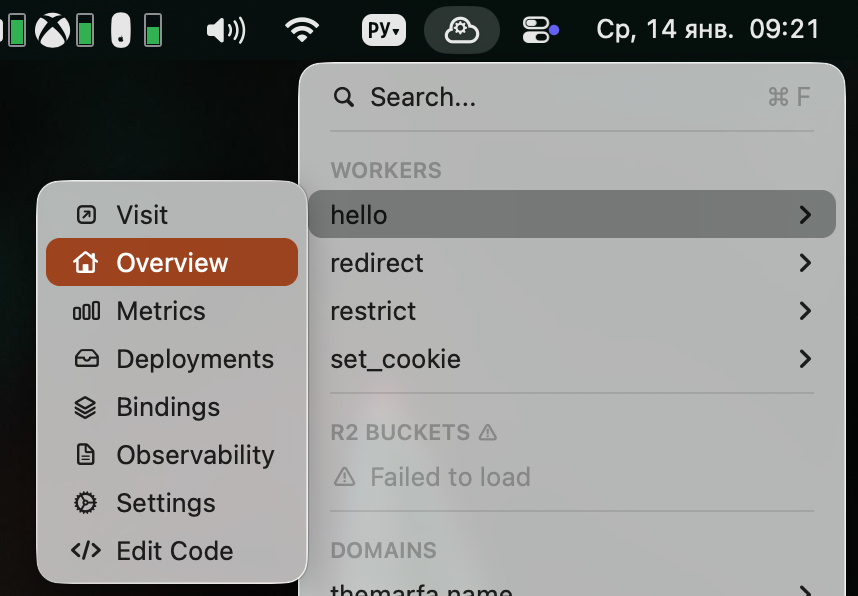
The menu provides access to all Workers, with the ability to view their metrics, deployments, and other parameters. You can also quickly jump to code editing.
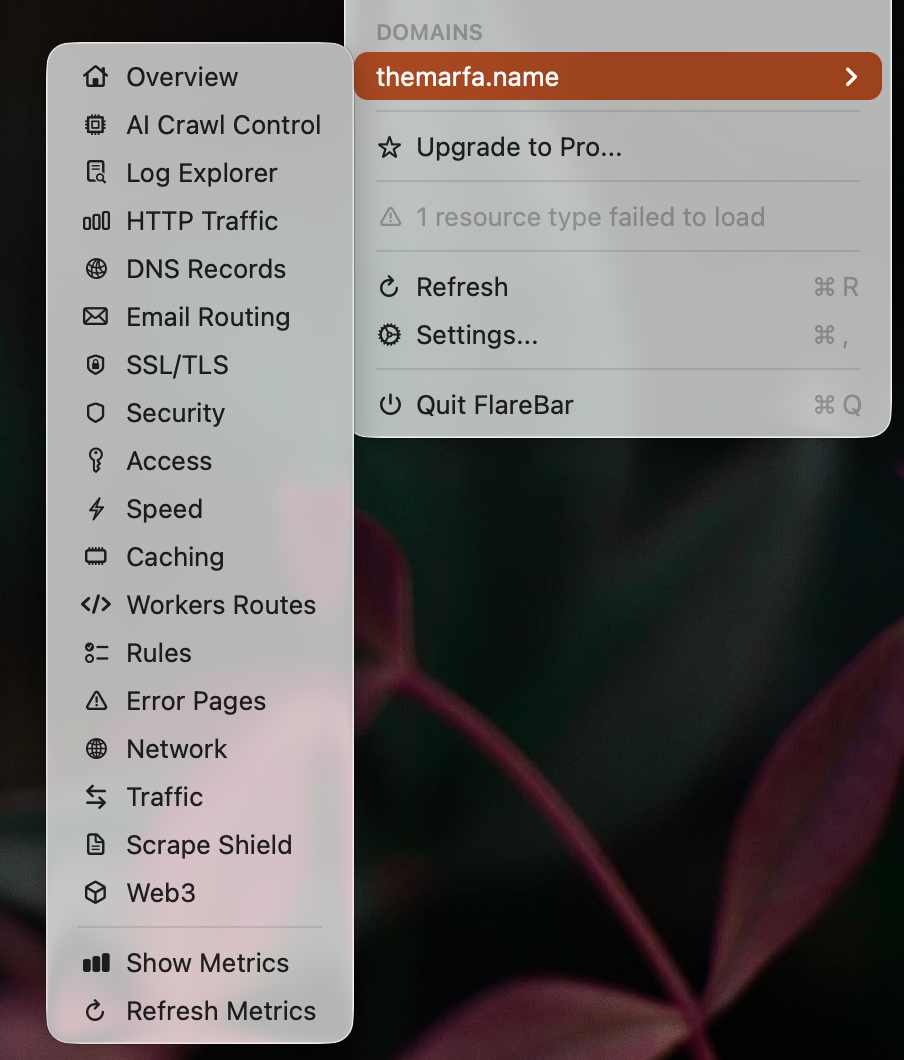
You can view R2 buckets and all domains in the account. The buckets didn’t load for me, but from the domains list I was able to access and view all available service parameters.
Pricing
FlareBar is available in two versions. The free version lets you work with only one Cloudflare account and use search to find specific parameters.
The paid version costs $49.99 and removes all limitations, adds metrics viewing, lets you add parameters to favorites, or hide unnecessary data.