
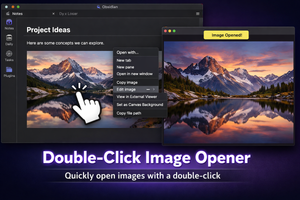
The Double-Click Image Opener plugin for Obsidian lets you open images with a double-click, so you don’t have to dig through menus.
In Obsidian, it can be frustrating to open an image inside a note. The context menu offers multiple options, but only one of them opens the image in the default viewer.
To avoid navigating through menus, you can install the Double-Click Image Opener plugin. It requires no configuration and simply opens an image when you double-click on it.
0:00
/0:05