
Simple DNS for Windows makes switching DNS providers easy: choose a provider in a couple of clicks, edit lists—but part of the interface is in Portuguese.
Every time I want to change DNS settings, it turns into a whole quest. I never remember where those settings are hidden, and typing IP addresses is extremely inconvenient.
Simple DNS for Windows can spare both me and you this pain—it helps you quickly switch between different DNS providers.
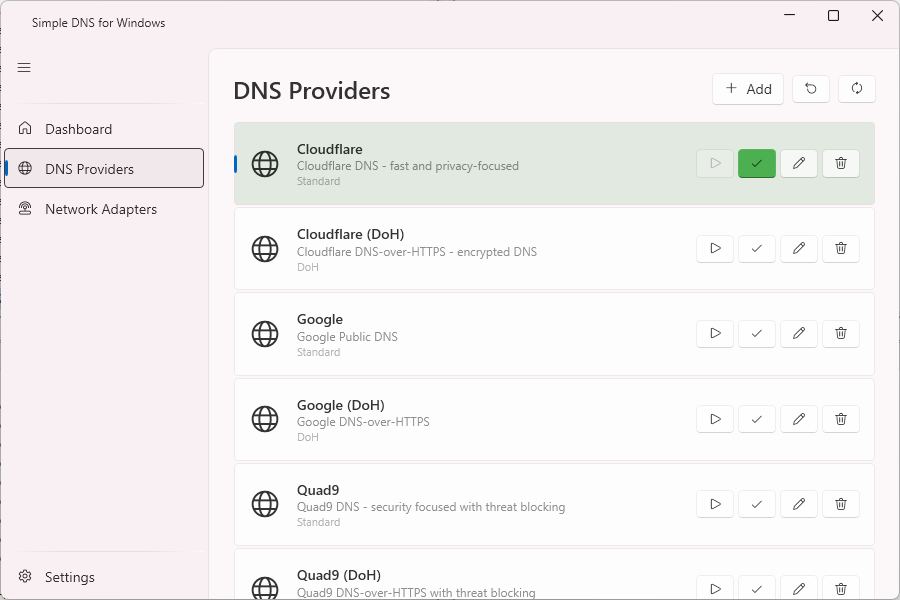
All you need to do is select the desired provider in the DNS Providers section and then connect to it from the Dashboard.
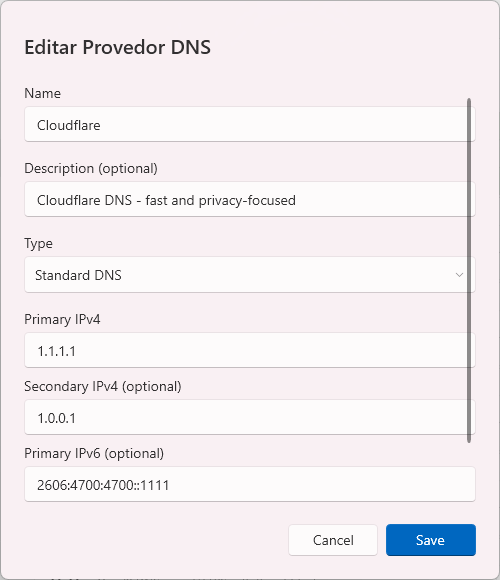
If necessary, you can remove unnecessary providers, change their settings, or add your own.
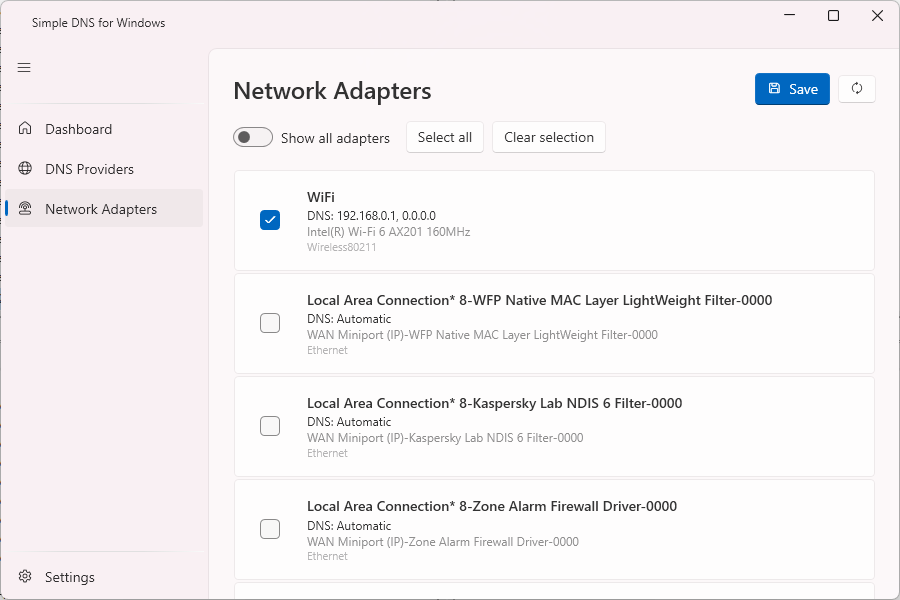
Simple DNS for Windows also has a Network Adapters section, but why it’s needed remains a mystery to me—perhaps just to view summary information about your PC’s network adapters.
The last thing to keep in mind before using the utility is that part of the interface has not been translated from Portuguese into English.