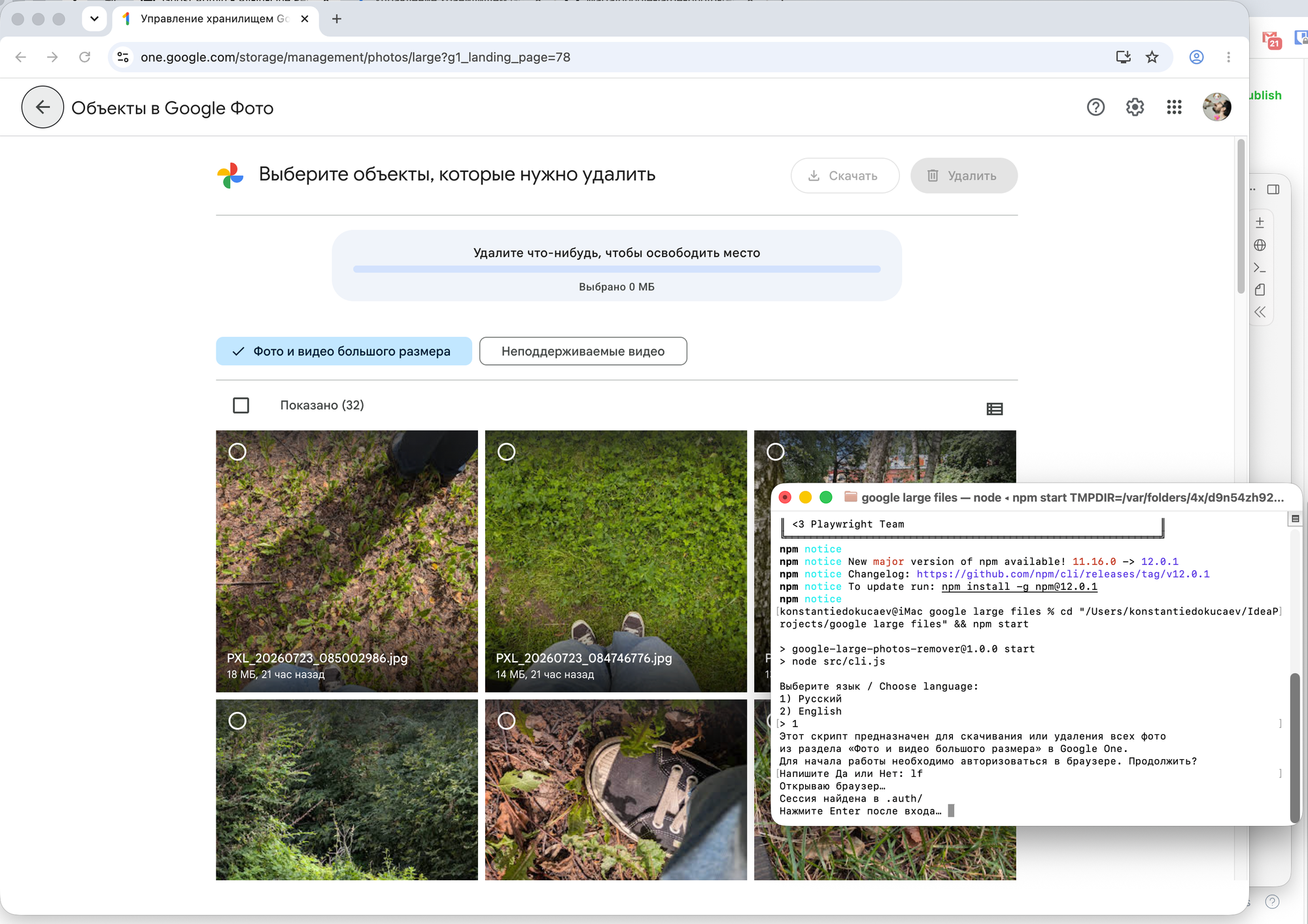
Google Photos—or, more specifically, Google One—has a tool for deleting large files. You can use it to quickly find large photos and delete them to free up space in the cloud.
The problem is that you can only select 100 photos at a time to delete or download. The service loads them in batches of 32, and you have to check the box for each one manually. All in all, deleting anything is very inconvenient.
Google Large Photos Remover is a command-line utility that lets you automate this process.
To run it, enter the following command:
git clone https://github.com/Marfa/google-large-photo-revomer.git
cd google-large-photo-revomer
npm install
npx playwright install chromium
npm start
The utility will then launch and guide you through all the steps. It can either download all the large photos from the wizard or delete them immediately. To do this, select the appropriate option.
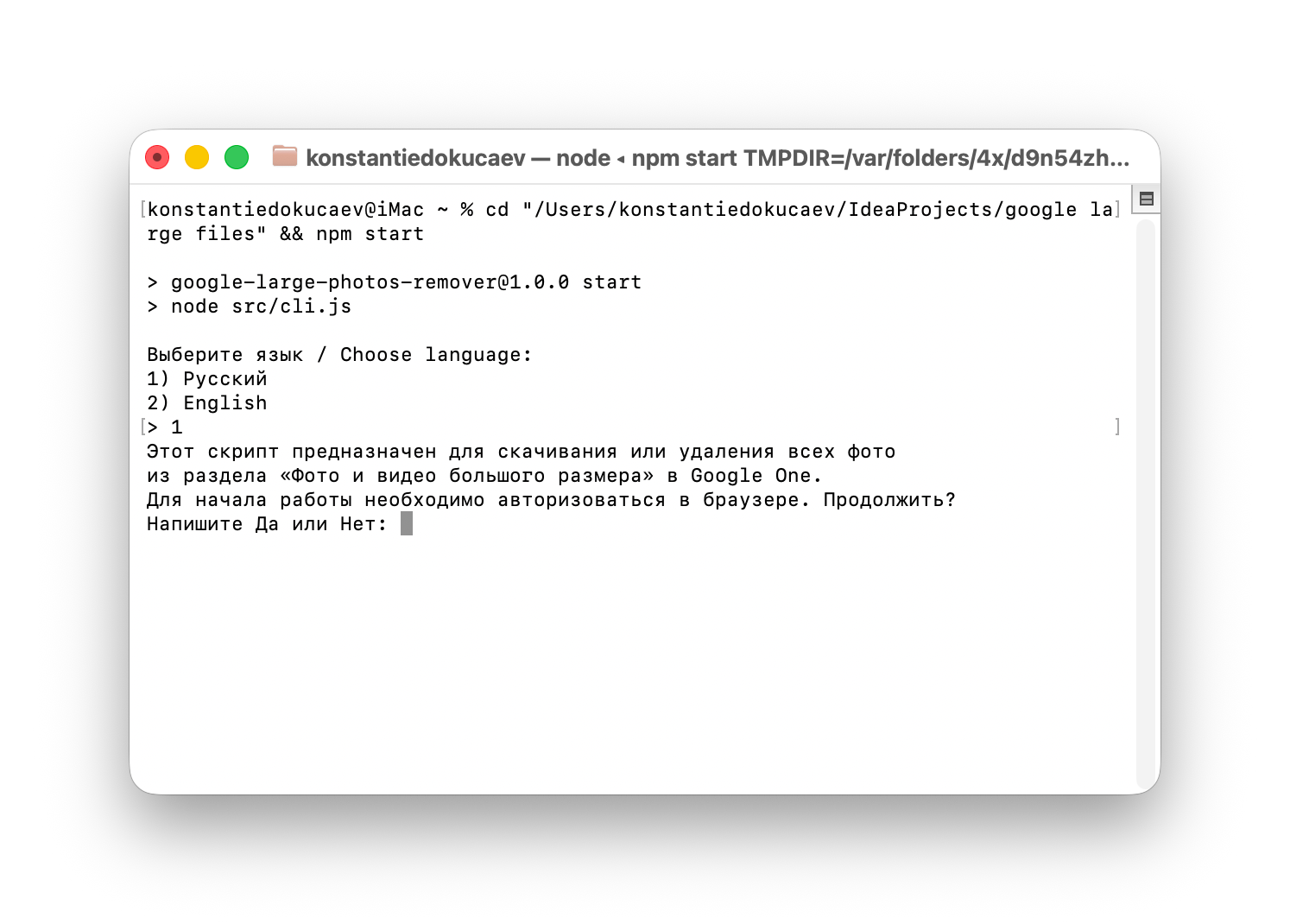
The utility will launch an isolated instance of Google Chrome, and after your confirmation, it will automatically check the boxes and download or delete the files.