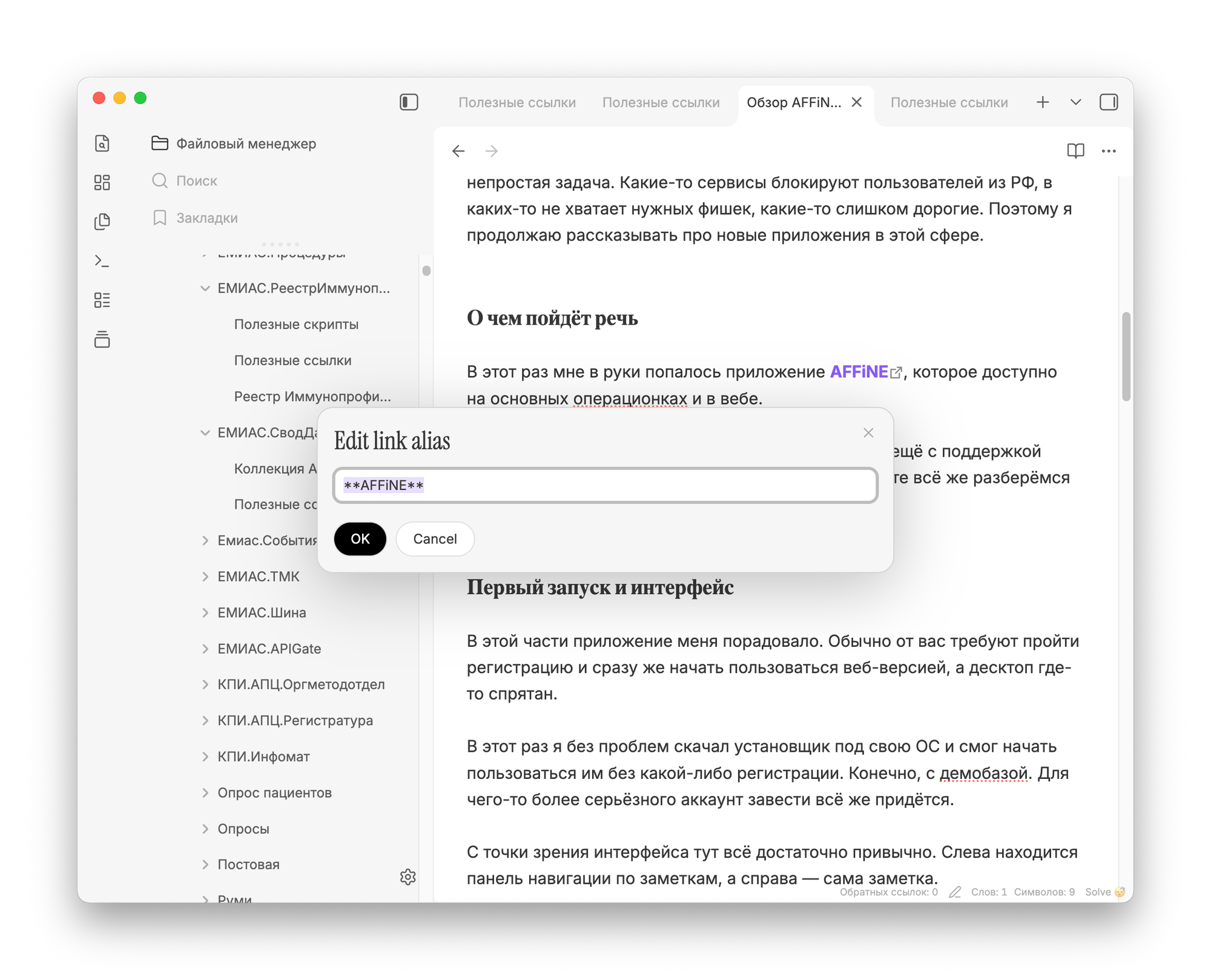
The Edit Link Alias plugin for Obsidian lets you change alias links through a separate window—without editing the note’s text.
The problem with Markdown editors is that any formatting changes usually require editing the text directly, using special symbols instead of familiar panels and windows.
If you just need to change alias links in Obsidian, you can install the Edit Link Alias plugin. A new command will then appear in the context menu.
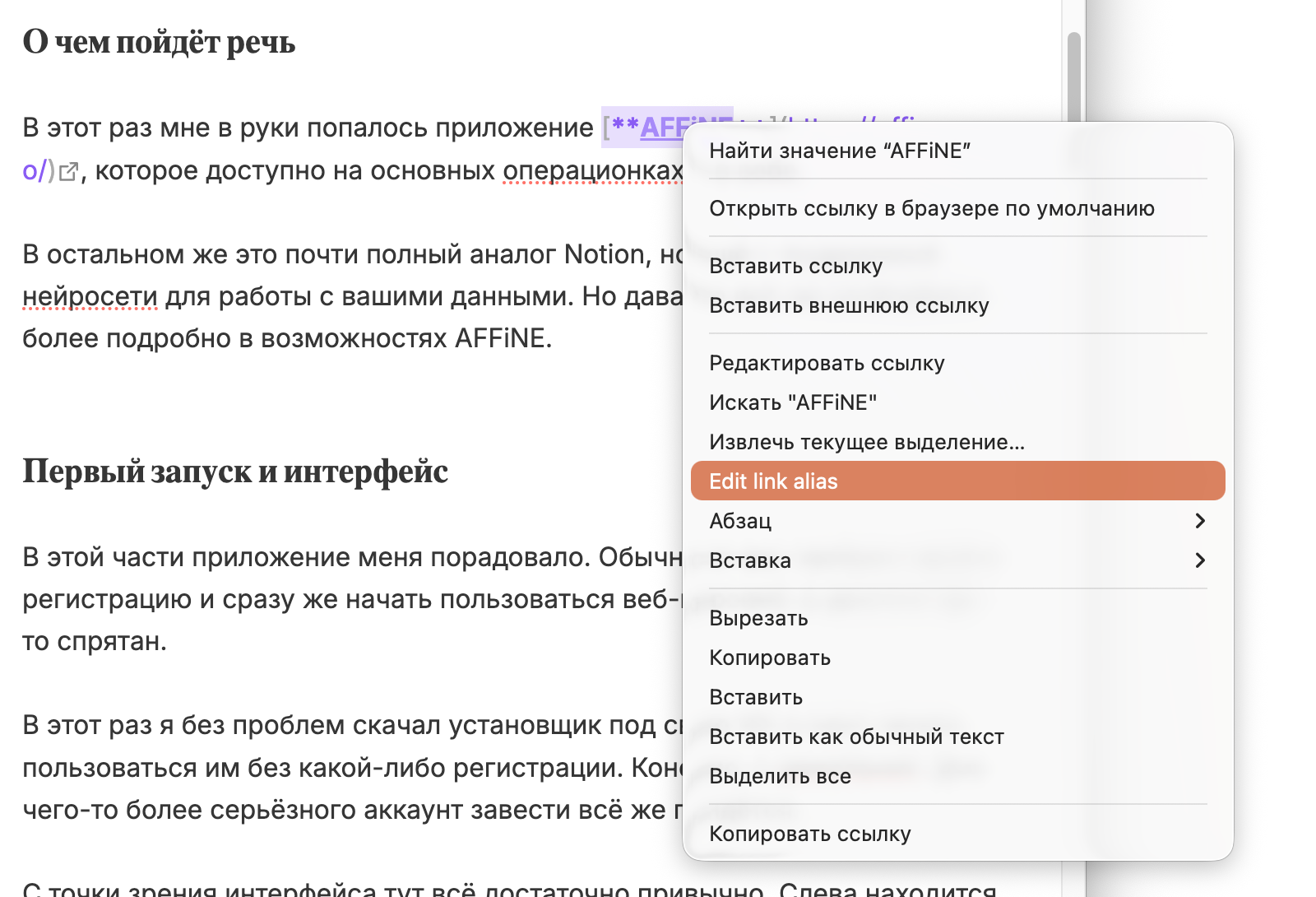
Clicking it opens a separate window where you can set a new alias value without touching the note’s text.