
Port Smith shows used ports прямо in the menu bar, lets you quickly terminate connections, and notifies you about new connections.
When you’re developing applications, one common issue is that the port you need is already in use. Usually, to find out which port is busy and free it, you have to use the Terminal.
Alternatively, you can install the free app Port Smith, which displays a list of all applications and their occupied ports прямо from the menu bar. From there, you can also quickly close the problematic connection.
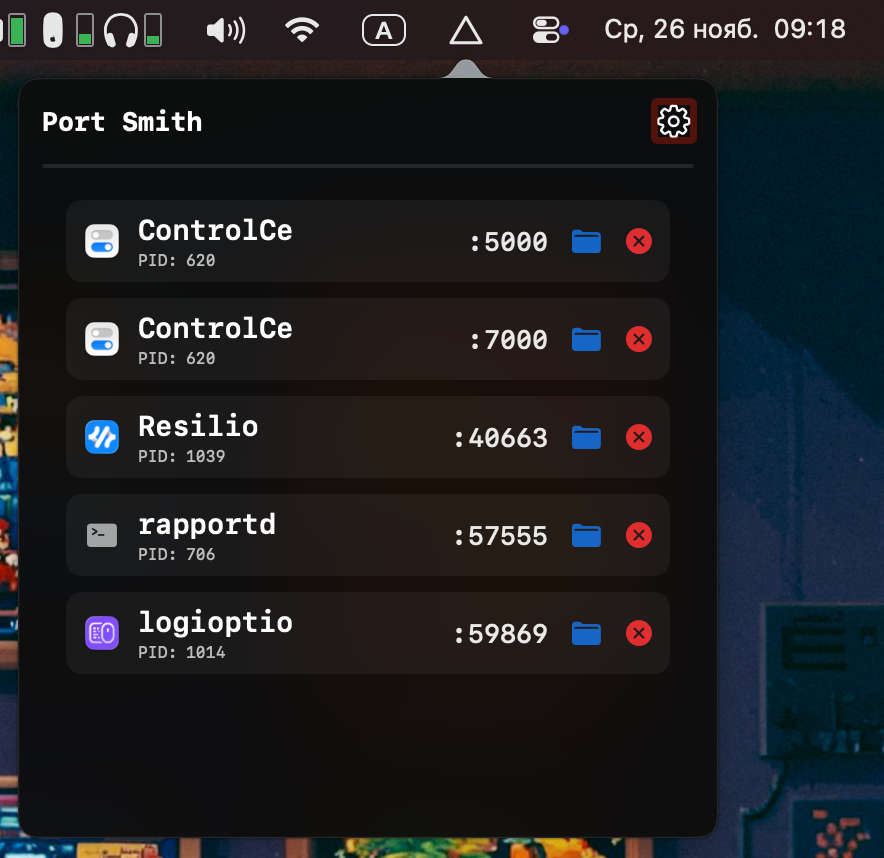
If needed, you can enable notifications in the settings about new connections, so you’ll always know when something starts using a new port.