
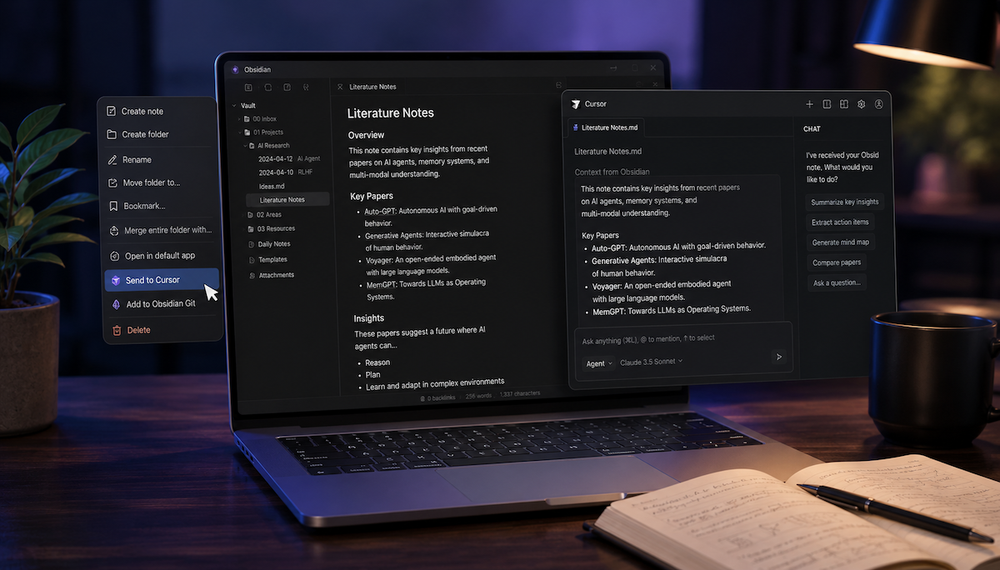
Obsidian is a great knowledge base, and Cursor is a great way not only to develop apps but also to process various types of data. That means you can easily ask Cursor to analyze your data storage.
To simplify this task, you can install the Switch2Cursor plugin in Obsidian, which adds a context menu to notes and folders so you can quickly transfer them to Cursor.
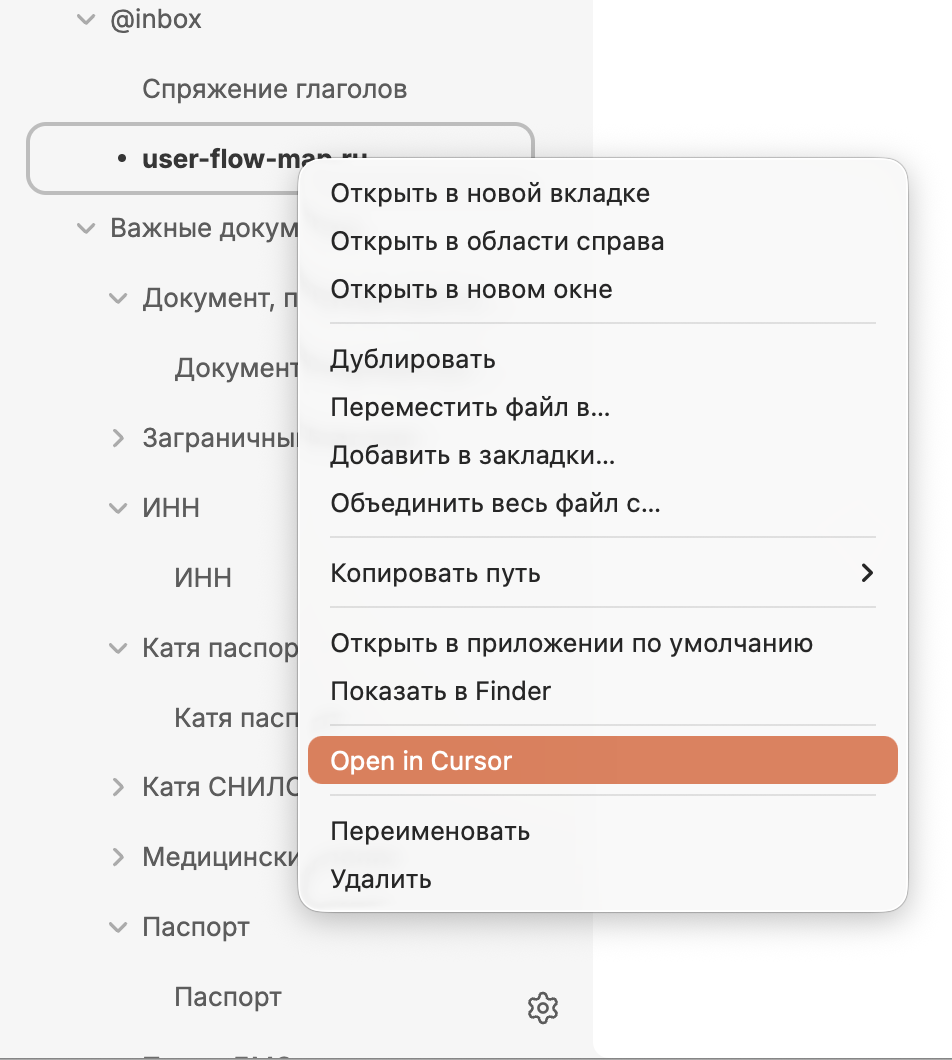
Clicking it opens a new Cursor window with the transferred data, from which you can perform all the necessary actions using the agent.