
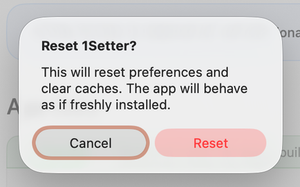
Resetter for macOS lets you revoke permissions and clear the cache of a selected application with a single click.
In macOS, almost any app requests various permissions during installation. While this is useful, revoking those permissions later can be inconvenient.
With the Resetter app, you can reset the settings of any application and clear its cache in just one click.
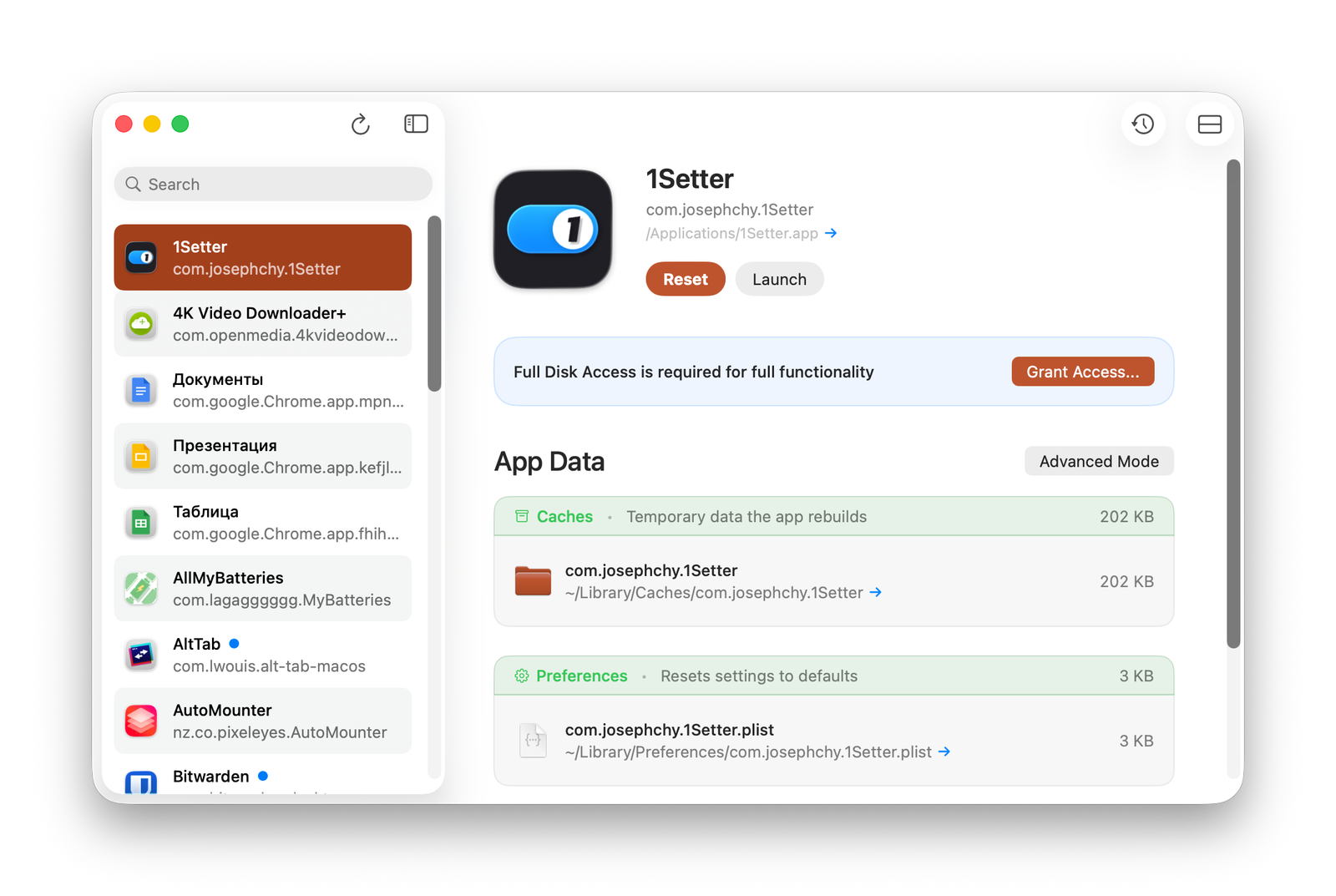
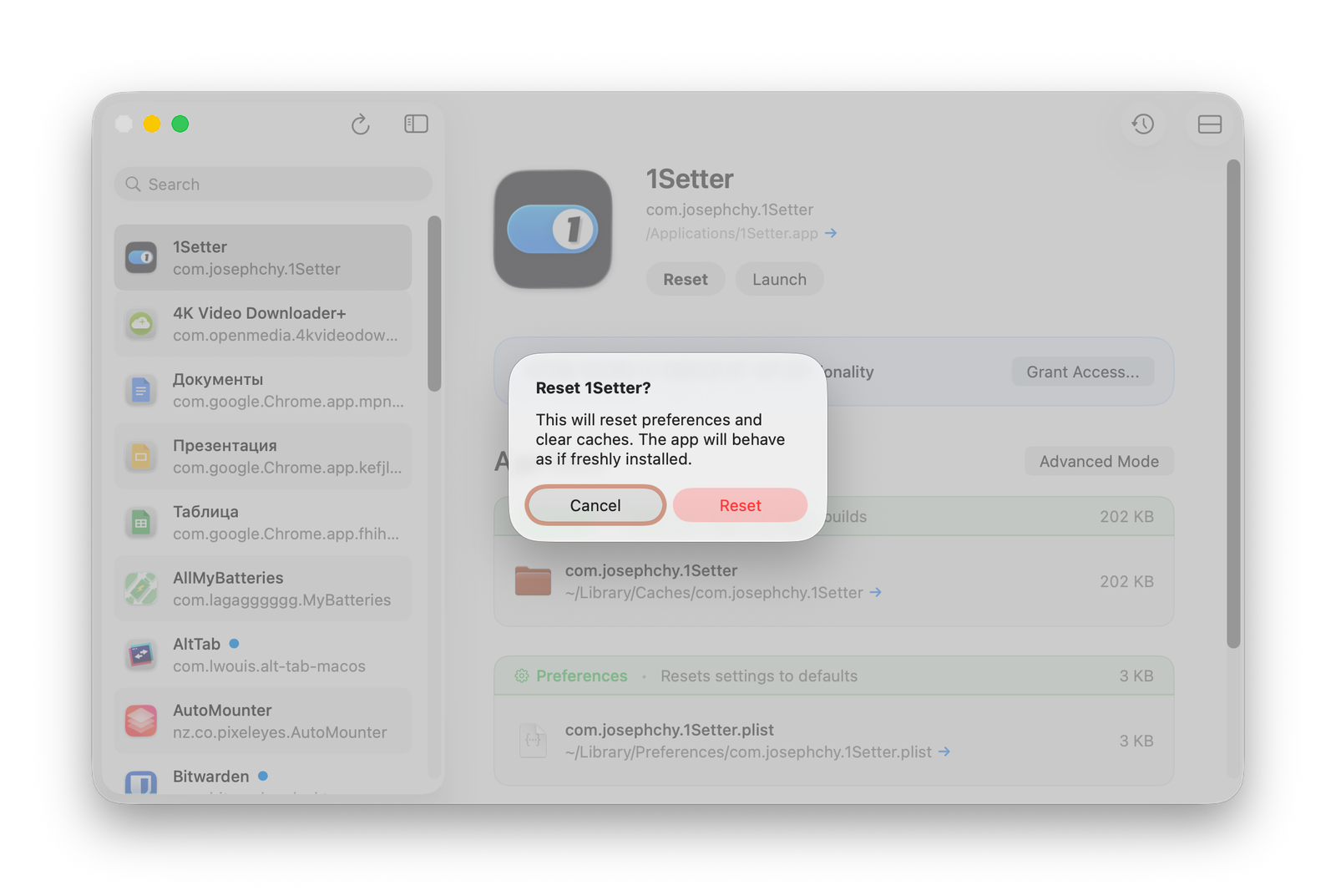
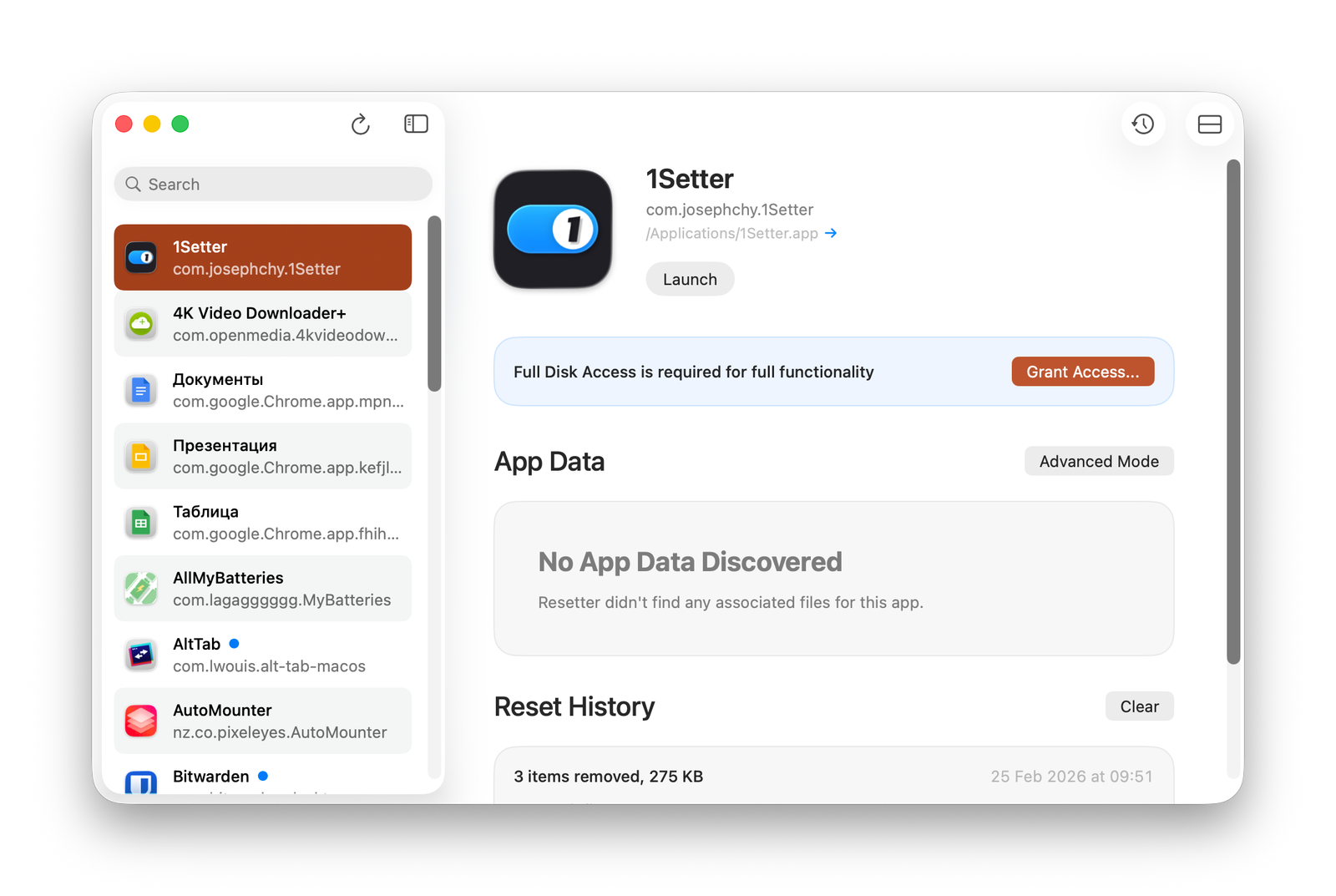
Simply select the desired app from the list and press the Reset button. Resetter will then remove all permissions and cached data for the selected program.