

Some apps, such as torrent clients or cloud storage services, tend to hog all of your available internet bandwidth. This makes it impossible to use other online apps properly. It would be helpful to limit the maximum available speed for these apps, but macOS doesn’t offer this feature “out of the box.”
You can easily add this feature using the Throttlr utility, which helps block or limit network access speeds for specific apps.
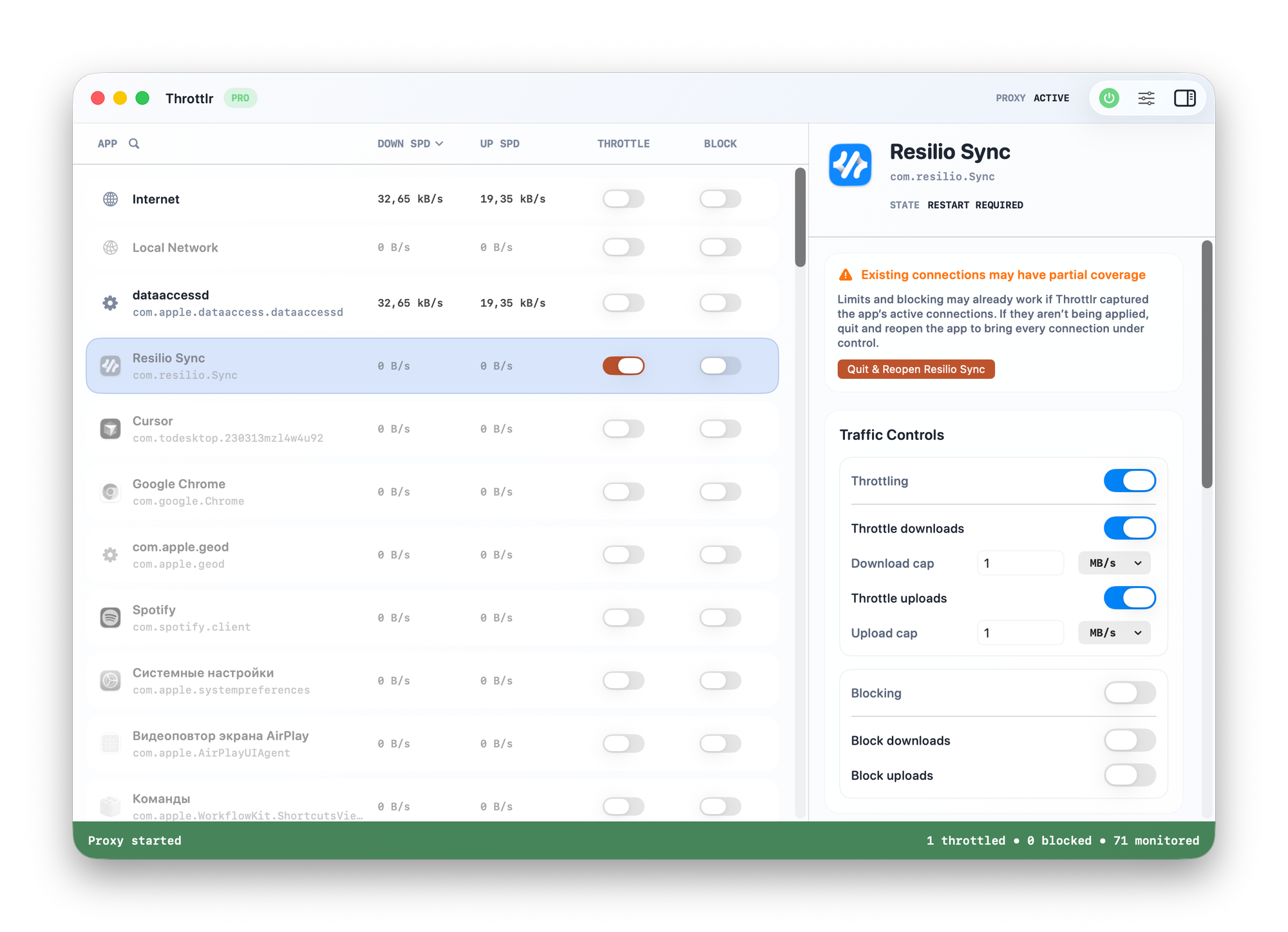
There are no complicated settings in the utility. You simply click on the line for the desired app and set download or upload speed limits for it. Alternatively, you can completely block its network access.
Probably the only issue that might arise is that Throttlr sets up its own proxy server in the system to function, which could conflict with other applications.
Cost
There’s a free version and a 14-day trial. The paid version starts at $1.99 per month.