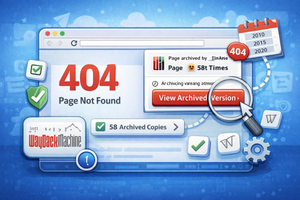
The Wayback Machine extension shows archived copies of 404 pages and site caches, notifies you about available archives, and makes it easier to access content.
Sometimes, when you follow a link, you see a 404 page instead of the content you’re looking for. One of the easiest ways to access a removed page is the Wayback Machine service, which collects and archives website data.
But to do that, you usually have to visit the service’s website and paste the link… not very convenient. So how can you view a site’s cache if the site is currently down?
You can simply install the Wayback Machine browser extension, which automatically notifies you when a saved copy of a 404 page is available.

By clicking the View Archive Version button, you’ll be taken to the archived copy, where you can easily view the content you need.
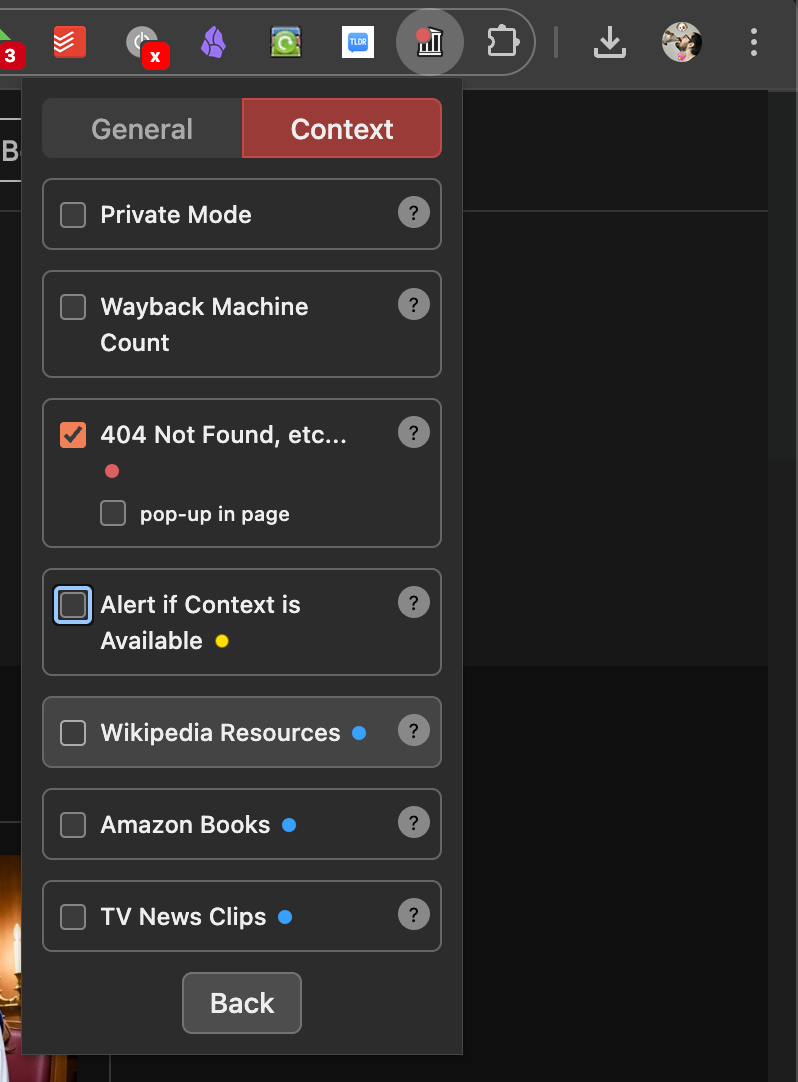
The extension offers several useful settings:
- Privacy mode disables automatic connections between the extension and Wayback Machine;
- You can add a counter showing the number of saved copies;
- Enable notifications when a saved version of the current page is available;
- Activate checks for archived versions of Wikipedia pages, Amazon books, and news videos.