
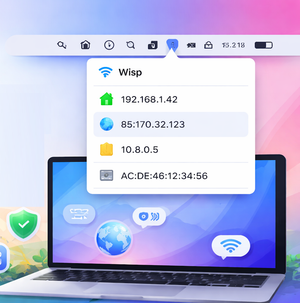
Wisp shows your local, external, and VPN IP addresses, as well as your MAC address, directly in the menu bar — no extra steps required.
If you often need to check up-to-date information about the IP addresses you’re using, you know how inconvenient it usually is.
With the Wisp utility, you can see all this information right in the menu bar. Just click the app icon to view the list.
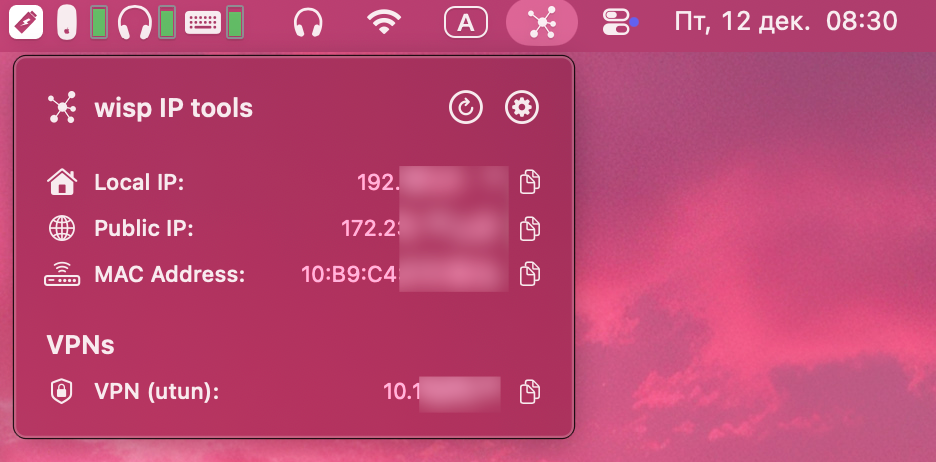
The app displays your local and external IP addresses, your MAC address, and the IP of your VPN connection.