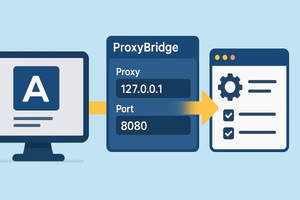
ProxyBridge lets you route individual applications through an HTTP or SOCKS proxy without changing system-wide settings by using custom rules.
Normally, it’s not difficult to make an app work through a proxy if it has the proper setting. However, some programs rely only on the system network settings. So what should you do if you need to route such an app through a proxy but don’t want to change the global system configuration?
In this case, you can use the ProxyBridge utility, which helps you set up individual connection rules for any application on the system.
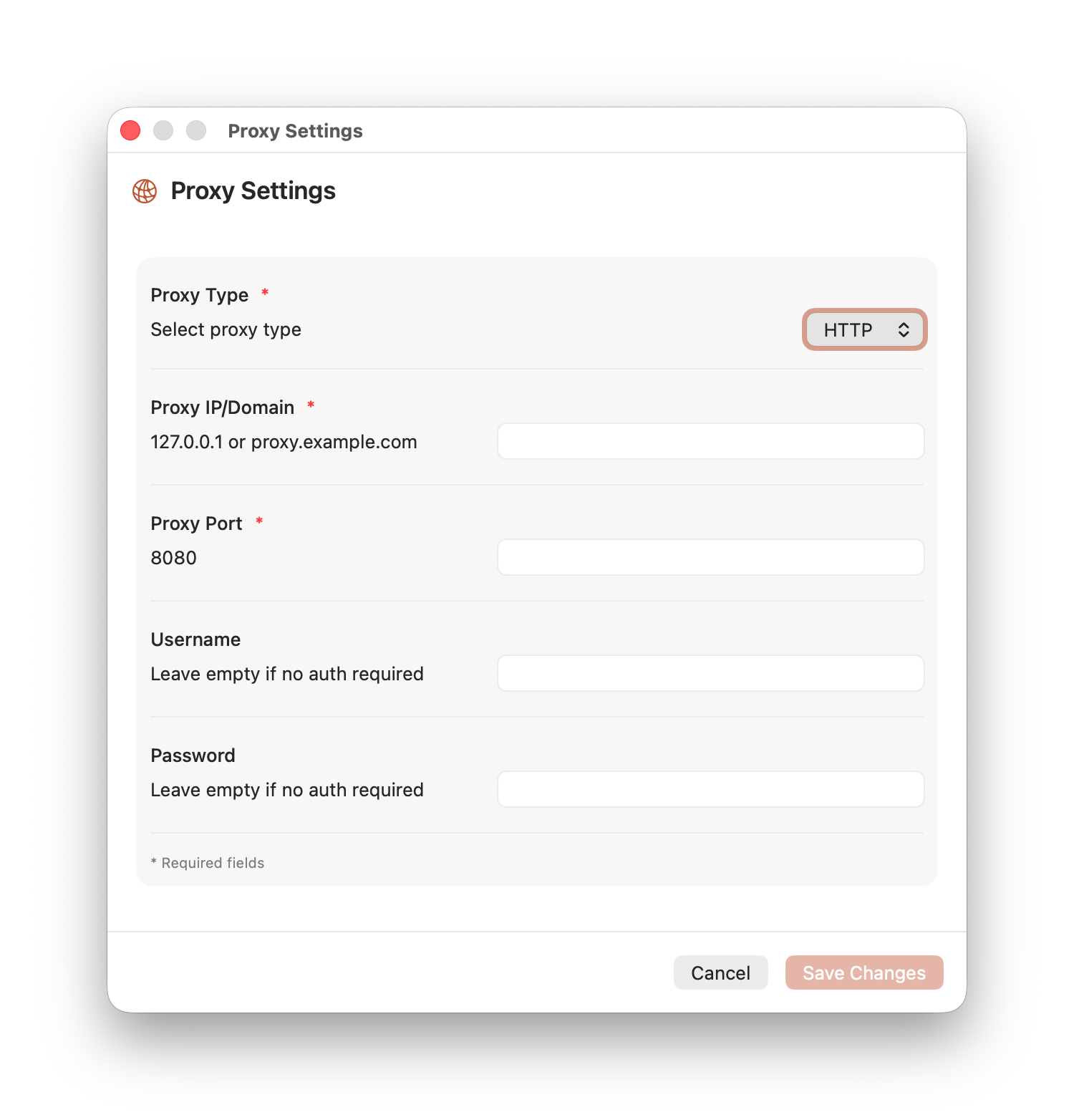
After launching the app, go to the proxy settings and specify the desired parameters. Both HTTP and SOCKS proxies are supported.
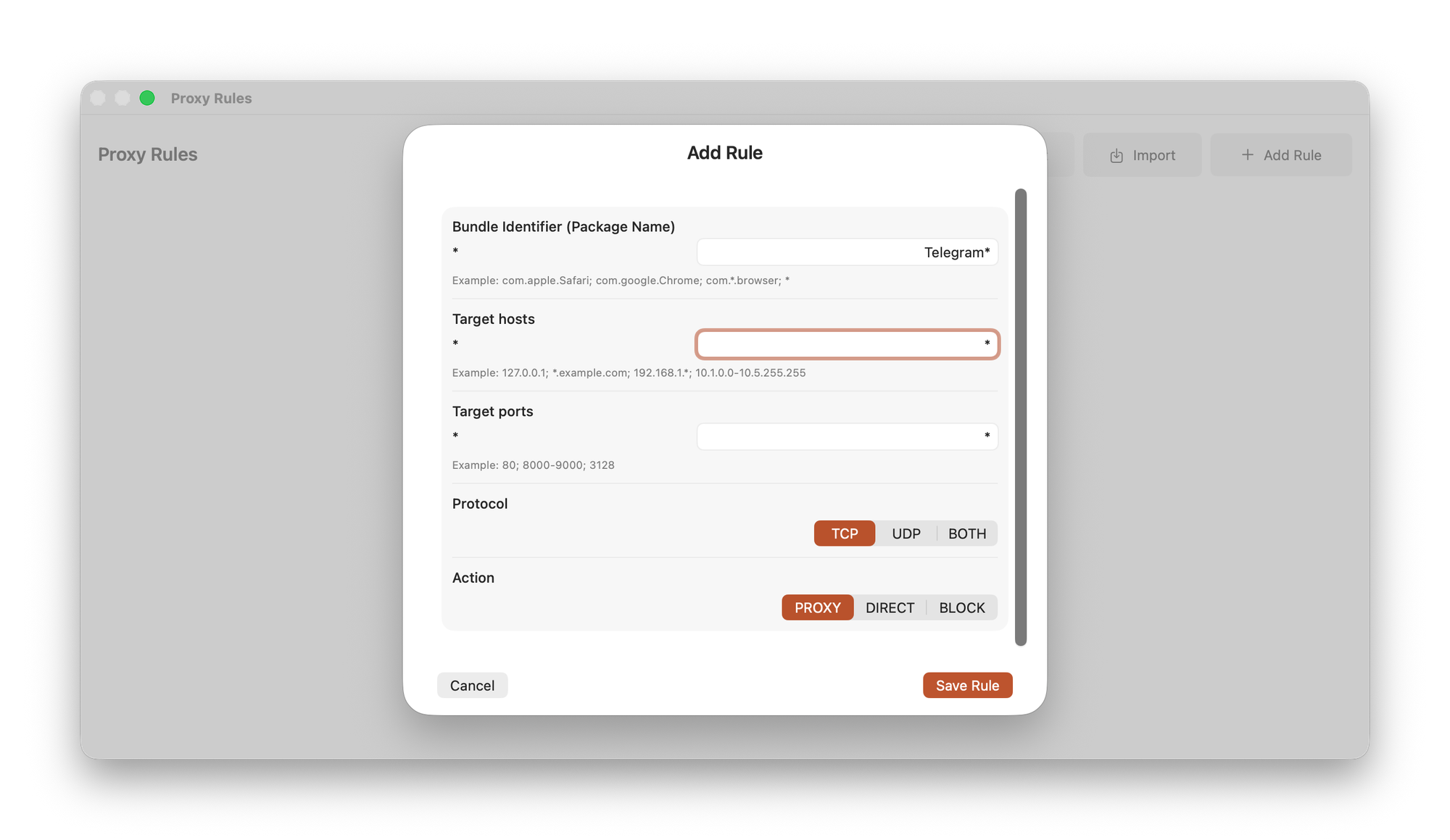
The second step is to open the rules section and create redirection rules. Here you need to specify the full name or part of the application name, and choose host parameters, ports, and other options.
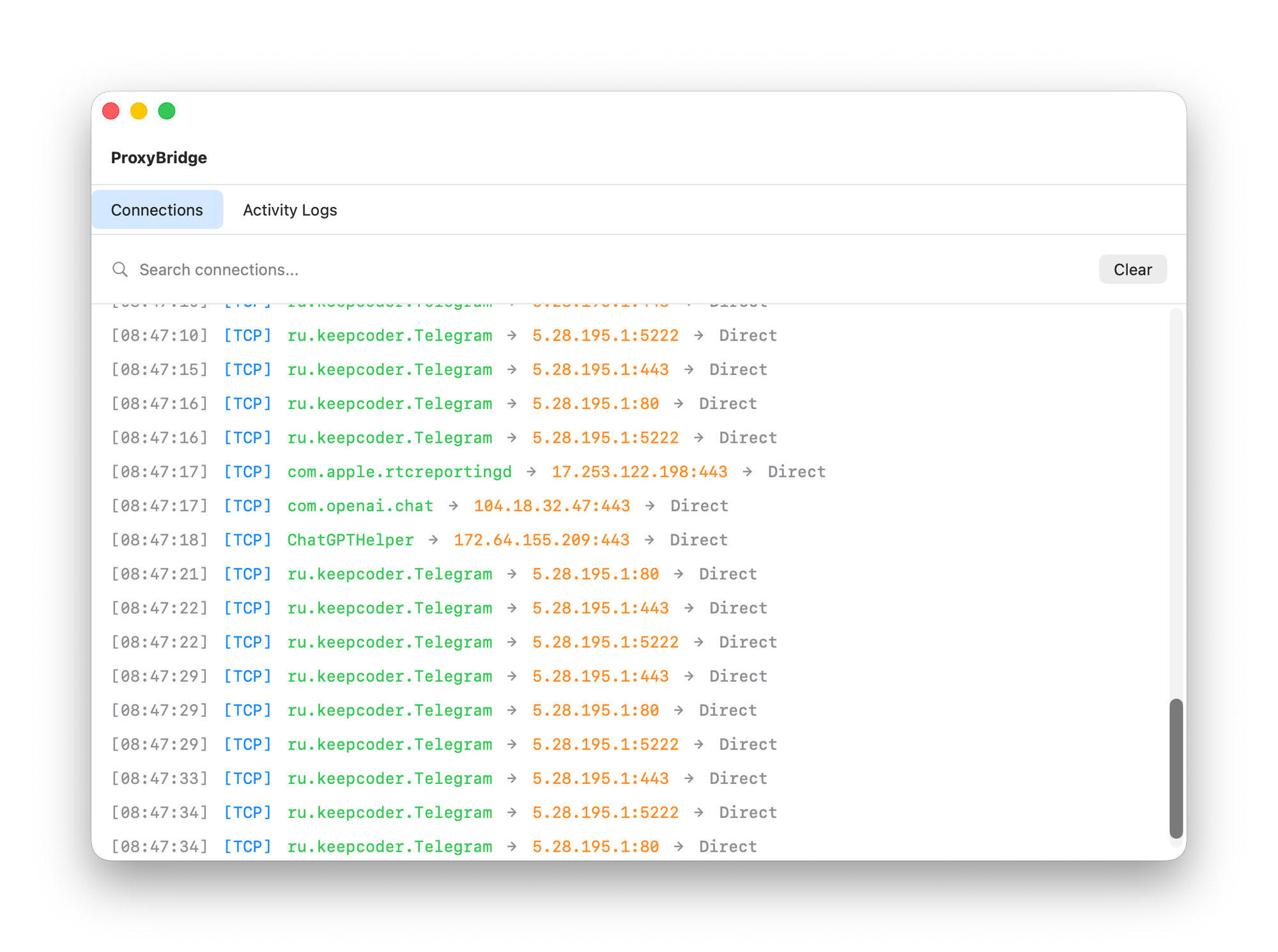
After saving the rule, the selected application will start connecting through the specified proxy server. You can monitor whether everything is working correctly in the main ProxyBridge window.