
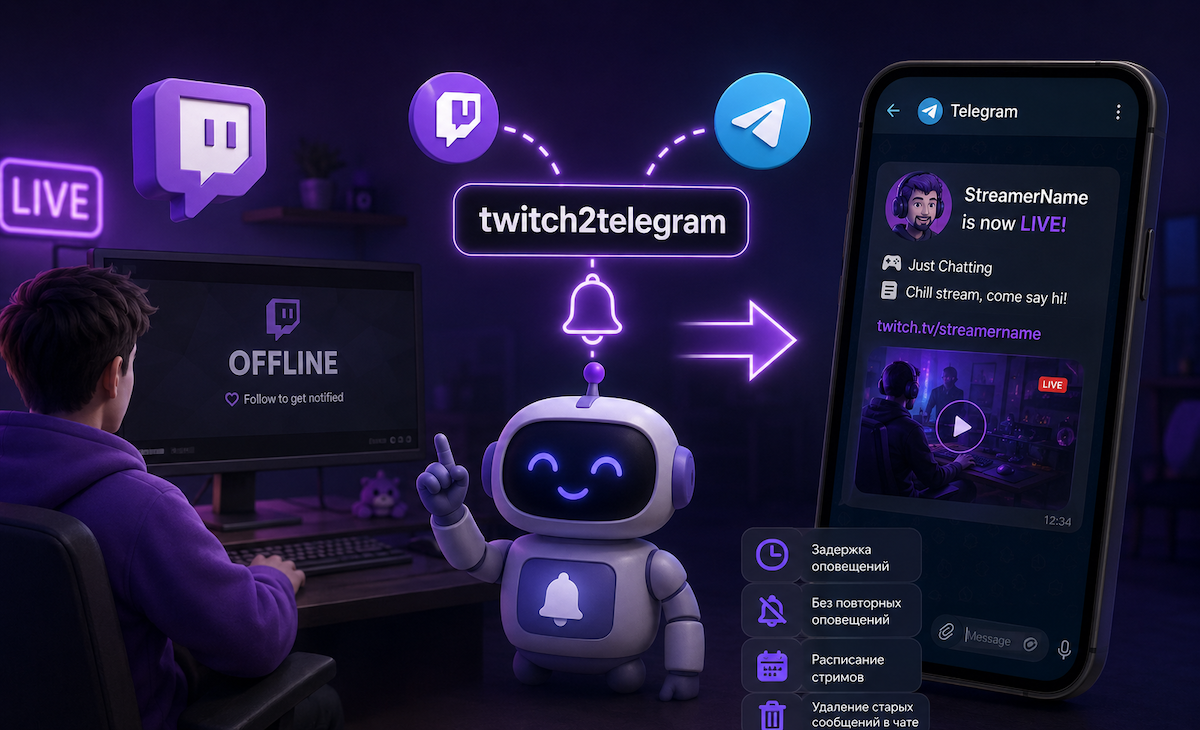
I watch Twitch offline, but I’ve noticed that many streamers forget to post an announcement in the chat when they go live. And Twitch itself doesn’t always notify you when your favorite streamer goes live.
twitch2telegram is a Telegram bot that lets you customize notifications for new streams from any streamer. And if you’re a streamer, you can automatically notify your communities on Telegram.
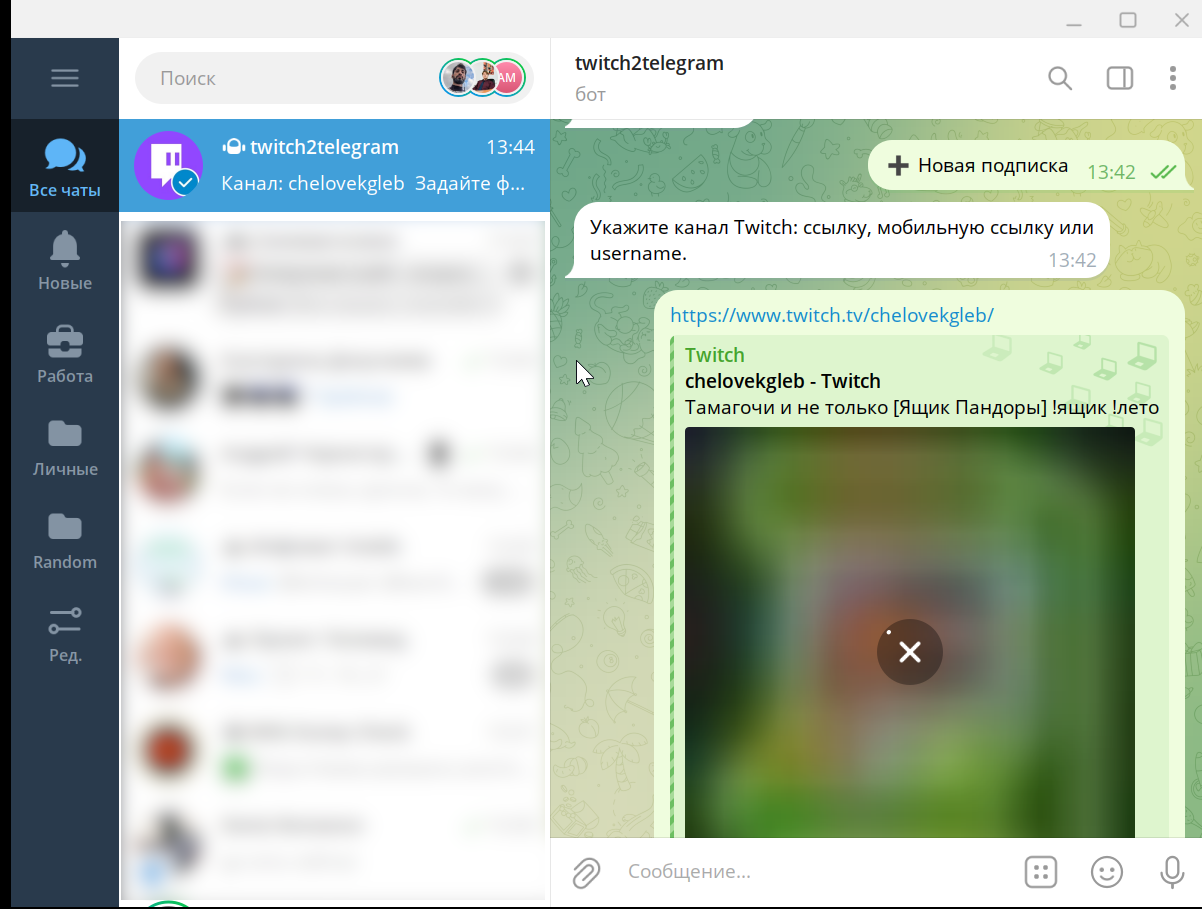
Using the bot is very simple. When you first launch it, the streamer subscription setup wizard will start. You’ll need to enter the streamer’s link or username:
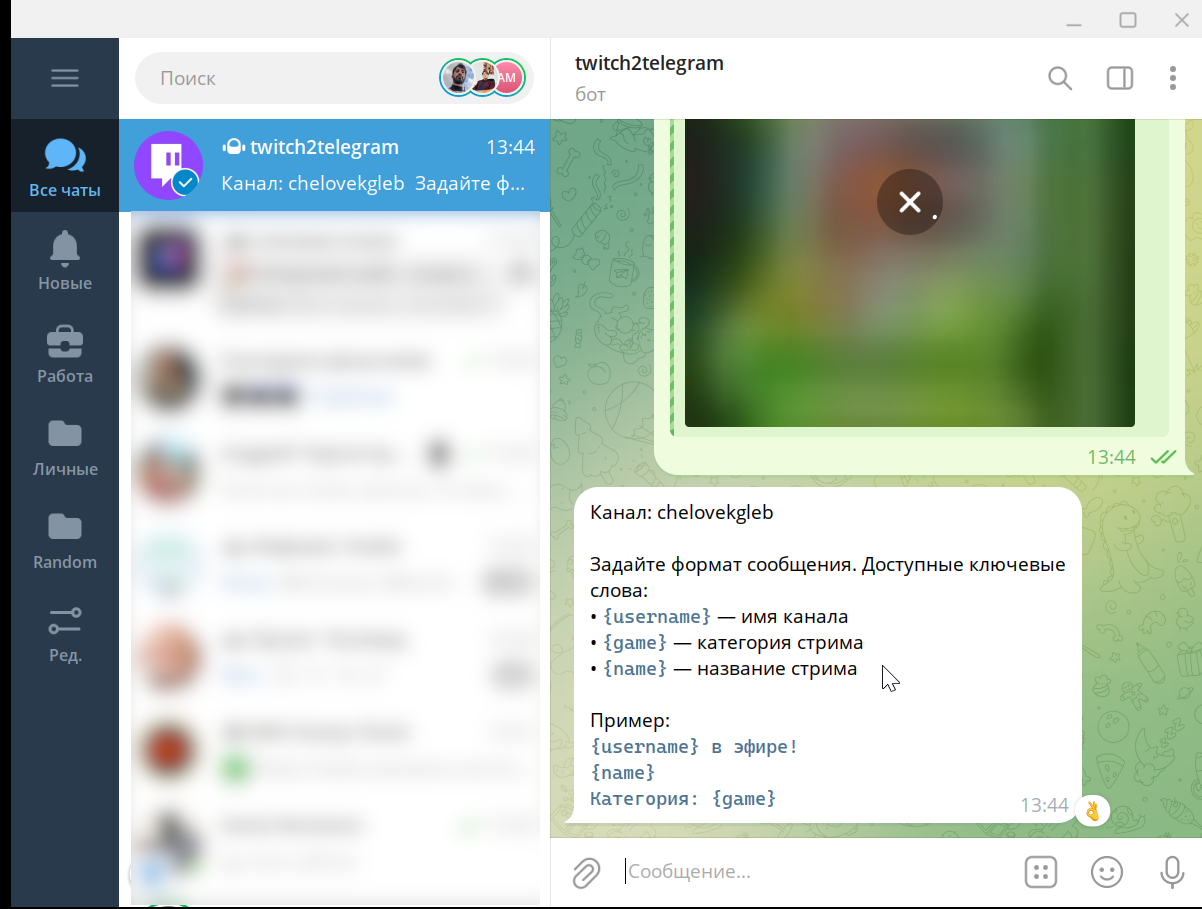
The next step is to set the notification format. You can customize the message text yourself, including the following variables:
• {username} — channel name.
• {game} — stream category.
• {name} — stream title.
If the message contains a link, you can enable or disable the link preview.
And the final step is to specify where to send the notifications: to your private messages or to a chat, with the option to send them to a specific topic.
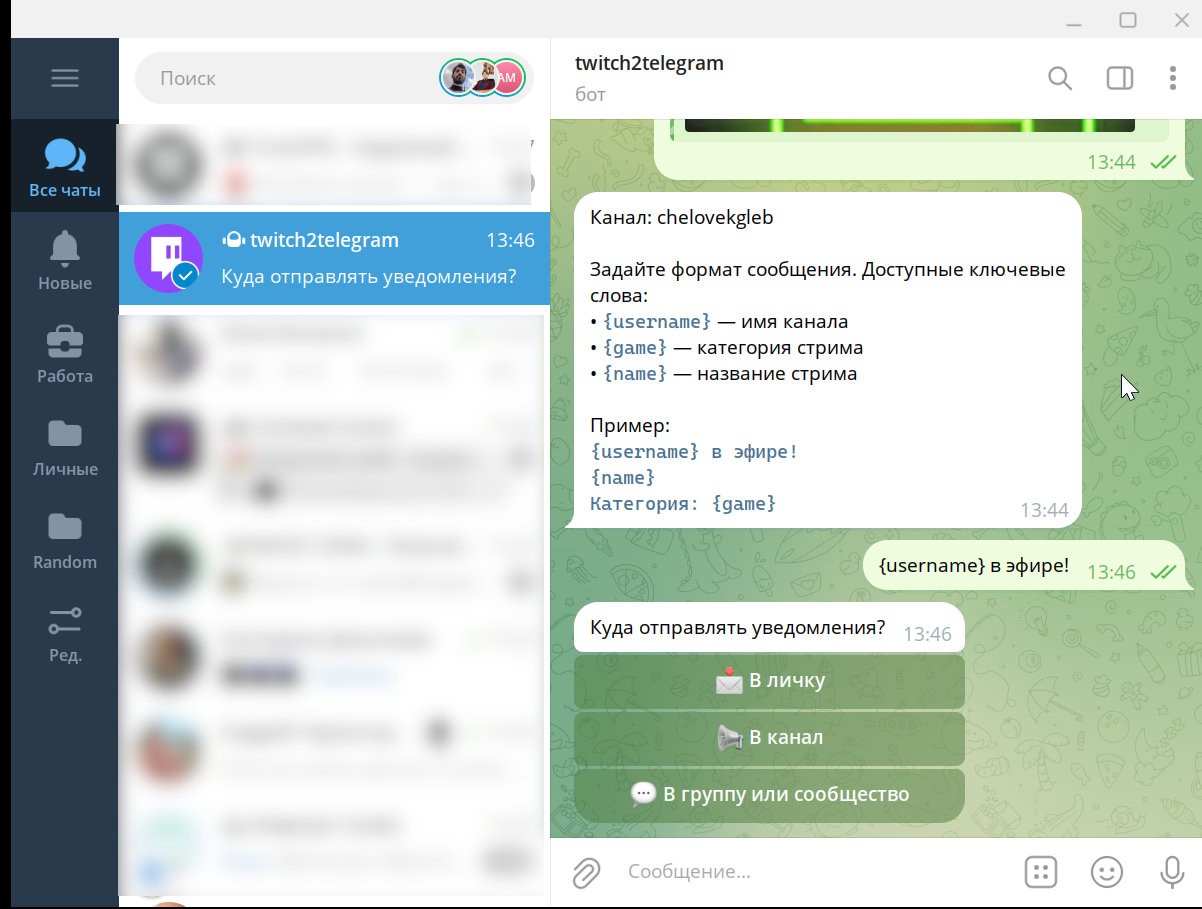
If you choose to send notifications to a chat, the bot can also delete its old messages to avoid spamming.
Additional features:
- sending notifications with a delay.
- Disabling repeat notifications when a stream is disconnected.
- Quickly create a stream schedule.