
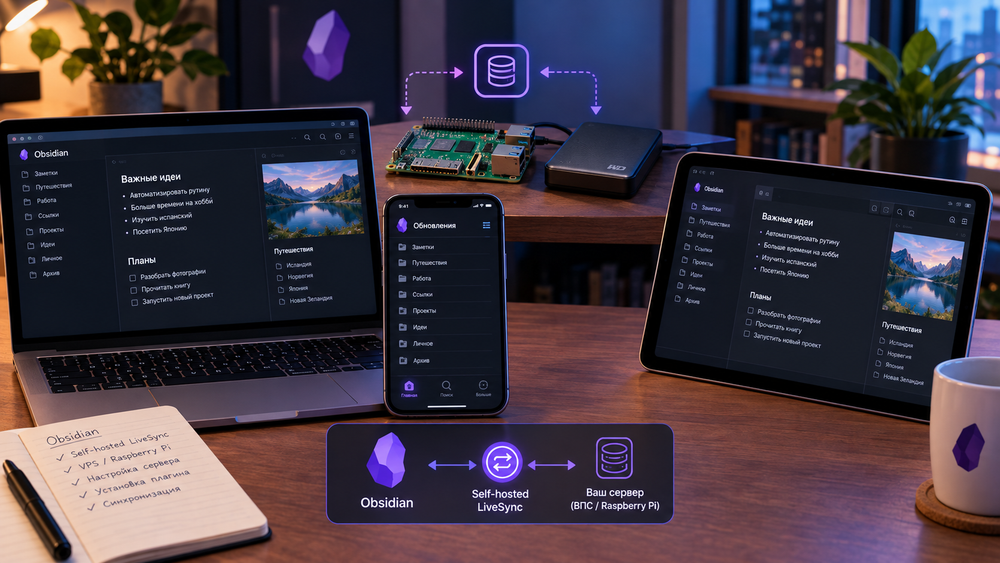
There are many ways to synchronize the Obsidian database between devices. All of them vary in the degree of complexity of the setup and the need to install additional utilities. And there is built-in synchronization, which only requires you to pay. But it can also be set up for free.
To do this, you will need to install and configure the Self-hosted LiveSync plugin, which will allow you to use Obsidian's built-in synchronization capabilities for free.
However, I'll warn you right away – unlike most plugins, setting up Self-hosted LiveSync isn't easy. Before installing the plugin itself, you'll need to set up your own sync server. You can use a VPS or, as I did, a Raspberry Pi and an external hard drive.
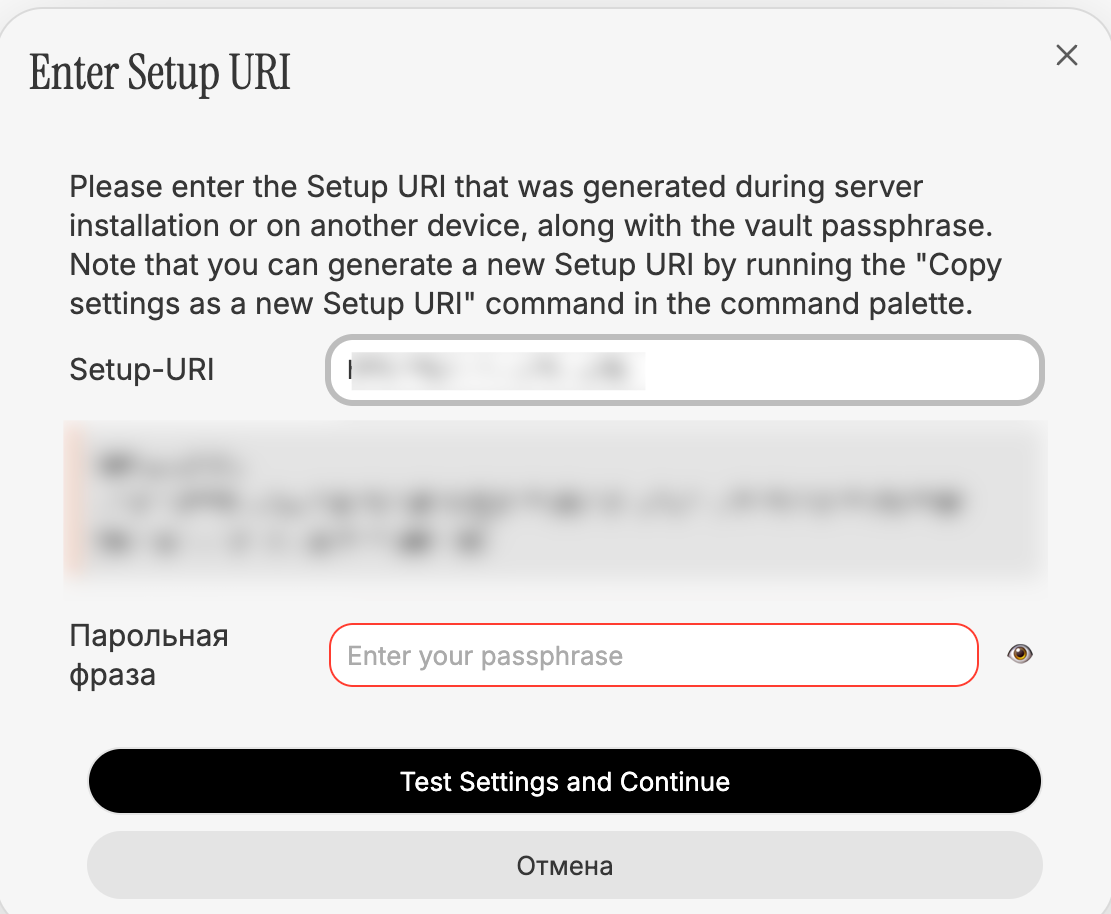
The setup is described in the project repository, and you can do it yourself or use the help of Cursor and similar tools.
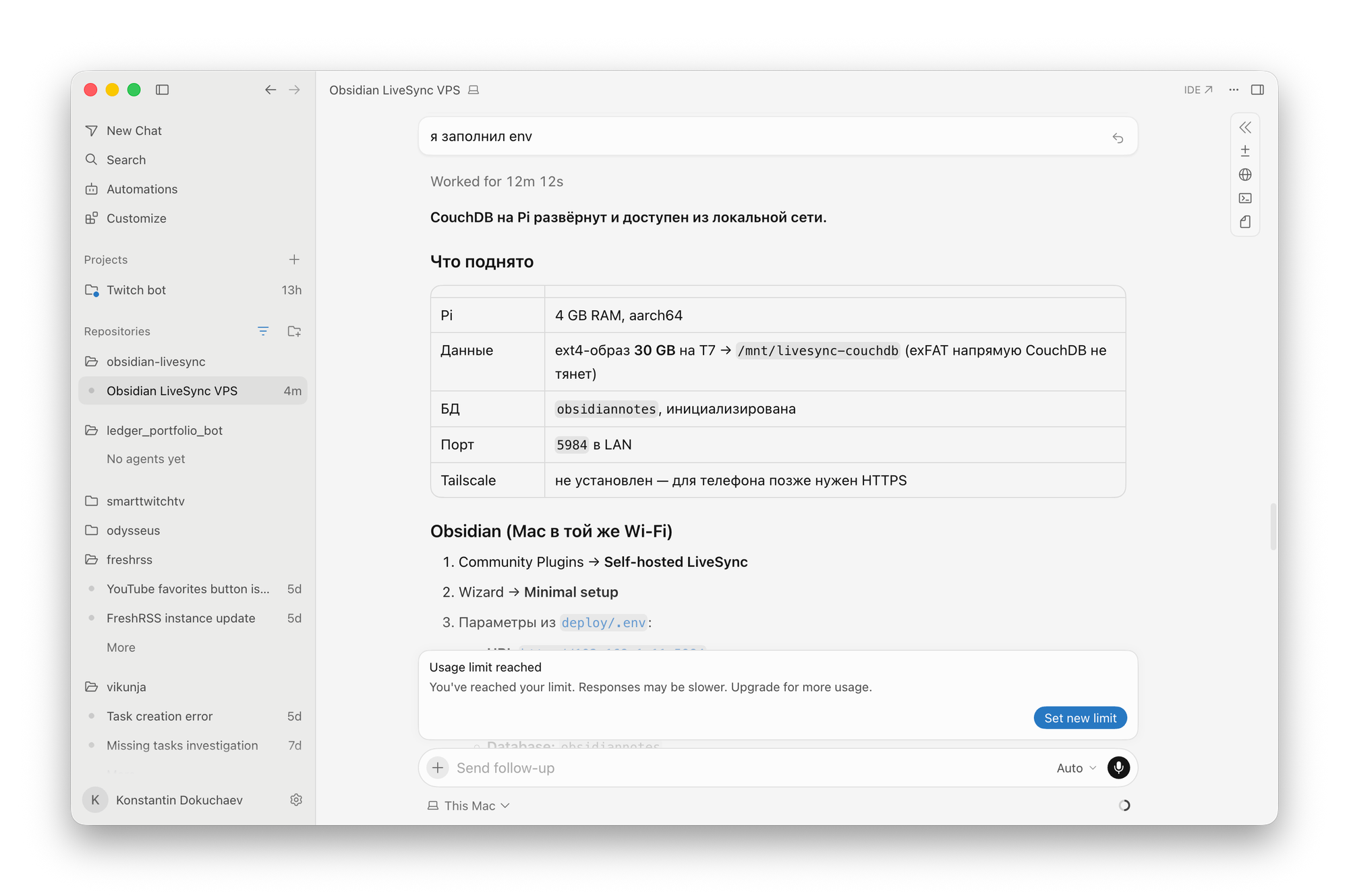
Next, you can proceed to the installation and configuration of the plugin itself. If this is your first setting, then you need to specify the access data to the LiveSync instance. To do this, select the Connect via Setup URI item.
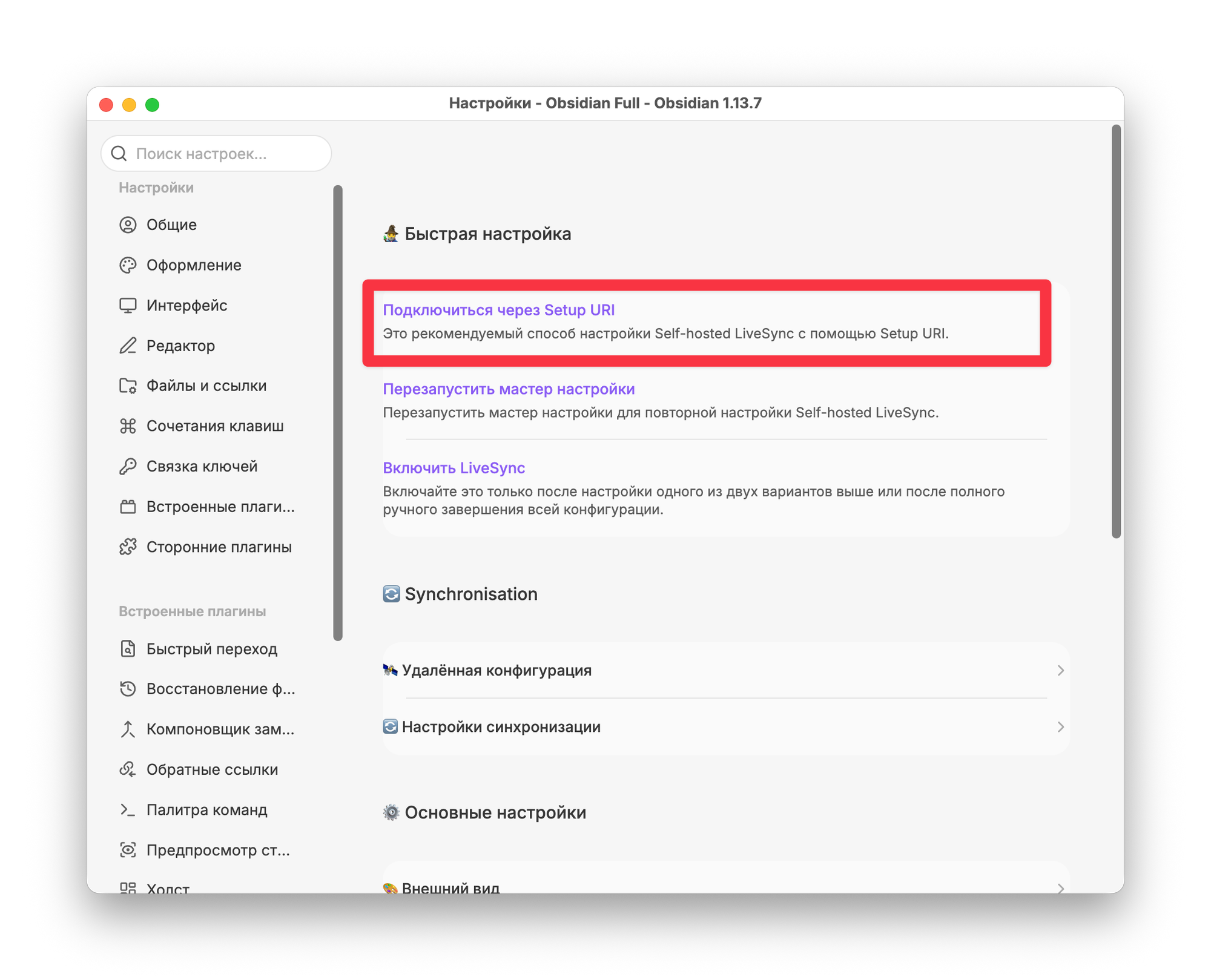
Next, you need to specify a Setup-URI and a passphrase to access your database.
You'll need the same data on other devices, including mobile devices.
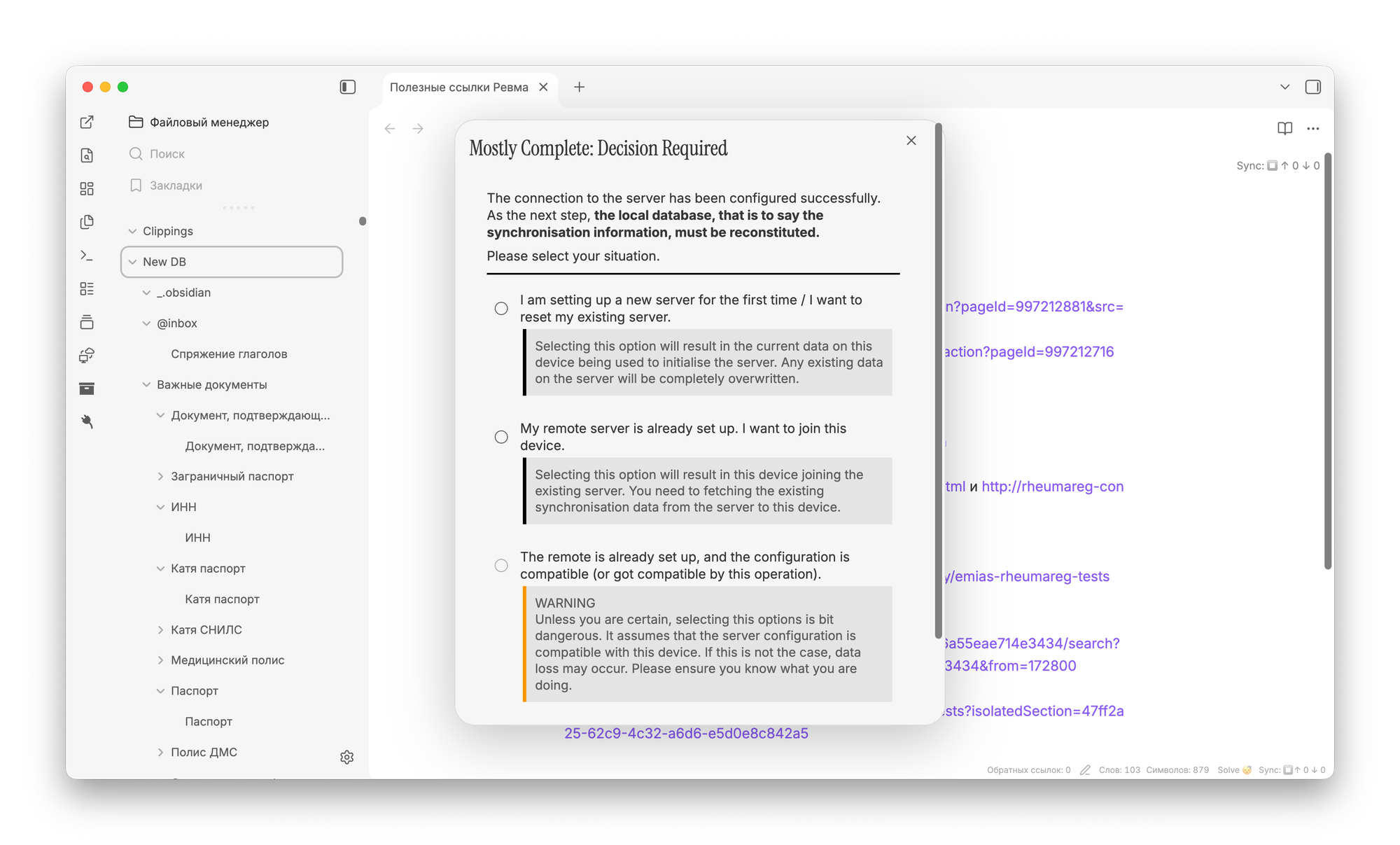
Then, you will need to agree and further check the sync settings and confirm that you have created a backup of the DB in case of unforeseen circumstances.
For the first synchronization, you need to select a complete overwrite of all data on the server. For configuration on other devices, the My server item is already configured.
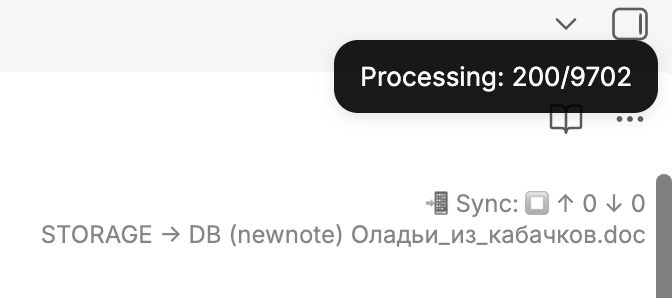
If everything is configured correctly, Self-hosted LiveSync will run the initial database record to the specified address. The time it takes to create the first dump directly depends on the size of your knowledge base. It took me about 20 minutes to create a 4 GB database copy.
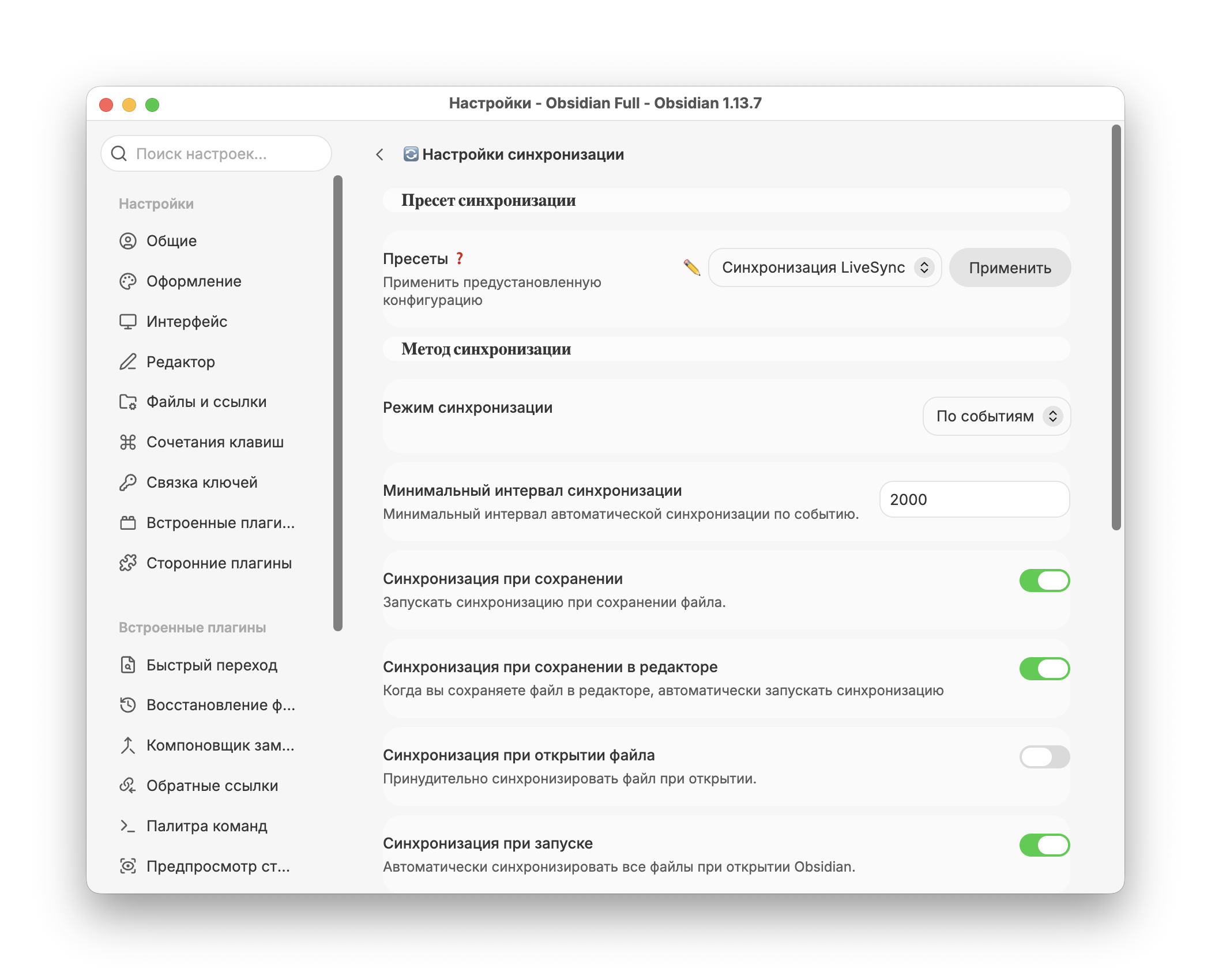
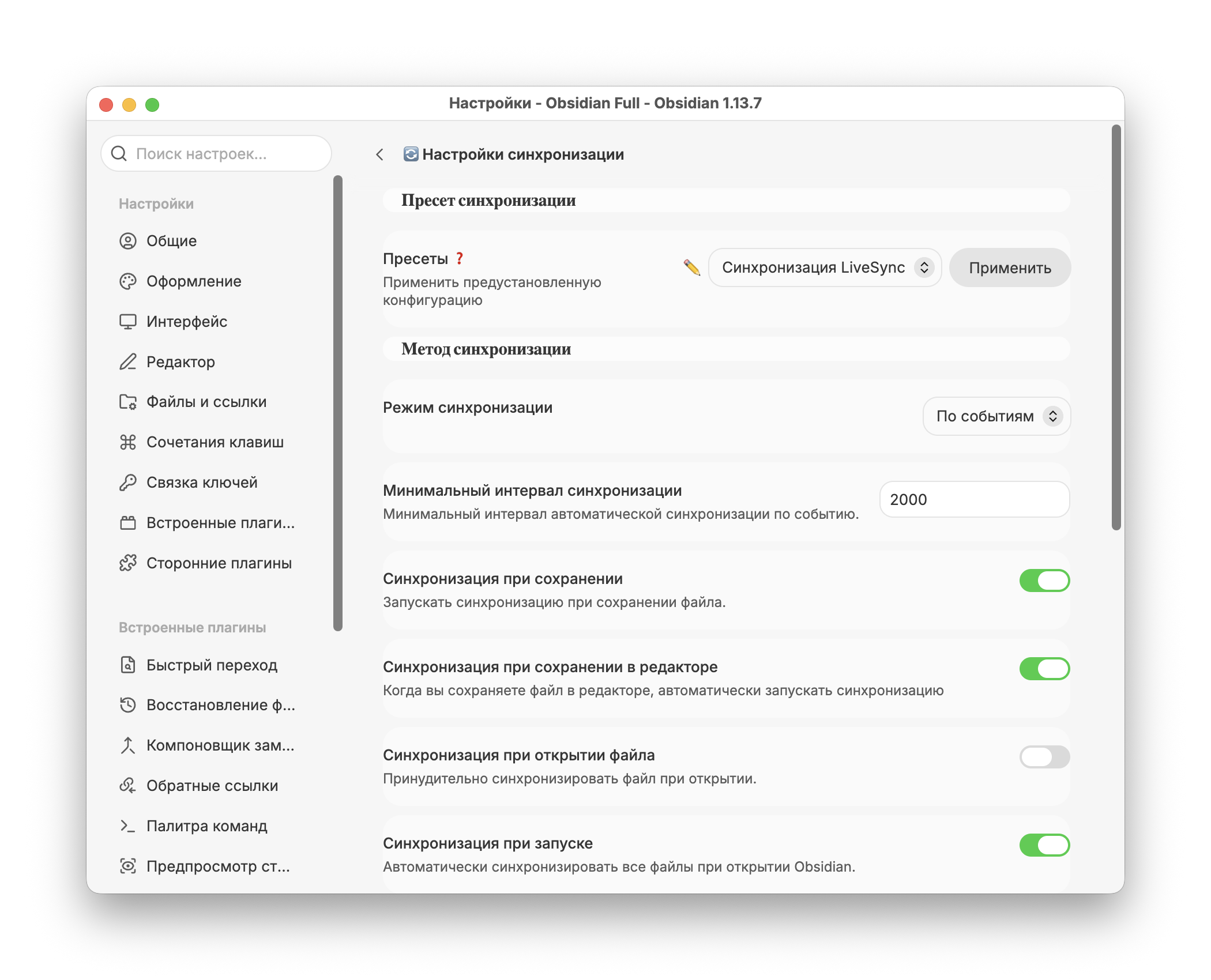
If you want, you can go to the plugin settings and configure triggers and other synchronization parameters. For example, you can specify synchronization when opening Obsidian or when saving a note.
At every step of the plugin setup, even after the first synchronization, I recommend proceeding very carefully. Especially if you do not have a backup copy of the knowledge base.
Self-hosted LiveSync isn't very friendly when you first get to know each other, and without the necessary experience, it's easy to set something up incorrectly and lose all your notes. But when everything is set up and you've figured out the settings, everything works without your involvement.