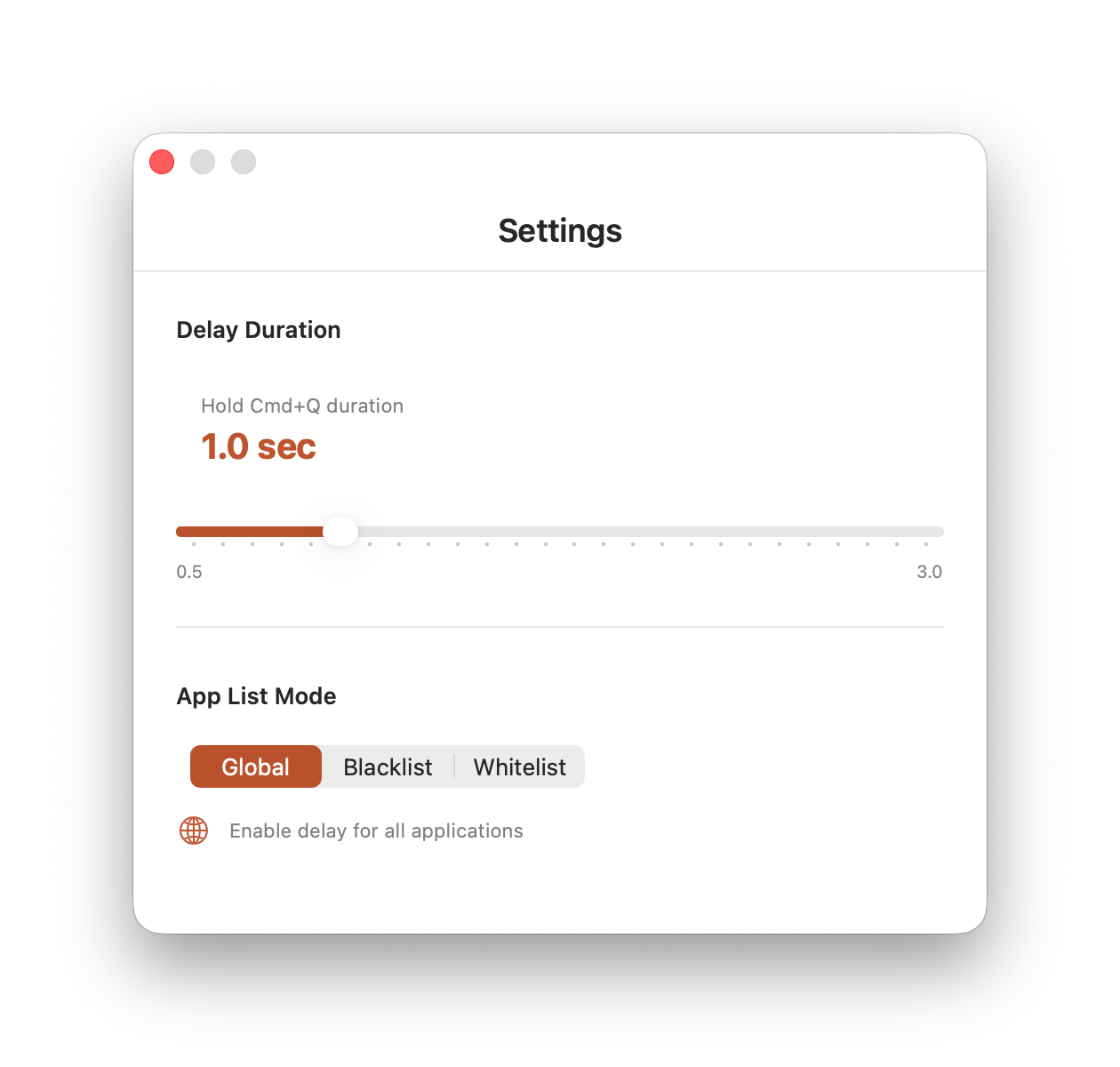
SlowQuit adds a delay timer to CMD+Q in macOS to prevent accidental app closures and give you time to cancel the action.
There are quite a few quirks when it comes to closing apps on macOS. Sometimes they won’t close at all, and other times you might accidentally close them by pressing CMD+Q. In this post, we’ll solve the latter problem.
To avoid accidental app closures via the hotkey, you can install the free utility SlowQuit.
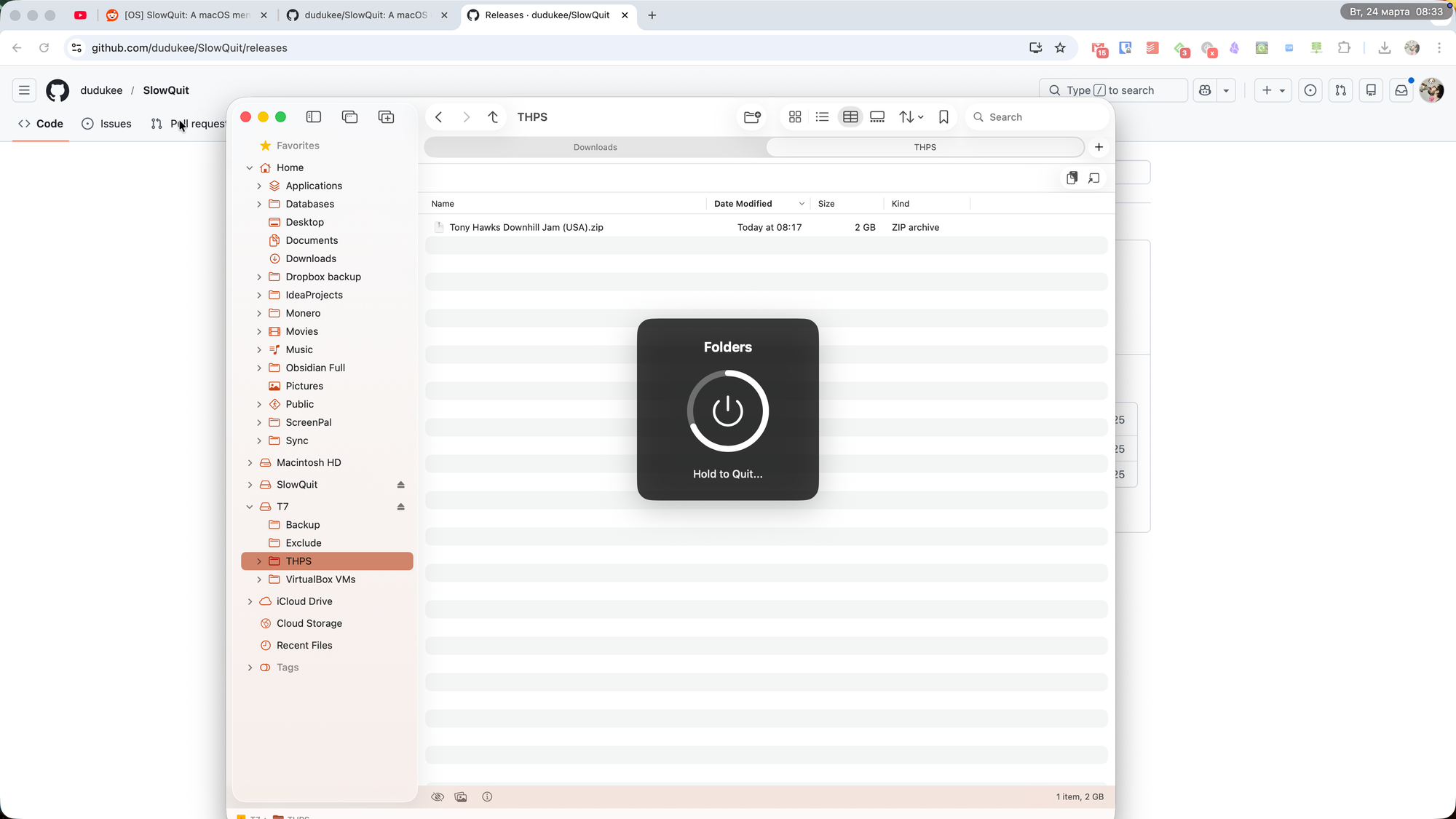
After launching it, pressing CMD+Q will no longer close the app instantly — instead, a small timer will appear. To actually quit the app, you’ll need to hold the keys until the timer finishes.
In SlowQuit settings, you can adjust the timer duration from 0.5 to 3 seconds, and specify which apps the timer should or shouldn’t apply to.