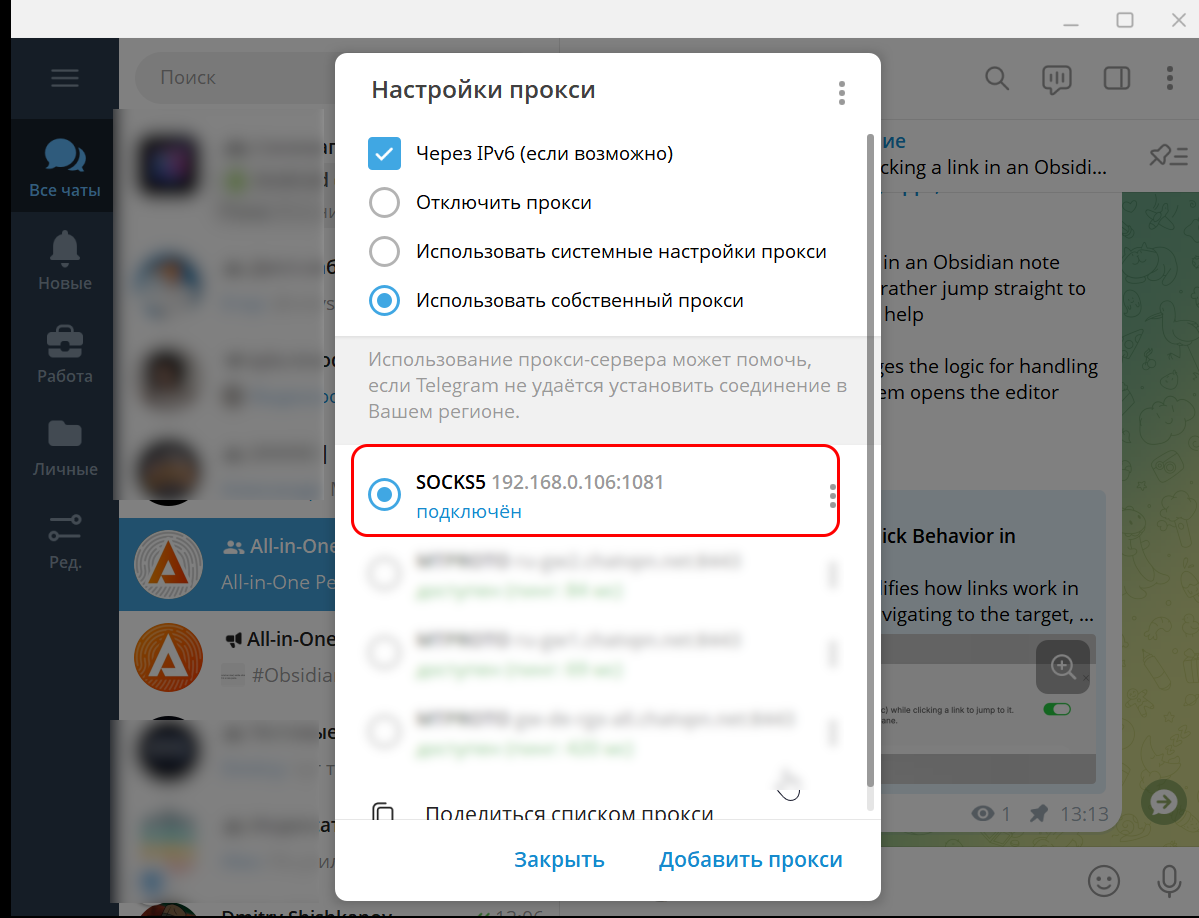
Every Proxy on Android lets you share your mobile internet through an HTTP/SOCKS/PAC proxy, helping bypass carrier tethering restrictions.
If you want to share internet from your smartphone, you can usually just enable a hotspot and connect to it. However, when using a mobile network, many carriers charge an additional fee for tethering.
You can bypass this limitation and provide access to any network from your Android phone using the Every Proxy app.
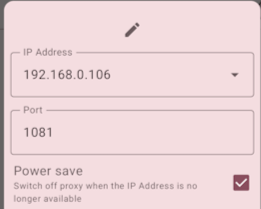
The setup process is very simple. Choose the proxy type you need (HTTP, SOCKS, or PAC) and then configure the access parameters.
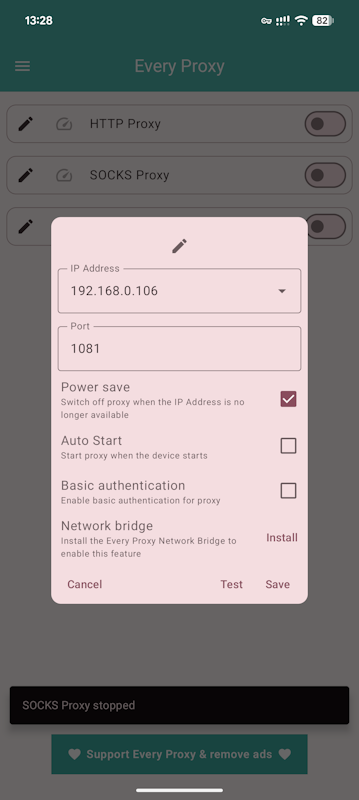
Depending on the proxy type, the settings may vary slightly. However, it’s easy to understand how everything works, even without prior experience with such tools.
After that, you just need to connect using the specified parameters from the application or device you want to route through the proxy.