

Today, there are many different ways to access ChatGPT. While some people are satisfied with a regular browser tab open to ChatGPT, others prefer to code using Cursor. But what if you want to work with text documents and plan your workday?
Odysseus is a wrapper for working with popular public and private neural networks to conduct various research projects, work with text, and plan tasks.
Chats and Agents
As with any similar app, your main workspace is a chat with the neural network. However, before you start chatting, you’ll need to select and set up one or more models of your choice.
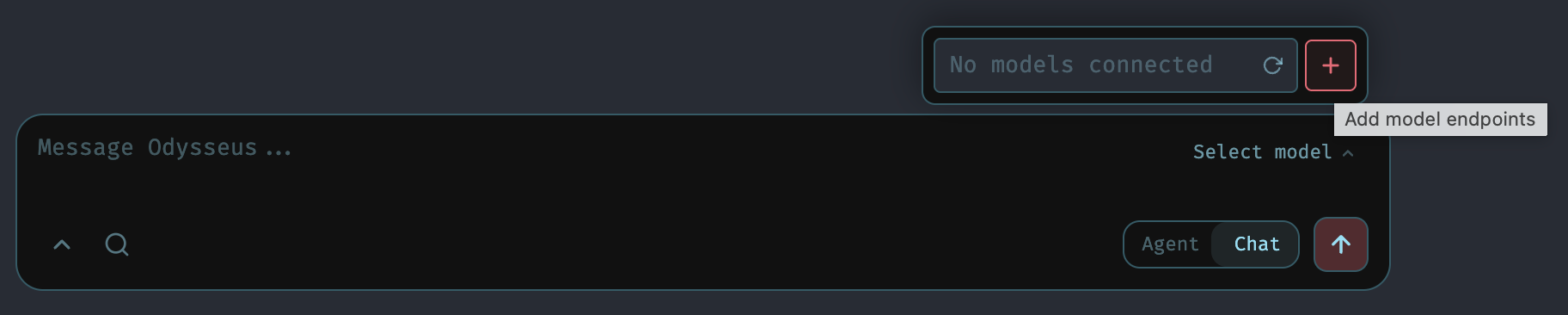
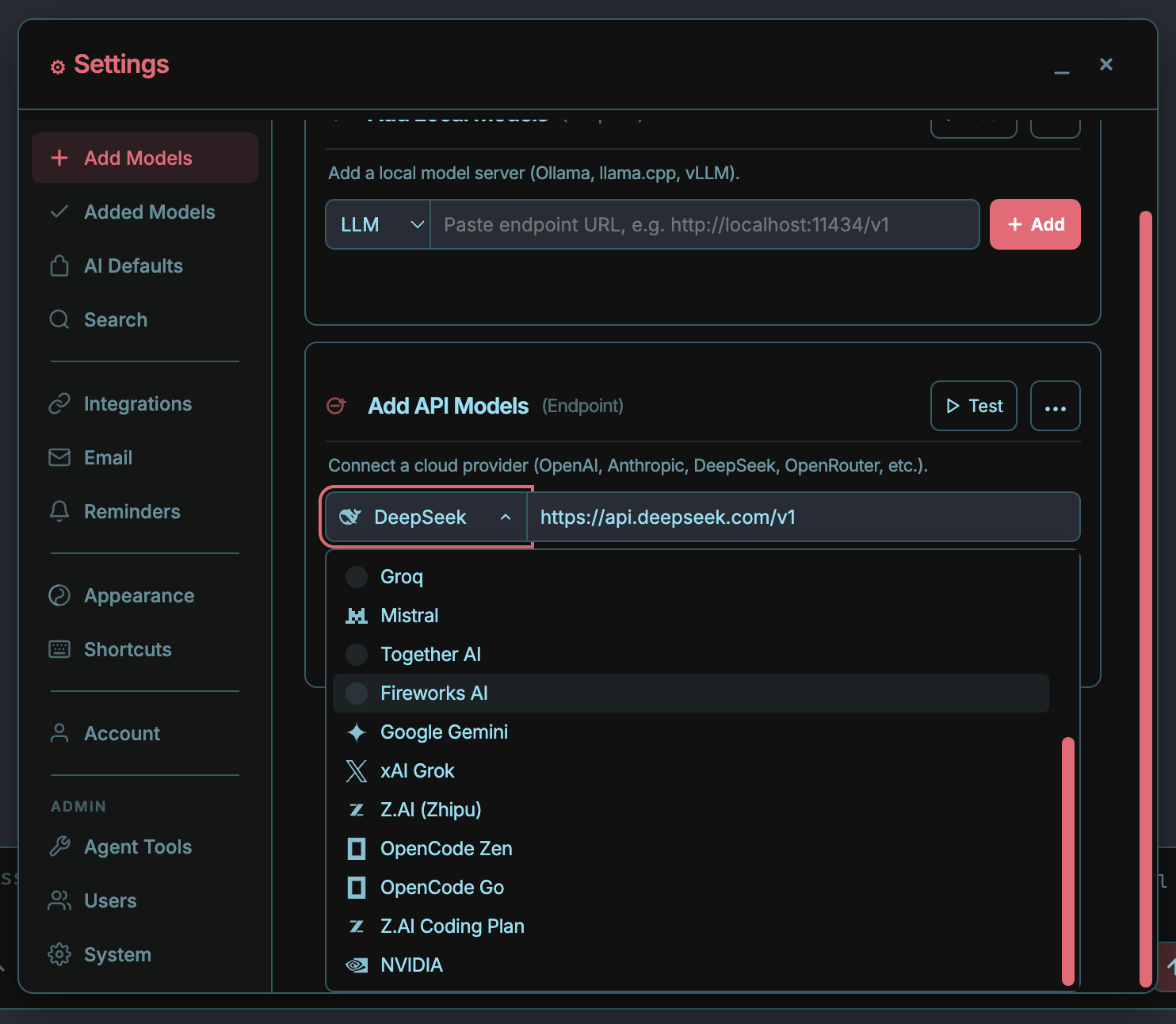
You can use local models or connect to a cloud-based model via the API. In the first case, you simply need to specify the endpoint for your model.
In the second case, you’ll need to choose one of a dozen supported models and add your API key to access it.
If everything is configured correctly, you’ll be able to chat with the selected neural network. There’s nothing particularly special or unique about this. It’s a standard chat with the typical capabilities of neural networks in such chats. Performance depends directly on the model you choose.
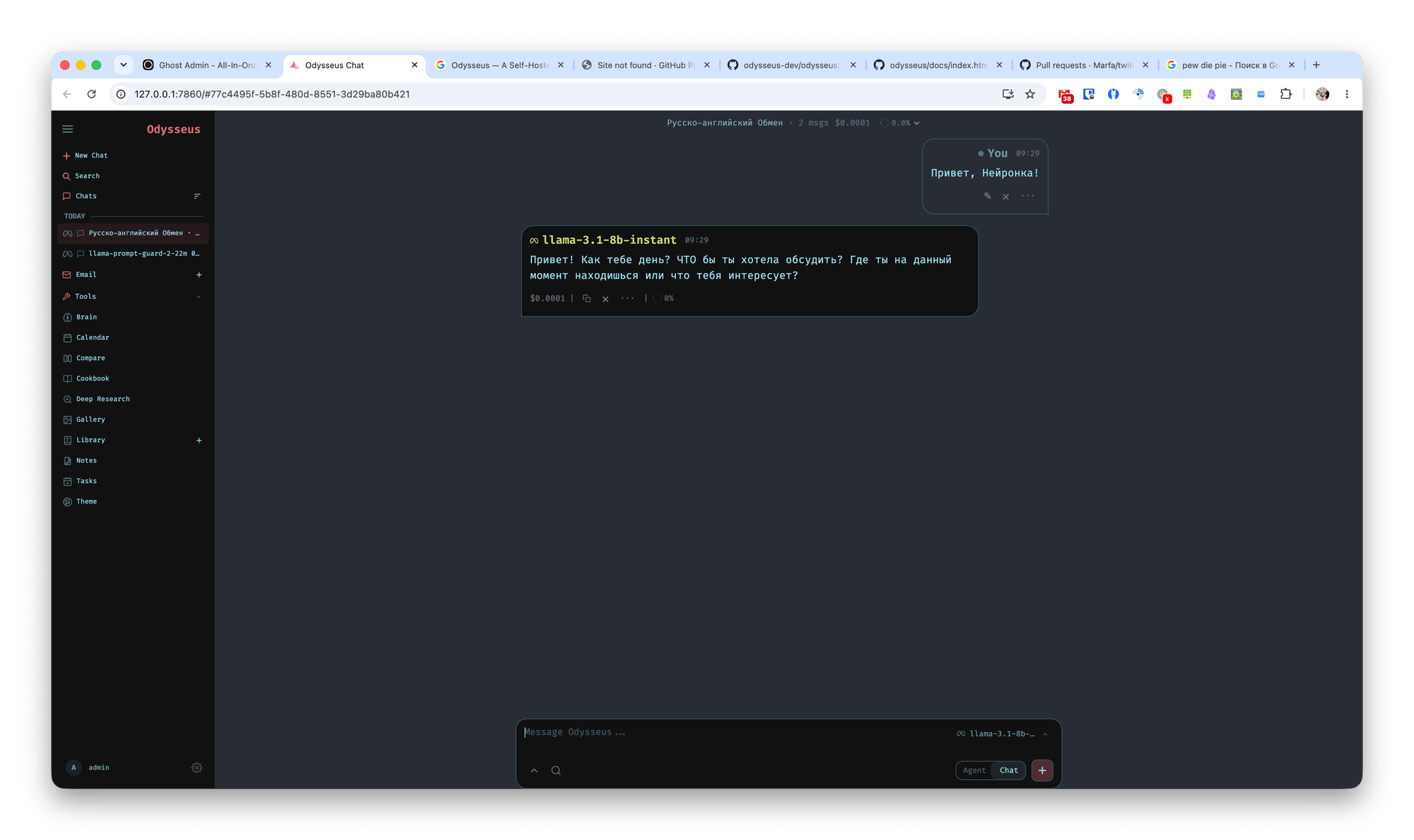
However, you can switch the chat to agent mode. In that case, the neural network will be able to execute various commands and perform data searches.
Cookbook
Odysseus can work with local AI models, which means you’ll need to install and configure them. You can do this in the Cookbook section. Here, you can find a neural network suitable for your hardware and quickly install it with minimal effort.
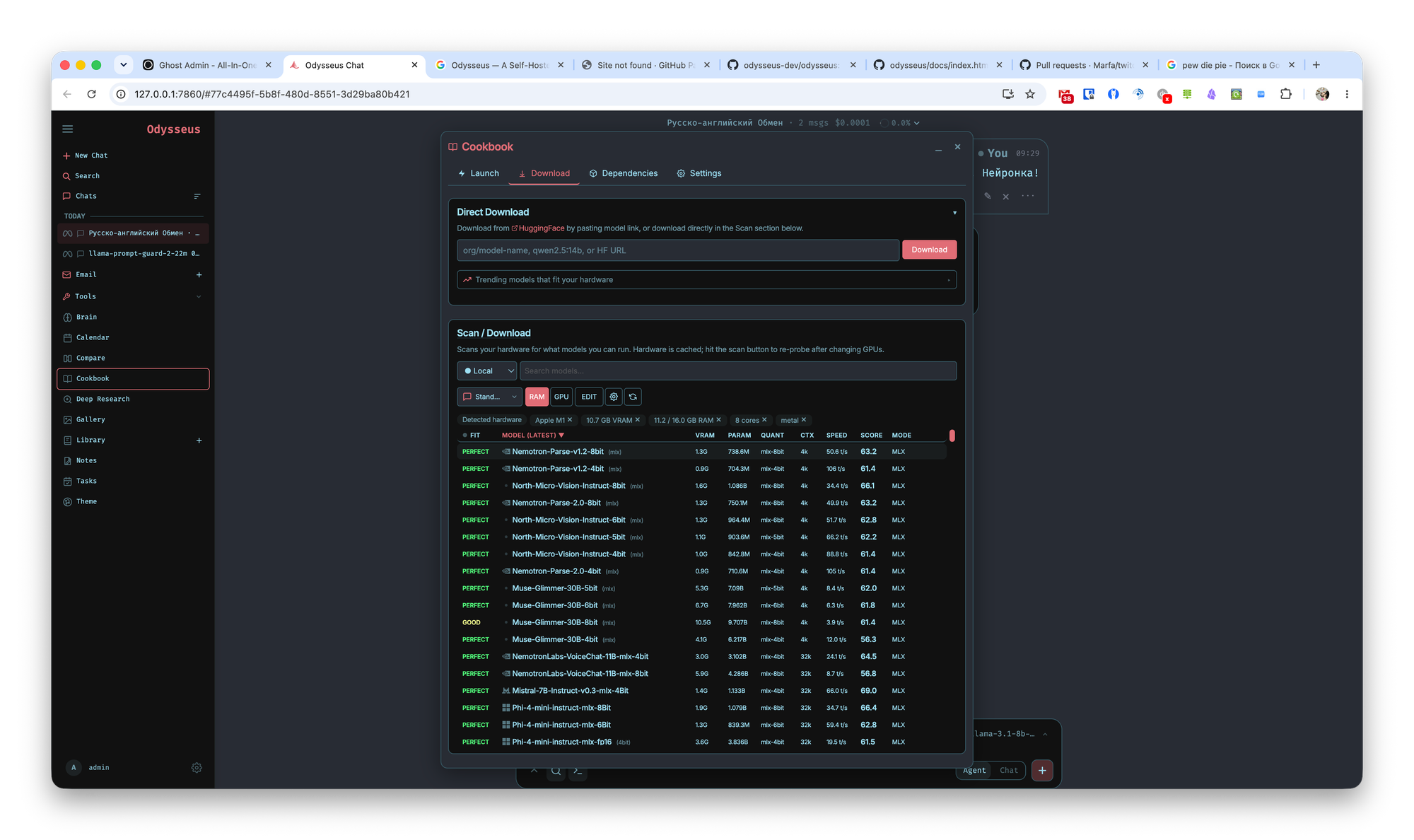
There’s a very wide selection of models, and you can base your choice on various technical specifications. To install a neural network, simply click on it and press the Download button.
Additionally, you can install various dependencies that expand the neural network’s capabilities and fine-tune it to suit your needs.
In-Depth Research
With this tool, you can conduct a multi-step investigation with fine-tuned parameters.
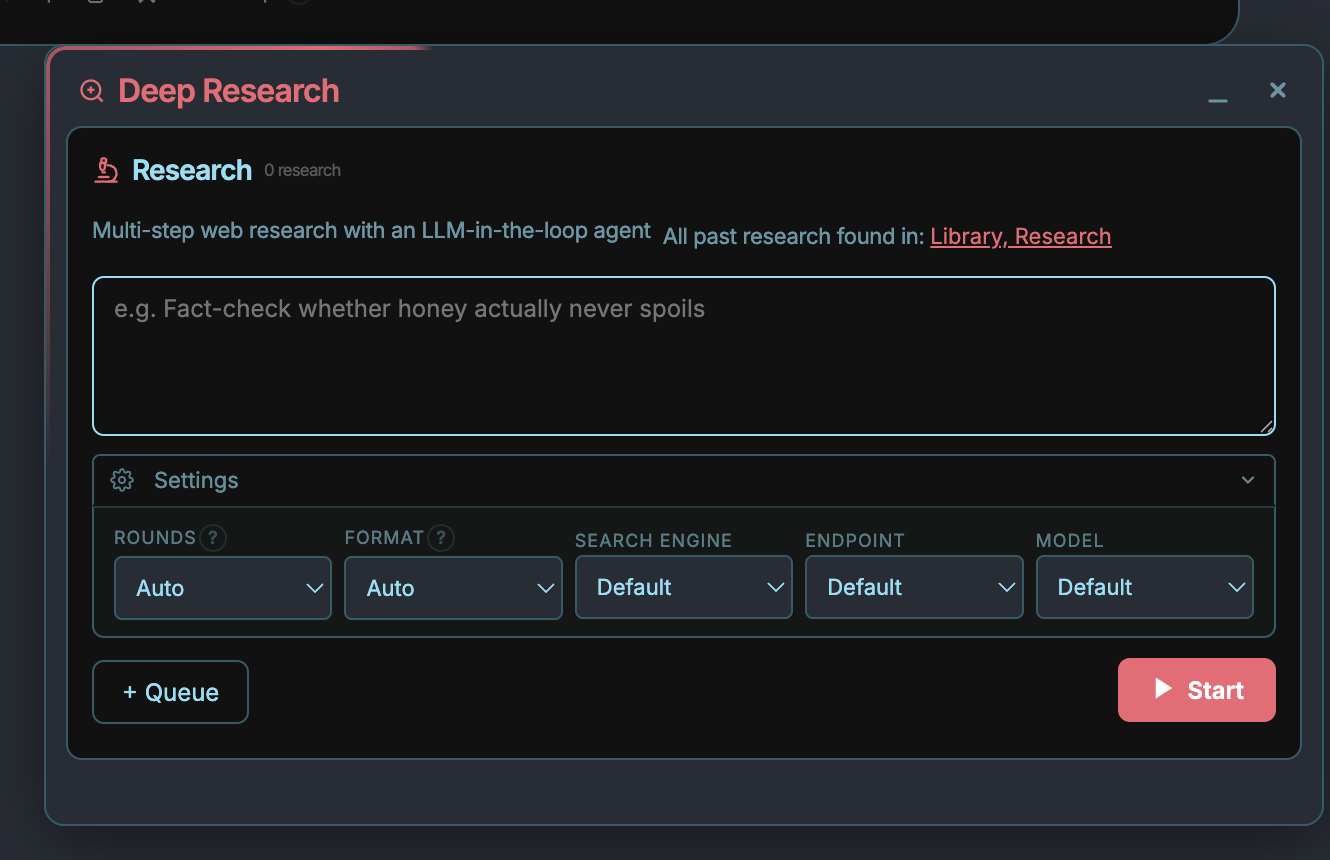
Unlike a typical chatbot, this tool follows the Think → Search → Extract → Synthesize algorithm until it has gathered all the necessary information or reaches the round/time limits.
As a result, you receive a long and detailed report with sections, data, links, and other supplementary information.
Model Comparison
Using this wizard, you can perform a blind comparison of various models across different types of tasks: standard chat, agent work, search, and research.
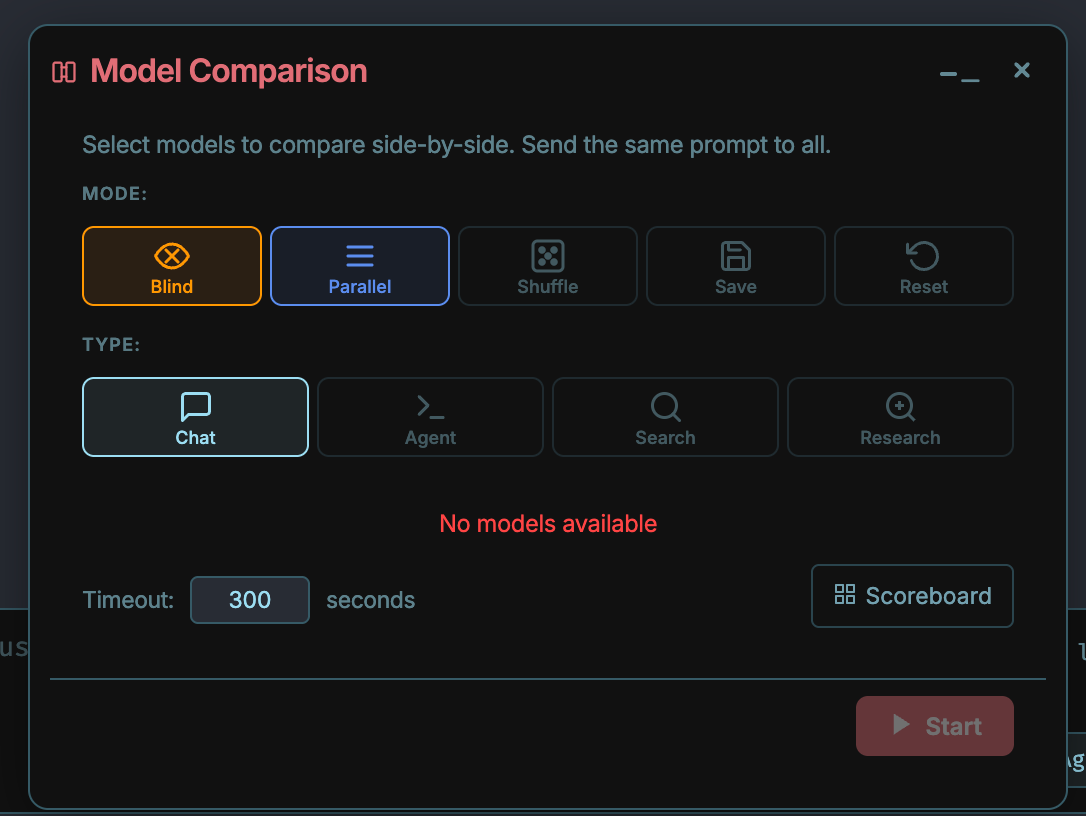
There are additional comparison options:
- Shuffle — randomly assigns models to slots; automatically enables "Blind."
- Save — sessions are saved in the “Compare: a vs b” folder. Otherwise, they are deleted when the tool is closed.
- Reset/reroll a single panel, copy, HTML preview.
Working with Documents
Essentially, this is a standard text editor where you are the primary source of data. However, you can apply AI-powered edits to your finished text, get suggestions, convert text to Markdown, HTML, or CSV, and highlight syntax.
Working with email
You can add your email accounts via IMAP/SMTP. Like the section above, this is primarily a standard email client with its familiar features. However, AI integrations allow you to analyze incoming emails, set tags and reminders, and generate summaries and draft replies.
Calendar
Again, this is a standard calendar that lets you import existing calendars and sync with them. Just like in any calendar, you can add reminders, descriptions, and meeting locations, and set various recurrence options.
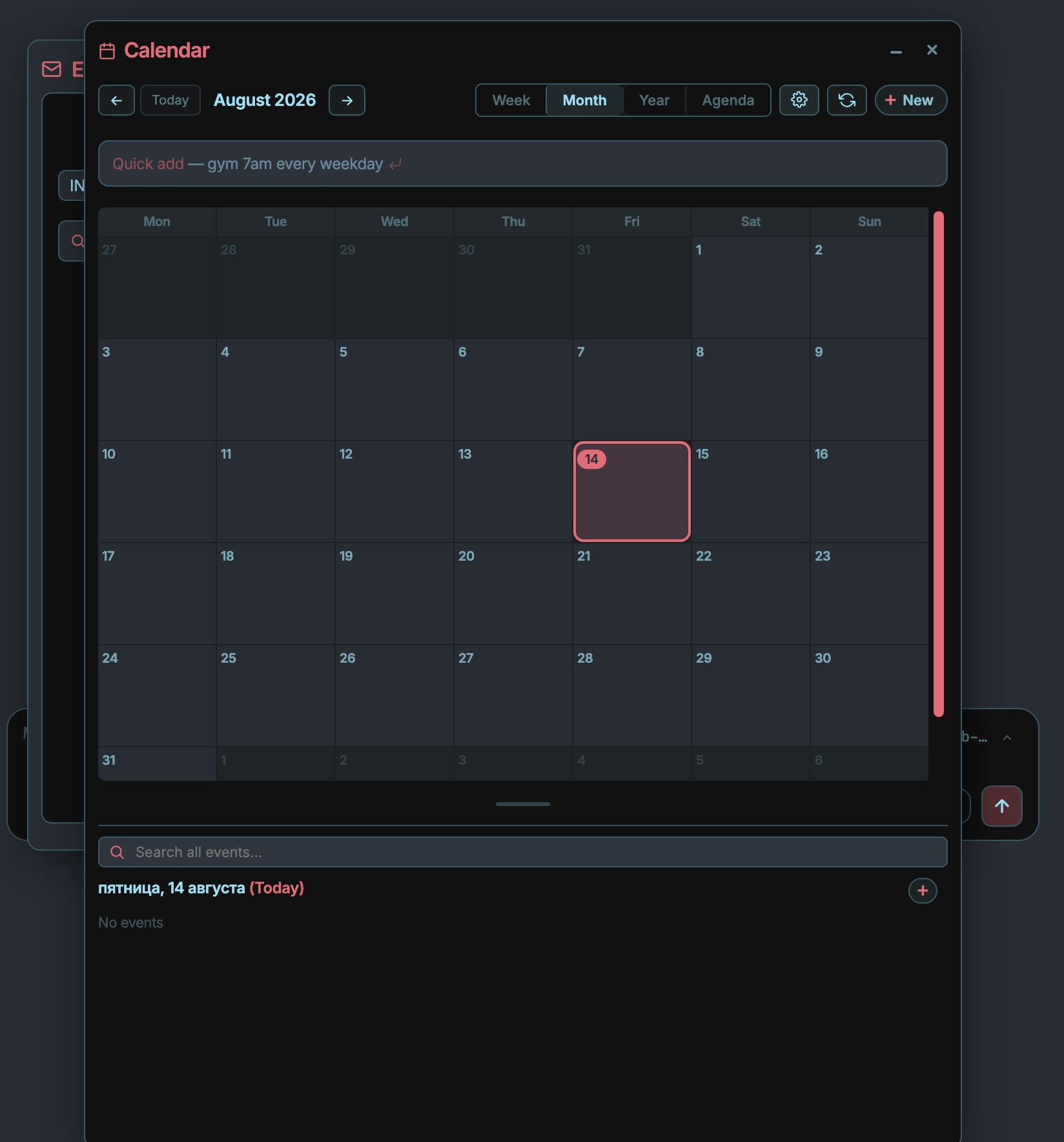
Calendars can be divided into personal and work calendars. You can create plans by entering plain text, such as “lunch with Sarah on Friday at 1 p.m. downtown,” and then the neural network will automatically process this information and create the corresponding meeting.
Conclusions
The closest equivalent to Odysseus is, of course, LM Studio or VS Code. It’s immediately apparent that the project was developed primarily to address personal needs and wasn’t intended for mass use.
Nevertheless, now that the source code has been released, anyone can add their own features and develop Odysseus into a universal tool. For us, ordinary users, a clear advantage is that working with models is simpler than in the analogues mentioned above. However, this advantage is offset by the need to install the project from source code. No one has provided installers yet.