

Since Pocket shut down, I don’t think a worthy alternative has emerged yet. Besides, I’m no longer keen on relying on third-party services that could shut down at any moment. That’s why it’s better to set up a similar service on my own server.
Readeck is a Pocket alternative that you can set up on your own server and use to save articles via browser extensions or mobile apps.
Setup and Launch
Although there are packages available for desktop operating systems, simply downloading and running the installer won’t get Readeck up and running on your PC. For this review, I used the macOS version for Apple Silicon, and I started the server on it using the following commands:
Create a folder for the installer:
mkdir -p ~/readeck-install
cd ~/readeck-install
Download the installer:
curl -L -o readeck "https://codeberg.org/readeck/readeck/releases/download/0.22.3/readeck-0.22.3-macos-arm64"Allow the app to run:
chmod a+x readeck
xattr -d com.apple.quarantine readeck 2>/dev/null
Start the server:
./readeck serveNext, simply open the Readeck server in your browser at http://localhost:8000/onboarding , where you’ll see a welcome screen.
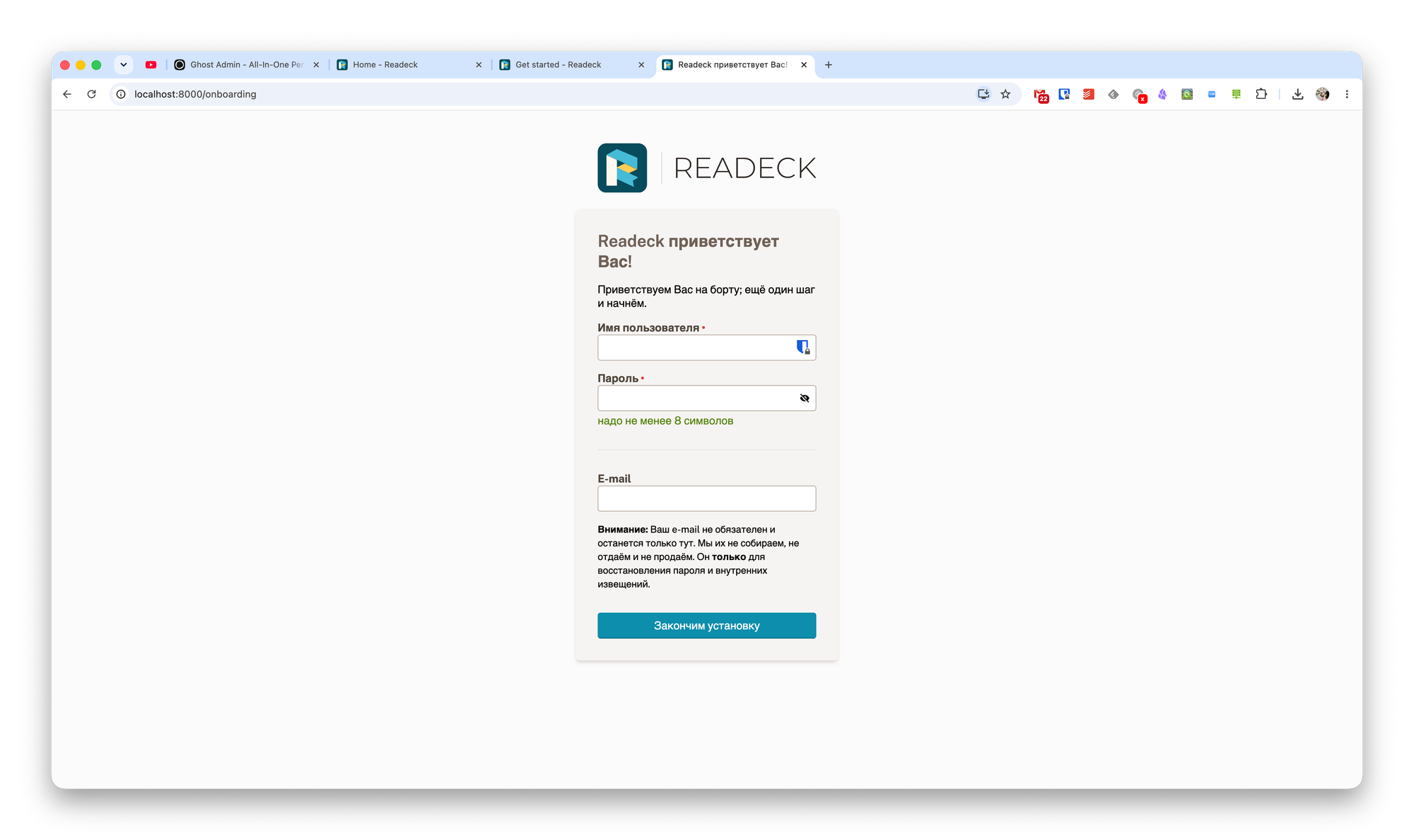
Although Readeck is installed locally, you’ll need to create a username and password to get started. After that, you can start using the app.
Readeck Features
Readeck, like Pocket, has a browser extension and mobile apps. All you need to do is install them and enter your server’s address.
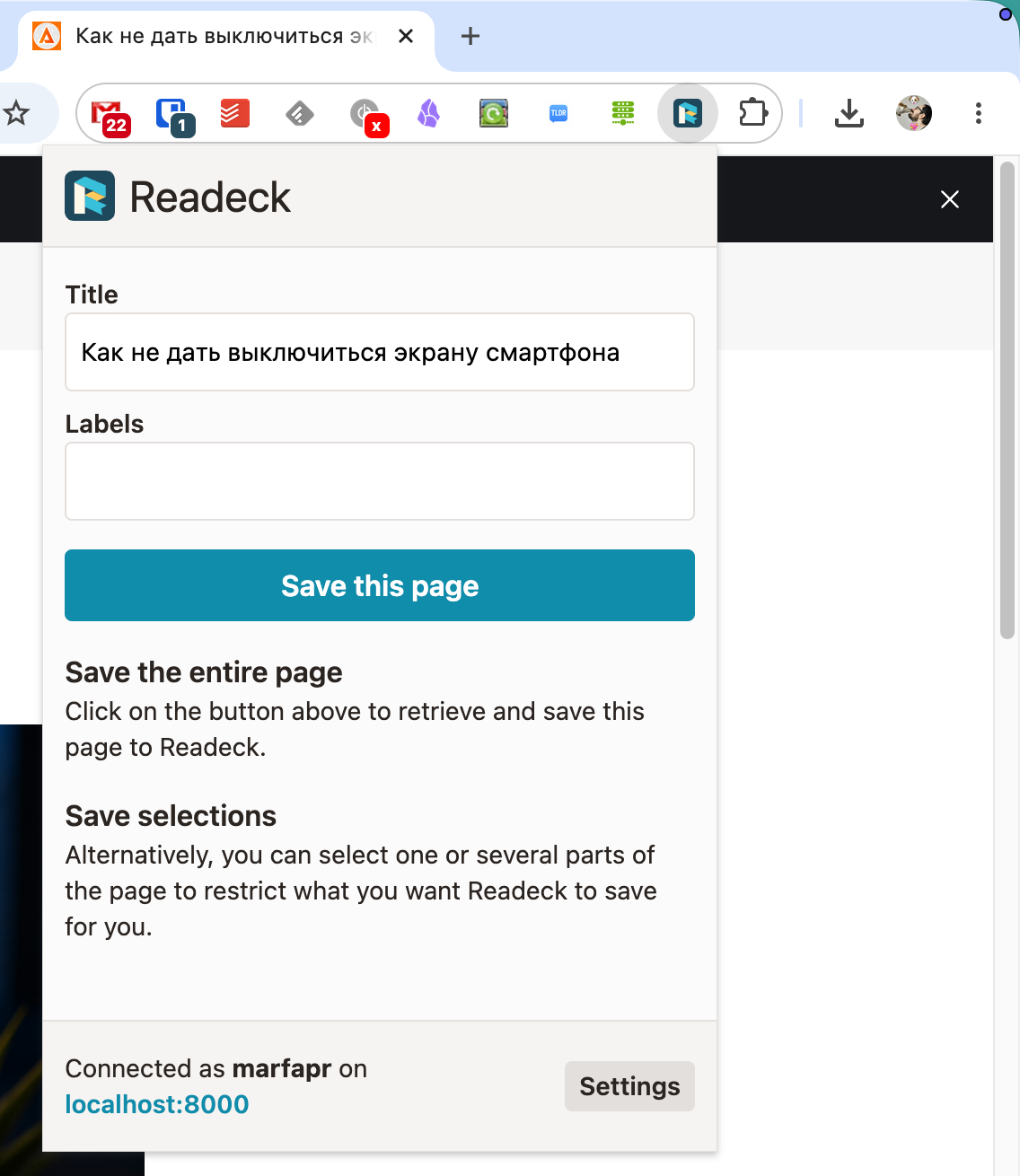
After that, you’ll be able to save pages just as you’re used to doing. You can save the entire page or just a portion of it. You can also add a tag to make searching easier in the future.
Added links are placed in the Unread section by default. Here, you can filter and sort your data, as well as search by page content.
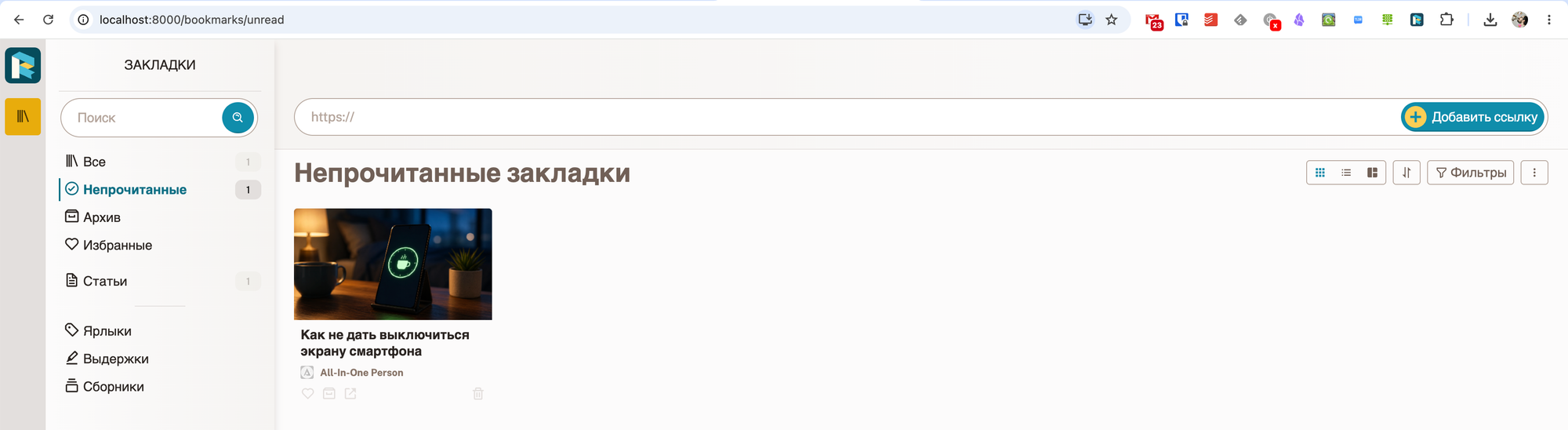
Some interesting features include the ability to export bookmarks to ePUB or create an RSS feed.
I haven’t encountered any issues with creating a complete copy of a page. All content is copied correctly, without any unnecessary elements.
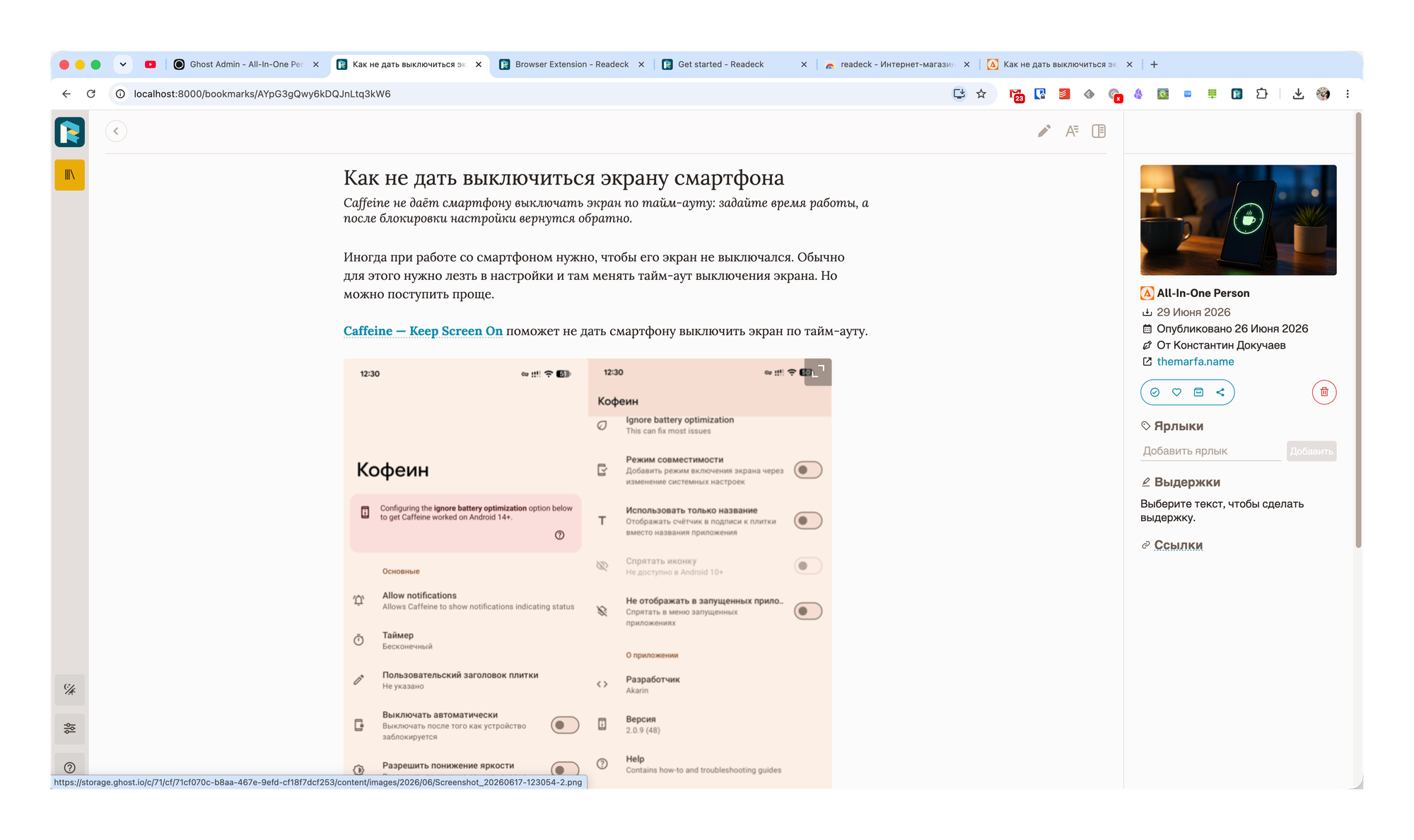
As I mentioned earlier, you can add tags to a note. In addition, you can add excerpts, mark a note as read, add it to your favorites, or archive it.
Another interesting feature of Readeck is the ability to create Collections. You enter a search query, and all notes that match it will be added to the collection.
Conclusions
Aside from some initial setup challenges, Readeck has proven to be a solid alternative to Pocket. It includes all the basic features needed for saving copies of web pages and reading them later. It supports browser extensions and mobile apps.
At the same time, the service doesn’t have any unnecessary features, which makes it much easier to use. So if you’re just looking to save archives of interesting web pages, I recommend considering Readeck as your primary solution.