

File storages are file dumps where you can quickly upload a file and share it with other users. Unfortunately, public services often require registration, payment, or put forward many restrictions. In this case, the only option left is to set up your own file storage.
Zipline is an open-source service that you can easily deploy on your home PC or VPS. After that, you and your users will be able to quickly upload, download, and share any files.
After installation, at the first launch, you will need to carry out the basic configuration of the service. This can be done through the usual browser interface, so there should be no difficulties.
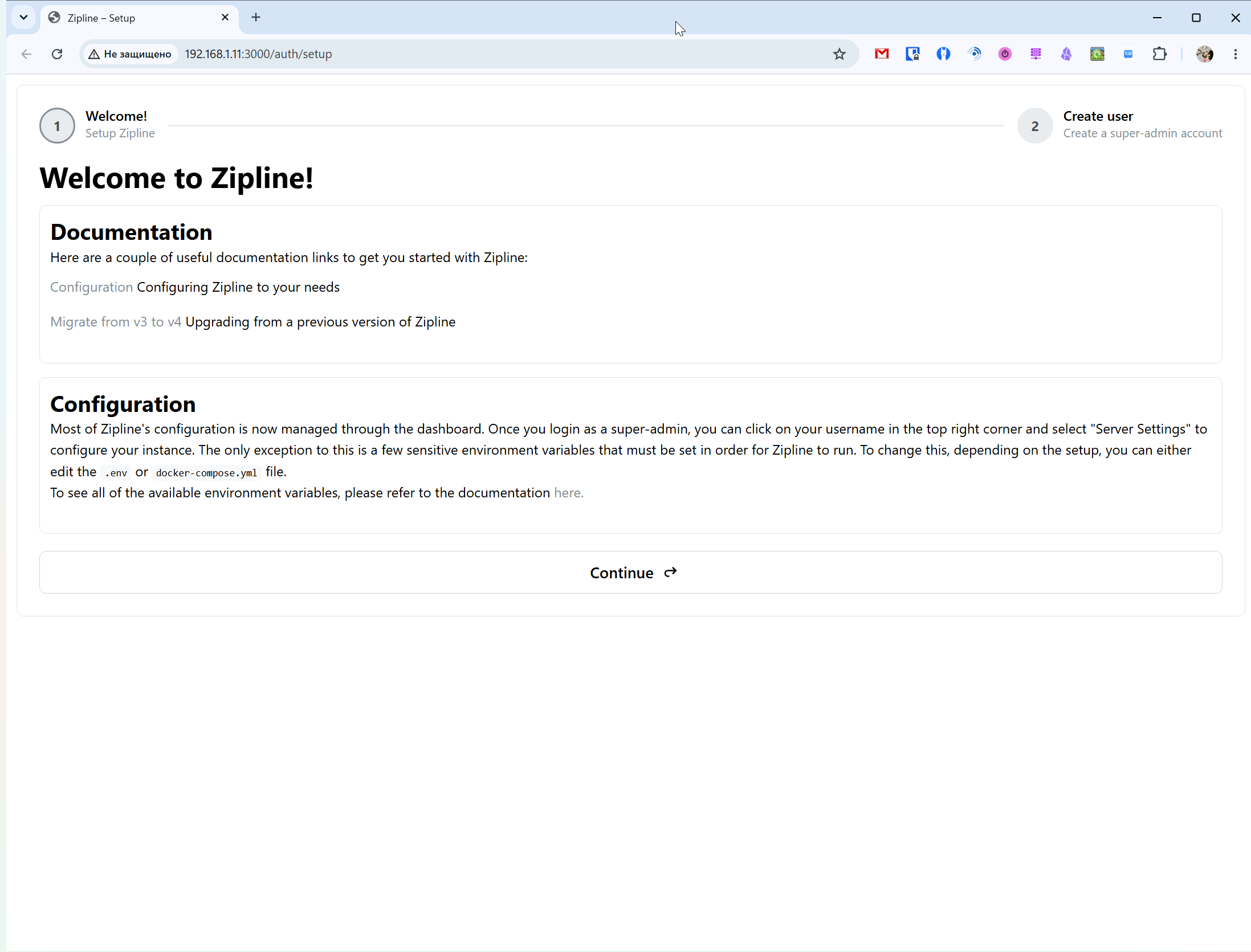
The whole setup comes down to creating a super admin account, which will be able to manage all the parameters of the file server in the future. And after that, you will immediately get into the summary statistics of your Zipline instance.
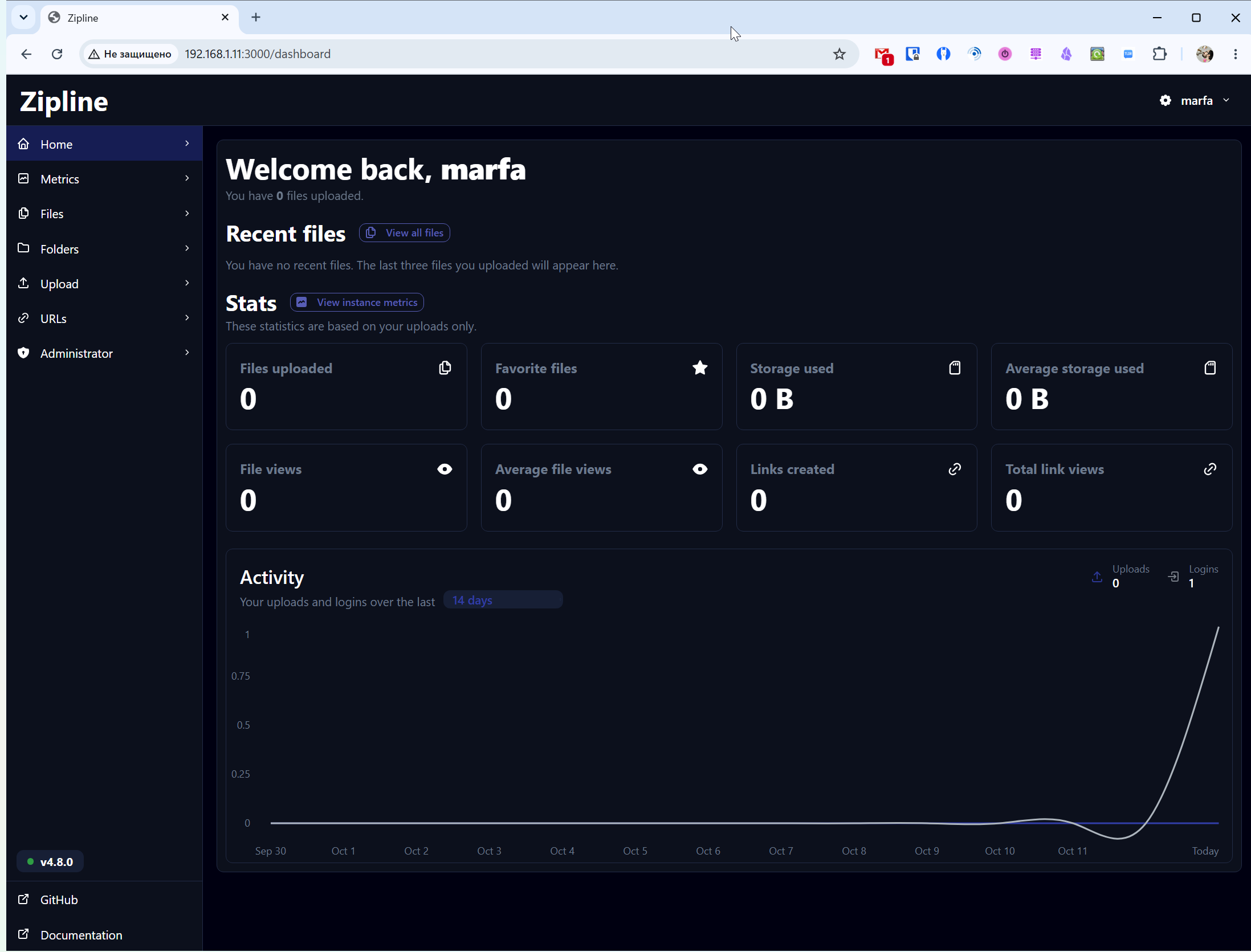
From here, you can see your recent downloads, as well as general statistics on downloads, space used, views, and more.
More detailed information is available in the Metrics section, which will allow you to monitor the total load of the server and the health of the system.
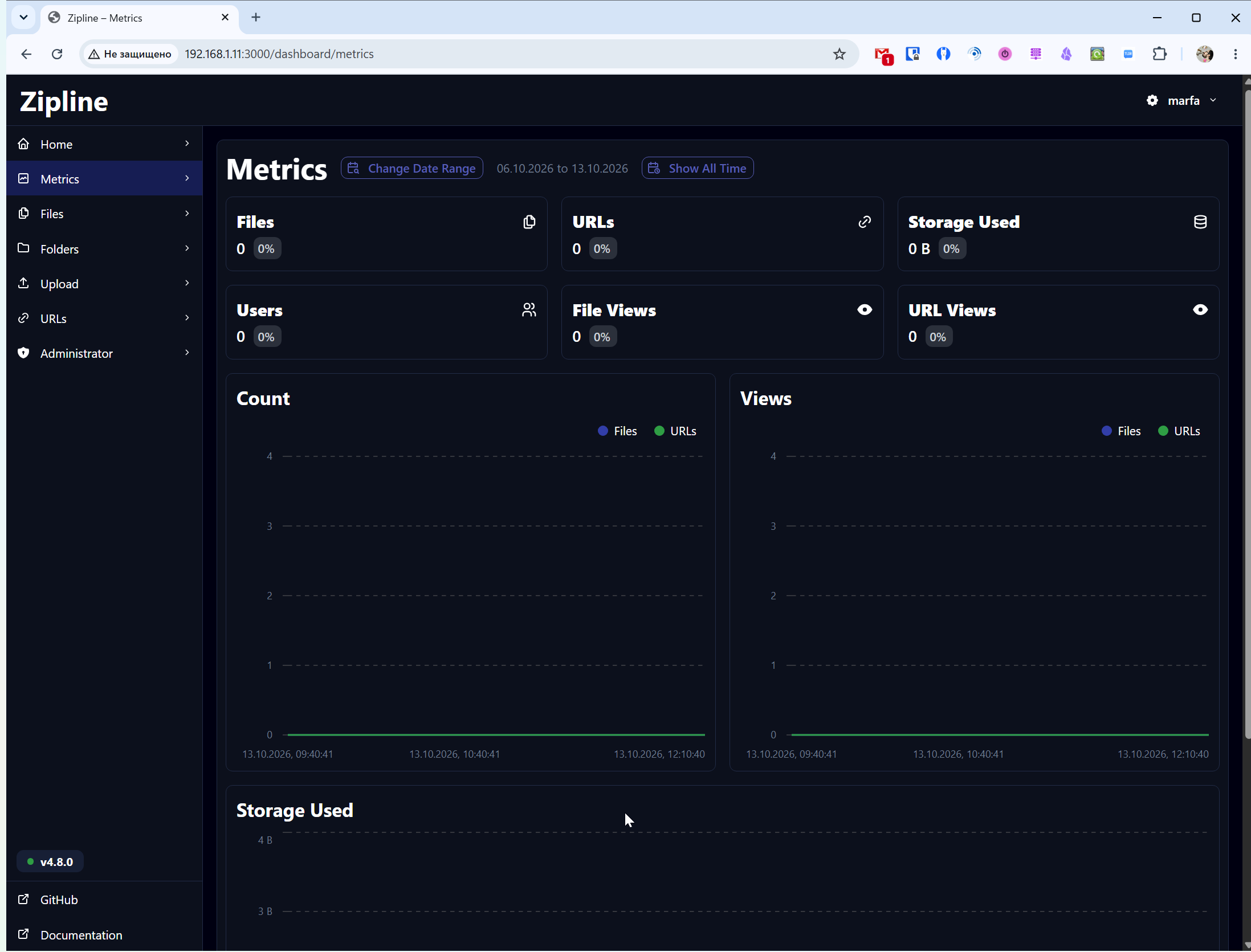
You can choose your own period to view the data or view the history for the entire time.
Files can be uploaded from different Zipline sections, but the most obvious one is Upload. You can upload any file, up to a maximum of 100 MB (default).
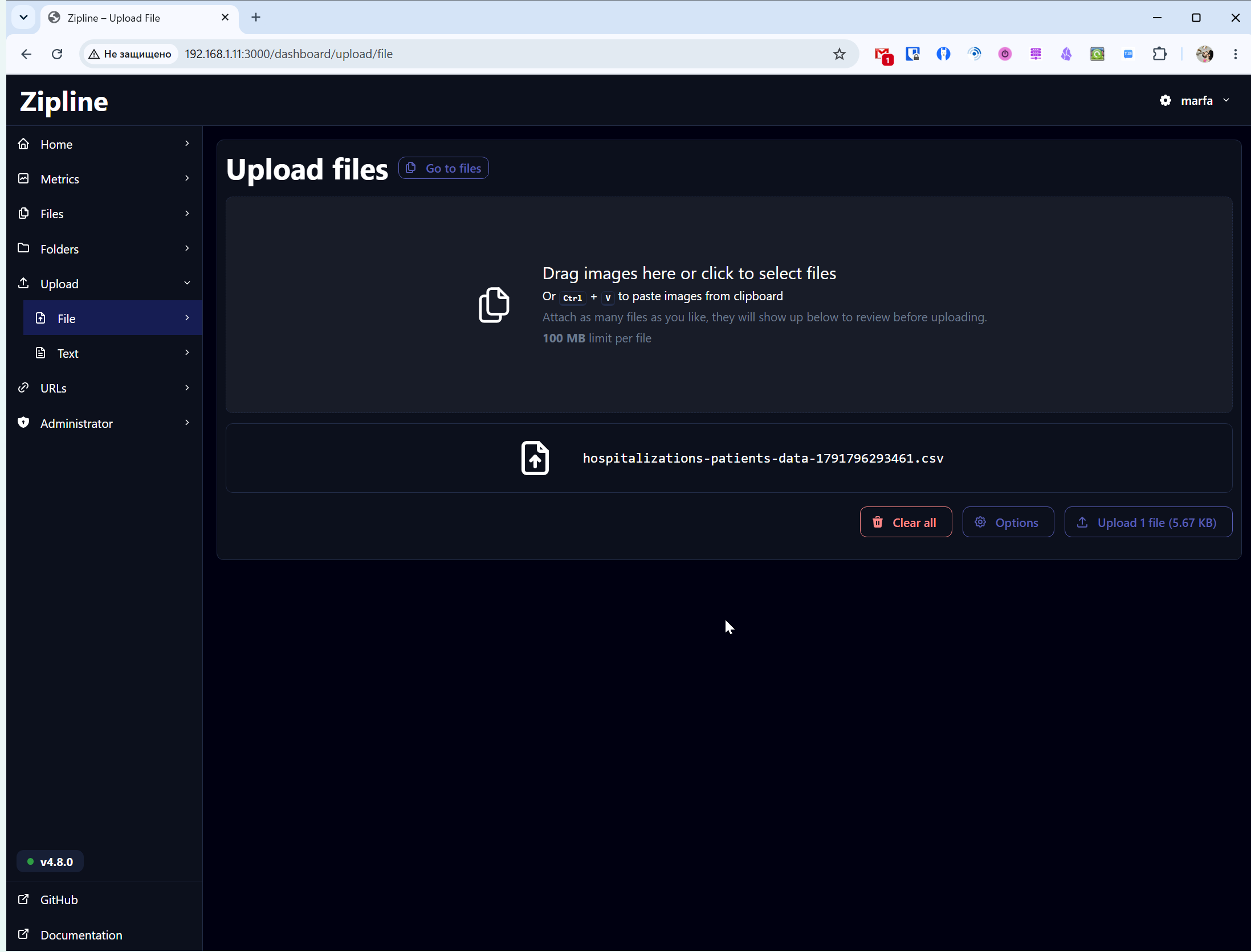
Once downloaded, you will immediately receive a direct link to the file that you can open and download the file from it or share with another user.
To upload a file to a folder, you can create it in the Folders section. A folder can be either shared, available to all users of the service, or available only to the current user.
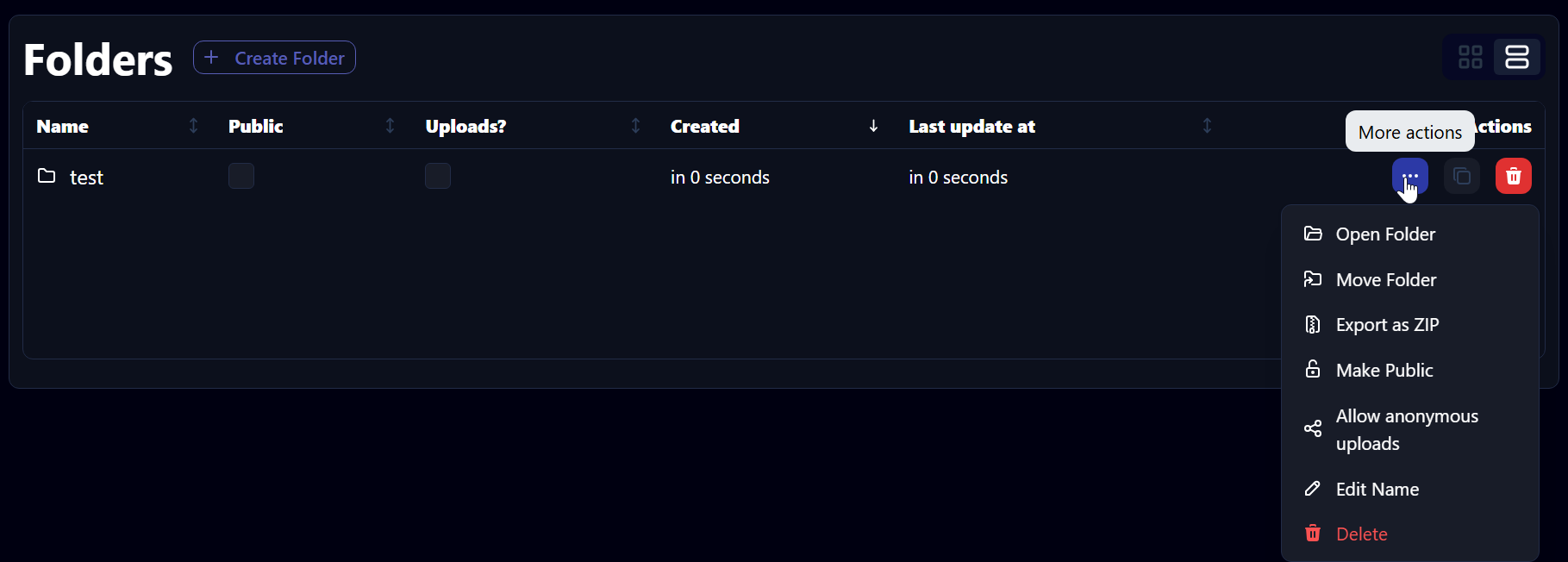
The folder can be moved, downloaded as a ZIP, changed its publicity, and allowed to be uploaded without authorization in the service.
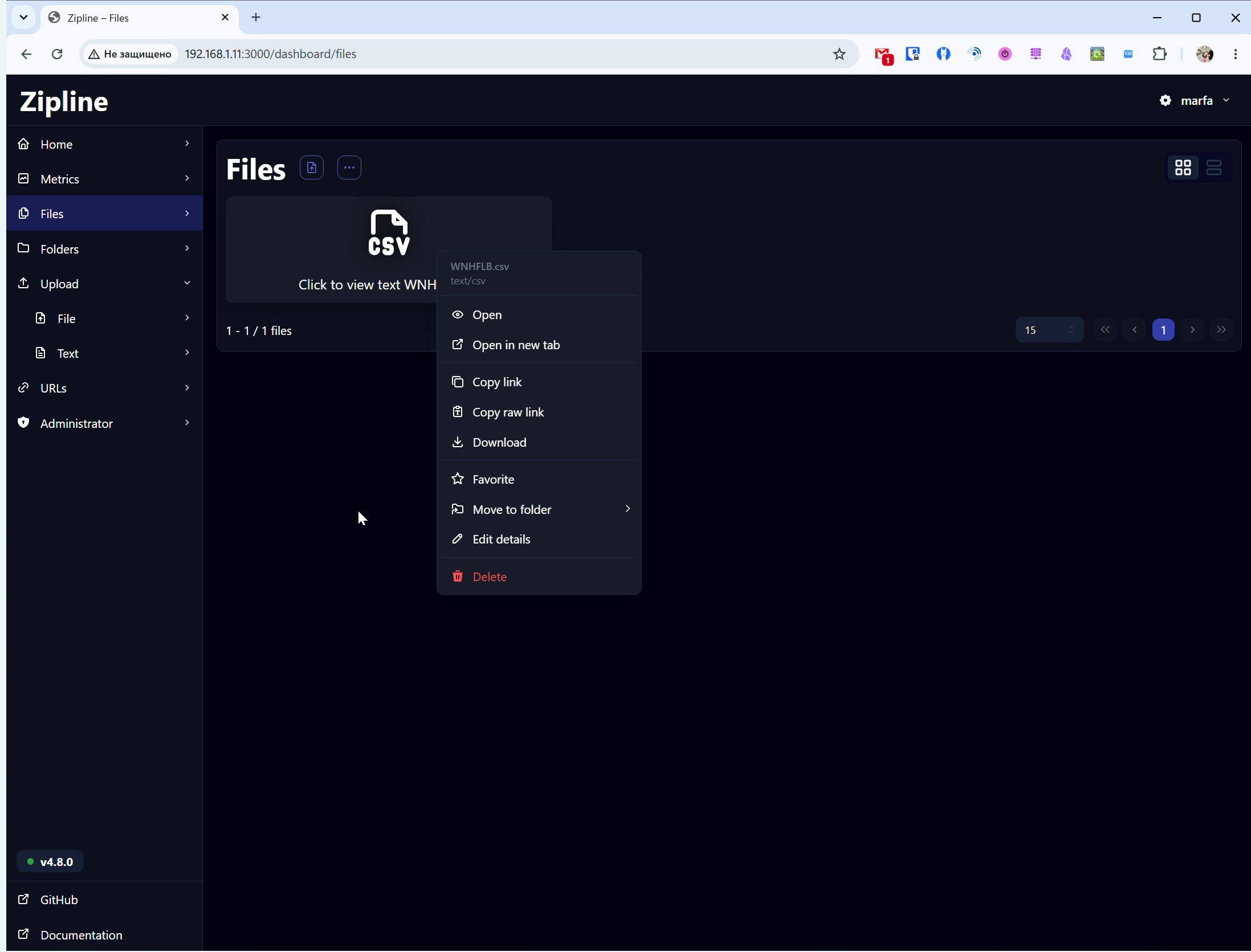
All downloaded files can be seen in the Files section. The file can be shared, downloaded, or moved to another folder.
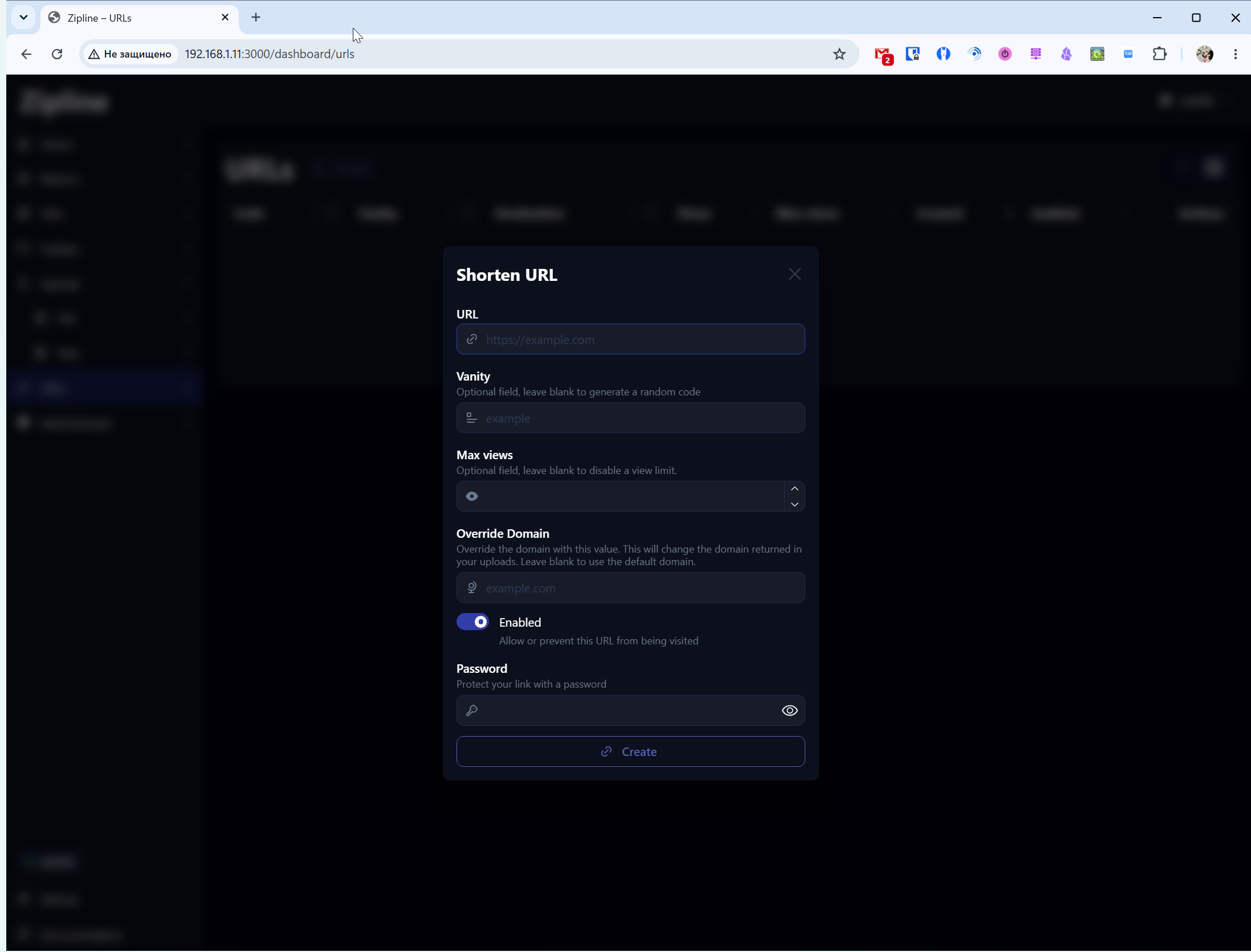
In the URL section, you can create your own short links to public files, with a view limit or password protection.
In the admin panel, you can change any Zipline settings, including download limits and speed limits, or the core parameters of the entire system. The settings can be made as fine-tuned as possible for your tasks. You can manage users and invitations.
Zipline is easy to set up if you manage the installation, and a flexible server for file uploads. I don't quite understand why you need it for a home server when you have the same CasaOS, with which you can make a full-fledged file storage.
But if you need an analogue of DepositFiles, Mega or a similar service, then Zipline will allow you to do it quite easily, and at the same time you will be able to fine-tune all the parameters you need.