

Good sound is important not only when watching movies or listening, but also when making regular calls. Therefore, it is worth setting the appropriate equalizer values for each case. But who in their right mind will spin the bars every time they call or listen to their favorite track?
To solve this problem, you can install the Ekhio app, which allows you to automatically apply the necessary equalizer parameters depending on your current tasks.
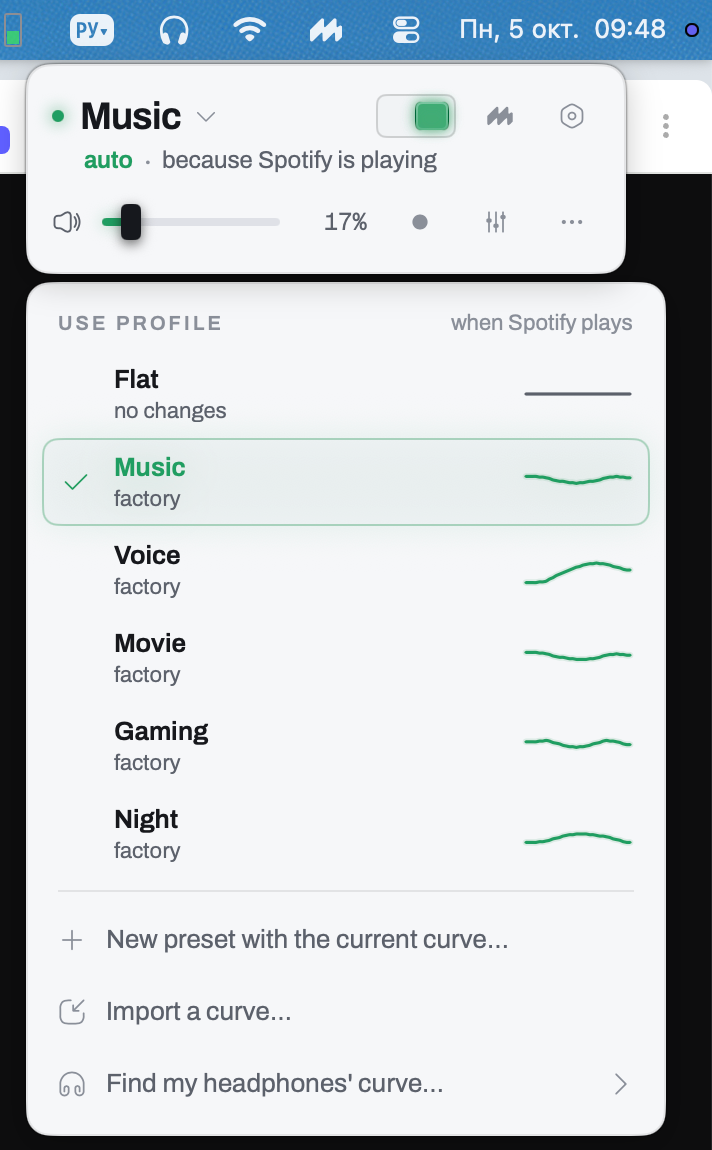
By default, six profiles are offered:
- Flat with a flat equalizer;
- For music, which is activated when you turn on Spotify, Apple Music;
- For movies, when Netflix is turned on;
- For a game — when Steam is enabled;
- Night - When Night Mode is activated.
For each of the preset profiles, you can set a different equalizer curve. You can also import presets and create your own switching rules.
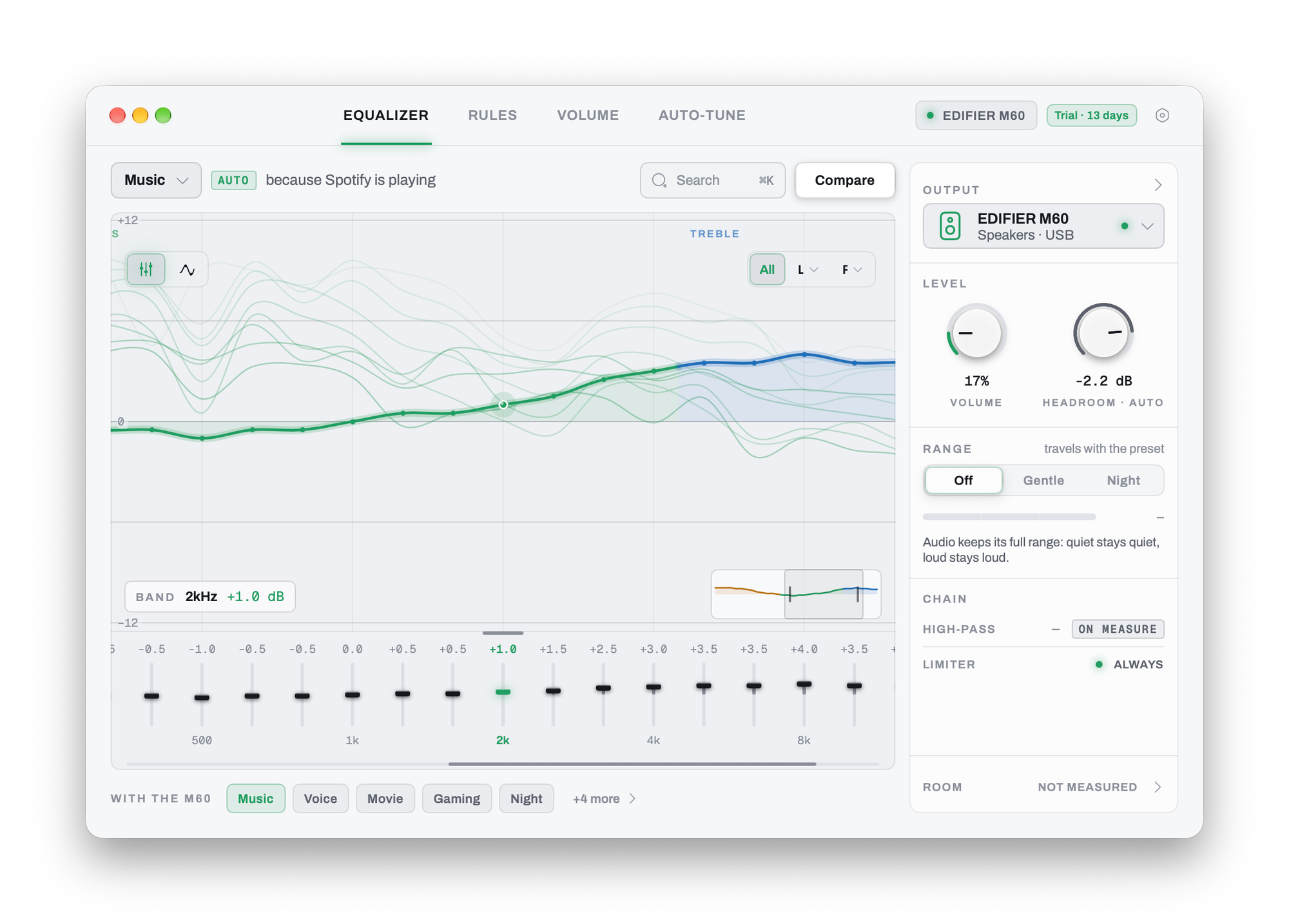
Advanced users can find presets for a specific headphone model, view the histogram, measure the sound quality in the room and much more.
Cost
You can try Ekhio for free for 14 days. Then you will need to pay a one-time payment of $39.