

Sometimes the Cursor Agent runs for a very long time, and you don’t want to sit at your computer constantly monitoring its progress. It’s much easier to manage the development process through a familiar messaging app.
Cursor Autopilot is an extension for Cursor that helps you receive notifications about the Agent’s progress and fully manage it via Telegram, email, or Feishu.
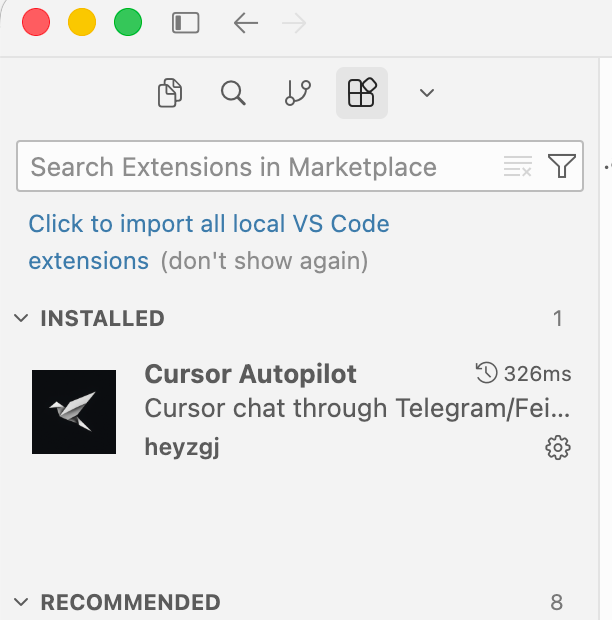
Setting up the extension is very easy. Just open the Extensions section in Cursor and install the Cursor Autopilot extension.
Next, open the .autopilot.json file, which will be created after installing the extension. In it, you’ll need to specify the connection parameters for the desired source.
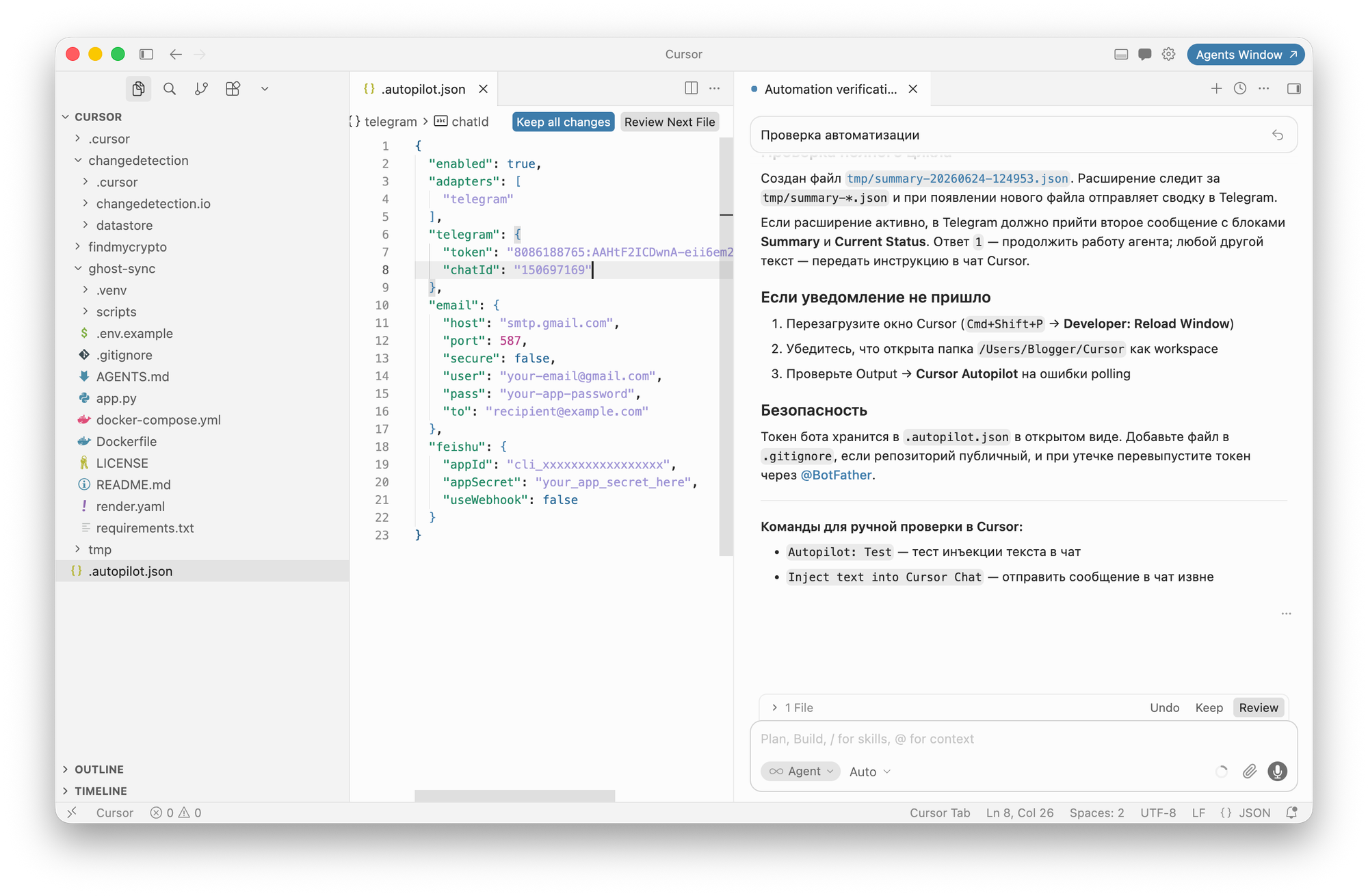
For Telegram, these are the bot’s API token and your Telegram account ID. If everything is configured correctly, you’ll receive a notification in Telegram or another specified source when the Agent completes its task.
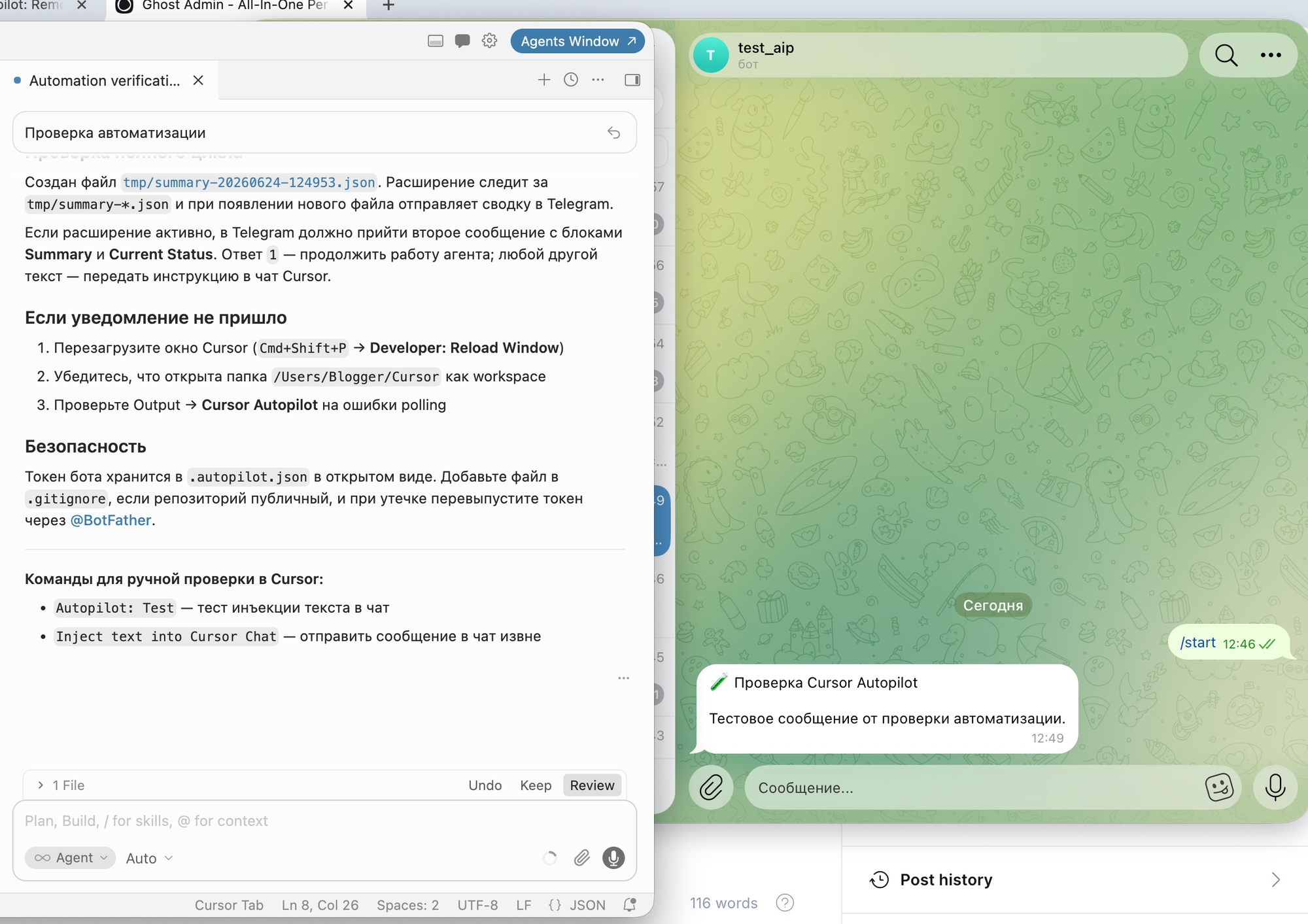
To give Cursor further instructions, you can continue chatting in the same chat as if you were using the regular Cursor app.