
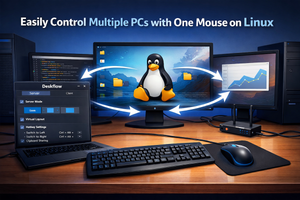
Deskflow for Linux replaces a KVM switch: it lets you share a mouse and keyboard between PCs, arrange screen layouts, and set up hotkeys.
In the past, when I needed to control multiple computers with a single mouse and keyboard, I used a physical KVM switch. But there’s no need to buy special hardware when you can simply install an app.
If you’re a Linux user, you can download a Flatpak utility called Deskflow. Once installed, you can share your mouse and keyboard with other PCs.
To do this, you choose either client or server mode in the app. The server is the computer whose peripherals are being shared.
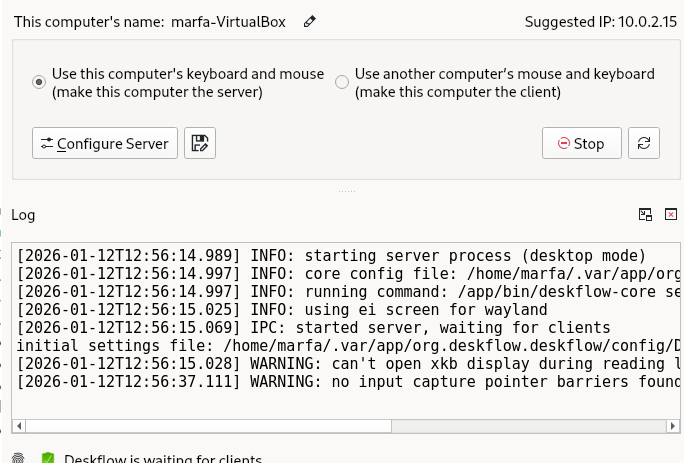
In the server settings, you can define a virtual monitor layout so the mouse and keyboard automatically switch between screens.
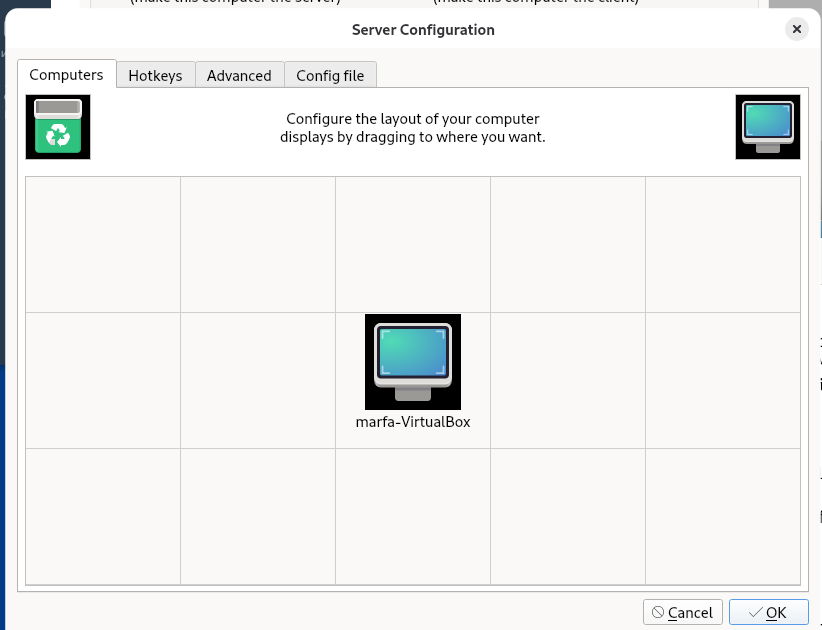
Additionally, you can configure hotkeys, dead zones, and other advanced options.