
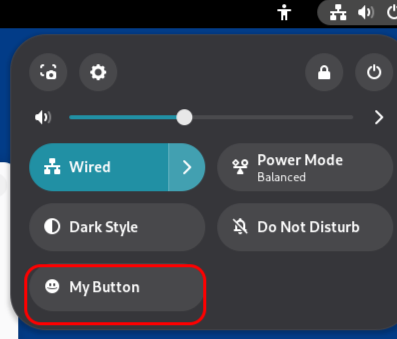
Quick Settings in Linux allow you to perform various useful actions, but the default list is limited. Fortunately, it’s easy to expand.
If you’re using Linux with the GNOME desktop environment, you can install the Custom Command Toggle extension. It lets you create your own buttons in Quick Settings to run scripts and commands.
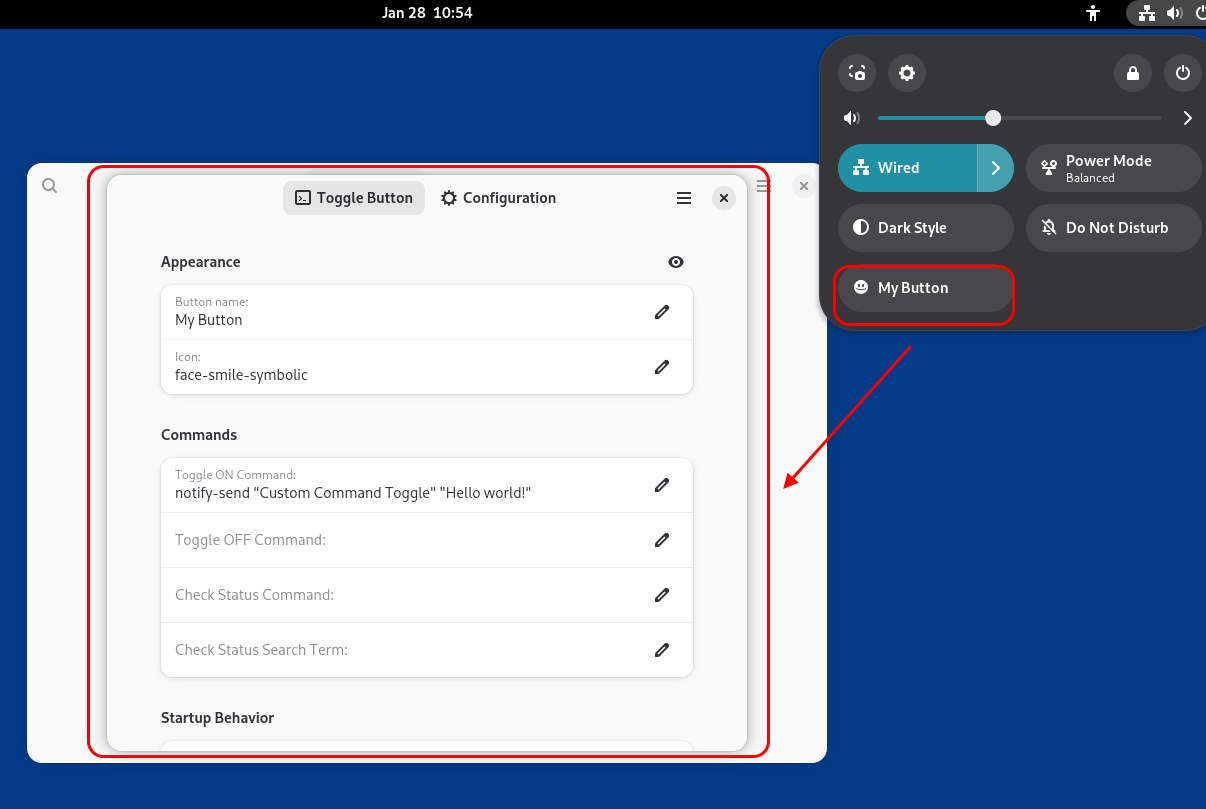
For each button, you can configure all the necessary parameters:
- Name
- Icon
- Commands to run when enabled, disabled, or when checking status
- The behavior of the toggle itself