
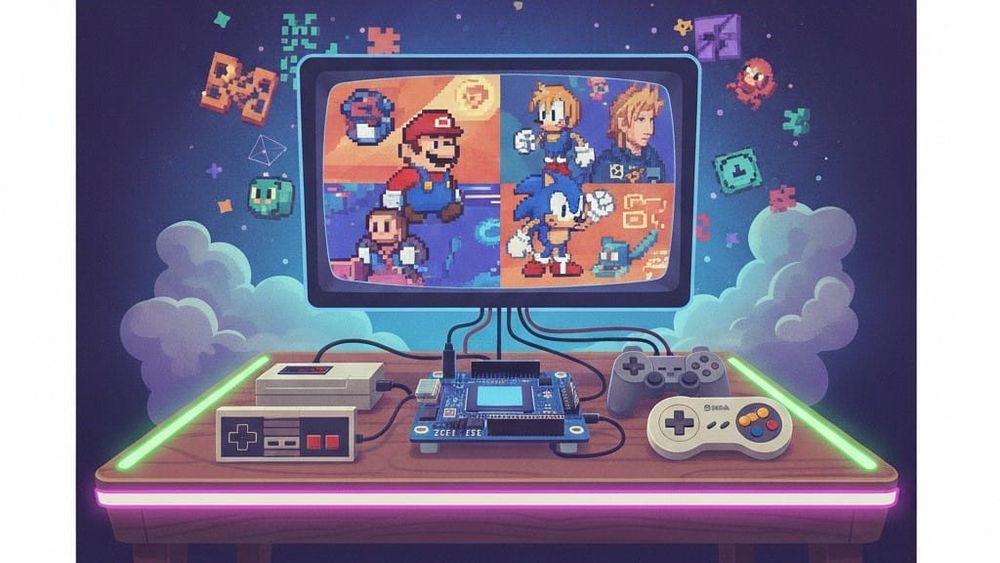
Games for the NES, Sega Mega Drive, or the first PlayStation do not have to be run on the original consoles, which are difficult to find in working order today. A Raspberry Pi single board computer, a gamepad, and a free RetroPie build are enough to turn a TV into a home arcade machine with a library of several dozen platforms. Let's analyze how the project works and what tasks it solves.
What is RetroPie
The project is distributed free and open source. It combines Raspberry Pi OS, the RetroArch framework with libretro kernels, separate emulators, and the EmulationStation graphical shell into one system.
Game images are not included in the assembly: the developers remind that you can only download copies that the user legally owns.
Ready-to-write images are available for the Raspberry Pi up to the fourth model. On the Pi 5, the system is still installed on top of the Raspberry Pi OS via the RetroPie-Setup script, which also works on Ubuntu or Debian PCs and on ODroid boards.
RetroPie's main features
The main advantage of the project is that the disparate emulators work as a single system with common management and settings. Below are the features that will come in handy when building a retro console.
Supported Platforms
The list of systems covers consoles, portable consoles, and home computers of several generations. Here are the main groups that the build works with:
- Nintendo consoles - from NES to N64;
- Sega consoles - from the Master System to the Dreamcast;
- First PlayStation and PSP;
- Arcade machines based on MAME;
- ZX Spectrum and Amiga computers, DOS games.
In total, more than 50 platforms are supported. For 8- and 16-bit systems, even a weak board is enough, and the Dreamcast or PSP work comfortably on Raspberry Pi 4 and higher.
Interface and game features
EmulationStation displays a menu of systems and games, which is convenient to navigate with one gamepad. The RetroArch shell and cores add features that were not available on the original hardware:
- Saves at any time. Progress is recorded in the slot even in games without built-in saves.
- Scraper. The tool downloads the covers, descriptions, and release year of each game.
- Shaders. Filters simulate the scan of a CRT.
- Netplay. Multiplayer mode allows you to play together from a distance.
Most of the parameters can be changed from the menu, without editing the configuration files. RetroPie-Setup also allows you to install Doom and Quake ports, the Kodi media center, and themes.
Download games
Files are copied to the ~/RetroPie/roms folders, where each system has its own directory. There are three ways to do this:
- Via a USB flash drive. The system itself creates the necessary folders on it and transfers files.
- Over the local network. RetroPie directories are open as Samba shares.
- SFTP. Suitable for those who are used to WinSCP or FileZilla.
Once ripped, simply restart EmulationStation and new games will appear in the menu.
Conclusions
RetroPie is suitable for those who want to build a retro console with their own hands and manage each setup. Fine-grained configuration and installation on the Pi 5 will require basic familiarity with Linux, but the user gets a free system with extensive platform support and detailed documentation on retropie.org.uk. The easiest way to start is with a Raspberry Pi 4 and a ready-made image: it takes a few minutes to write to the map.