
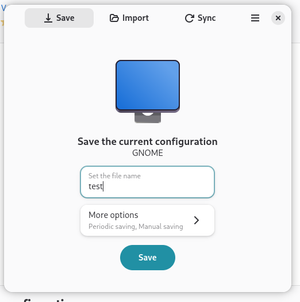
Save Desktop is a Linux application that lets you save, restore, and synchronize desktop settings across multiple computers.
If you work on several computers, you probably want to keep the same workspace setup on each of them. However, reinstalling the same applications everywhere can be tedious.
In this case, you can use Save Desktop, which allows you to create backups, restore, and sync your Linux desktop configuration — including themes, fonts, icons, wallpapers, extensions, the Desktop folder, Flatpak applications, and their data. This makes it much easier to maintain a consistent working environment across multiple devices.
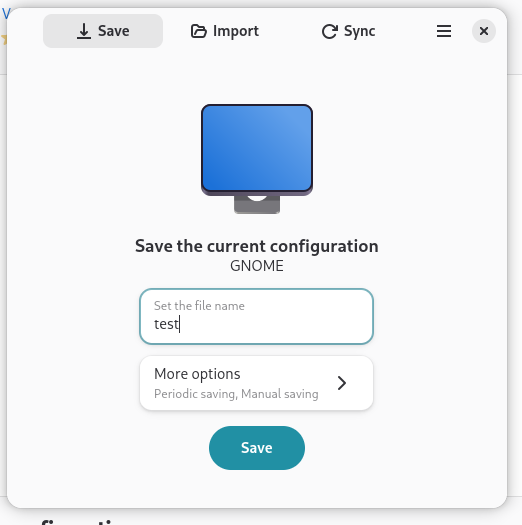
The app itself has minimal settings. If you simply want to save your data, go to the Save tab, specify the name of the backup file, and choose whether the backup should be created manually (one-time) or periodically according to a schedule.
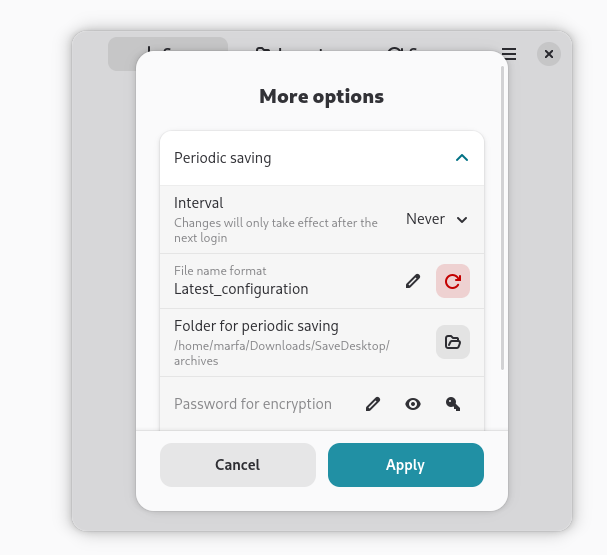
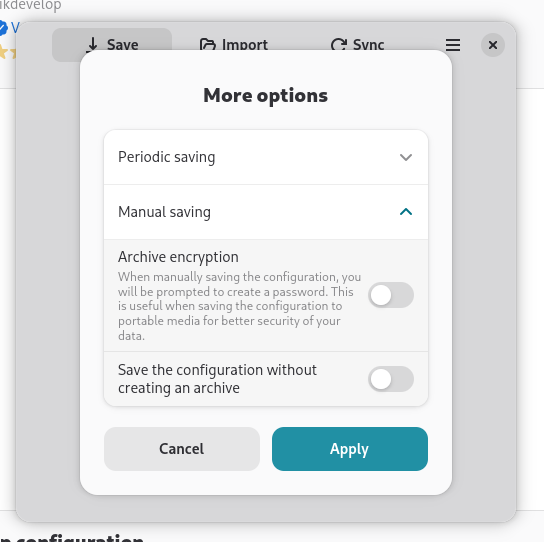
To restore your data, open the Import tab and load the information from a previously created backup file.
Synchronization is also straightforward. In the corresponding tab, connect your cloud storage and specify the file where your settings will be saved.