

Veil lets you hide unnecessary icons in the toolbar and quickly reveal them when needed, keeping a minimalist and user‑friendly interface.
I love minimalist interfaces, but I also want the ability to use all the functions I need. That’s why I try to hide the icons that are not required at the moment from the toolbar.
You can accomplish this with the Veil shell extension, which builds on the earlier Hide Items extension.
In Veil’s settings you can specify not only which icons to hide, but also adjust the hide animation, the icon that represents the hidden state, and many other parameters.
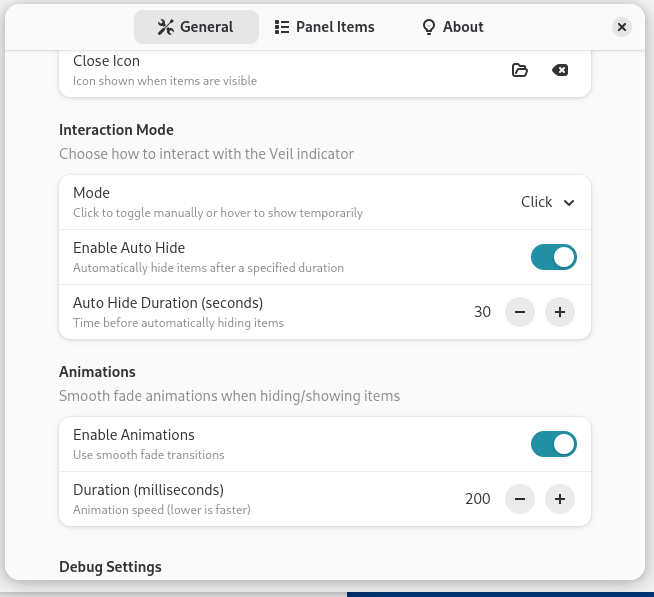
After configuring it, clicking an icon in the toolbar will let you quickly show or hide the extra icons as desired.
0:00
/0:05