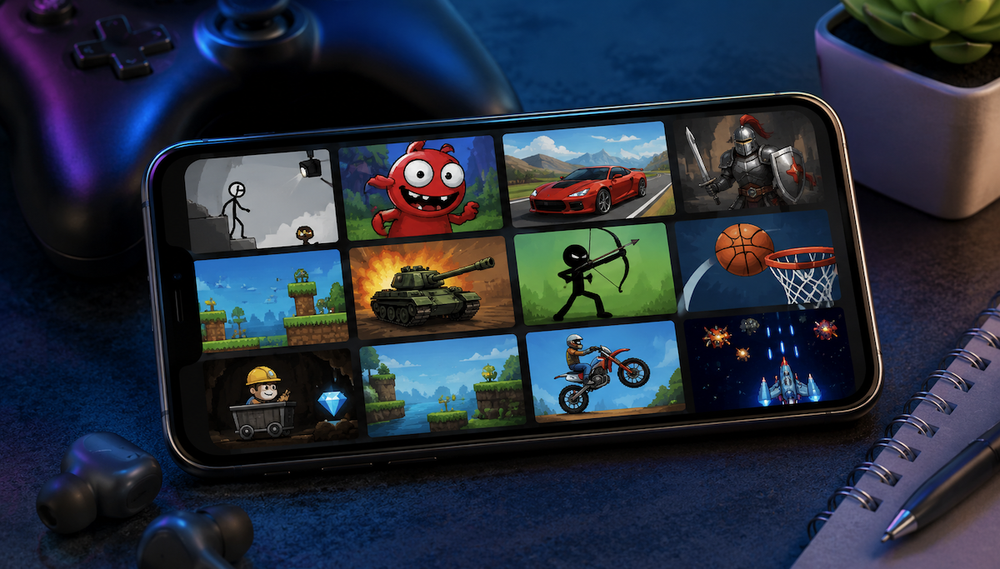
Flash games used to be very popular until the platform’s developer and web browsers stopped supporting the format. For a while, it was still possible to play HTML5 games, but that period also came to an end quickly.
But if you want to play popular Flash games on your smartphone right now, you can easily do so using the Swiff app. This app contains all the games from the Flashpoint Archive database.
Before you start playing, you’ll need to download the library from this archive. I found this process a bit strange. After all, you’re downloading the game catalog itself, not the games themselves. Plus, the download process is quite slow.
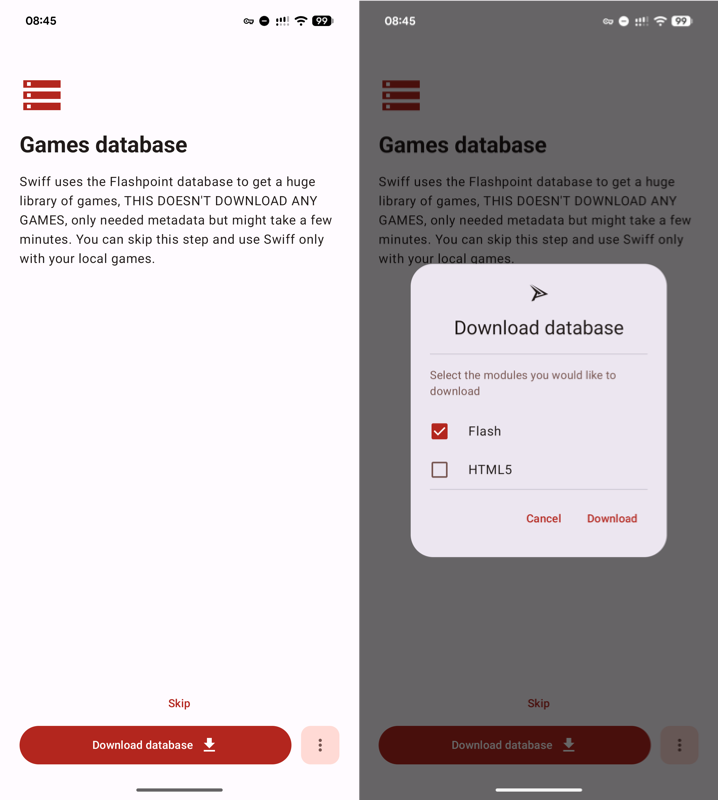
You can choose to download either just the Flash game catalog or just the HTML5 game catalog. Only after that can you start using the app to its full potential.
There’s nothing complicated or unusual about Swiff itself. You have several screens:
- A general game catalog with various categories;
- A library of downloaded games (also organized by categories);
- Catalog search.
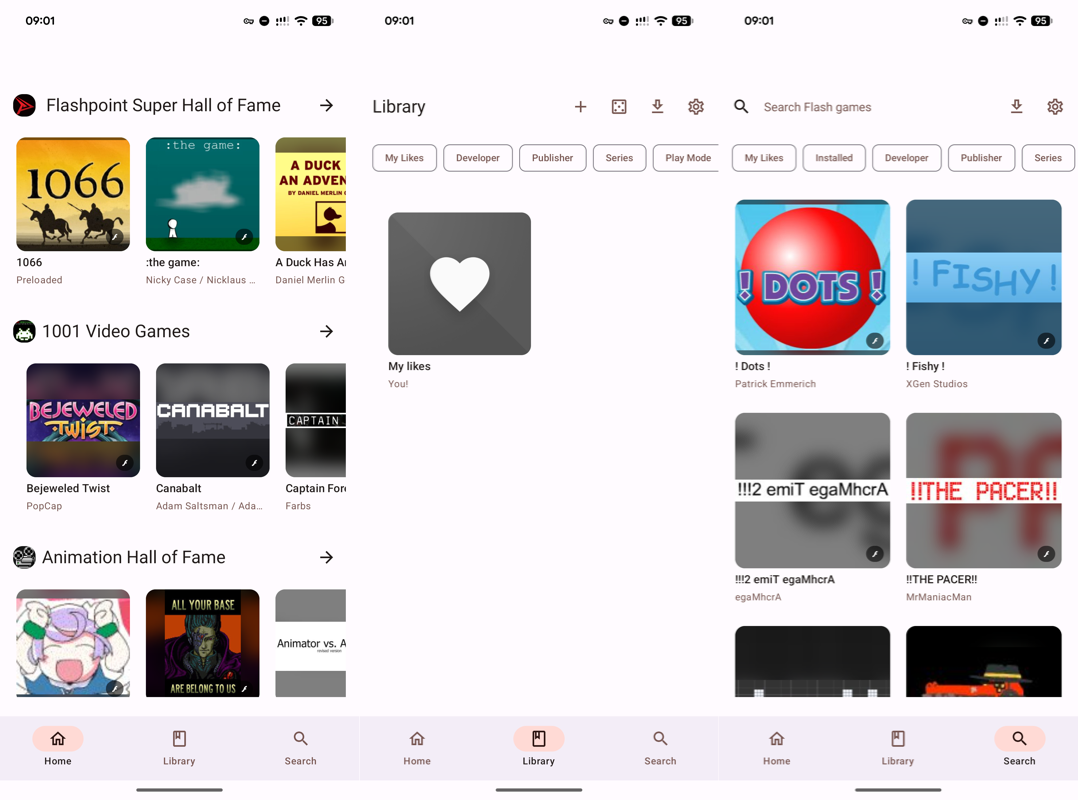
If a game catches your interest, simply go to its page, download it, and launch it right away without any additional settings.