
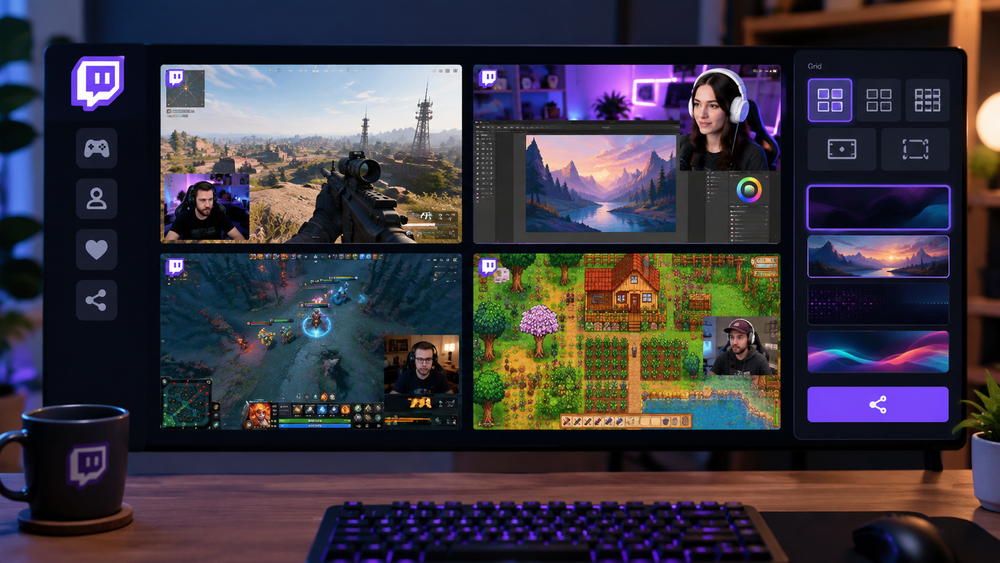
If you like to watch several Twitch streamers at once, you probably just open a few tabs, group them together, and enjoy the show. But there are special services that make this easier.
One such service is LiveGrid, which lets you create a grid of two, four, or more streams to watch simultaneously.
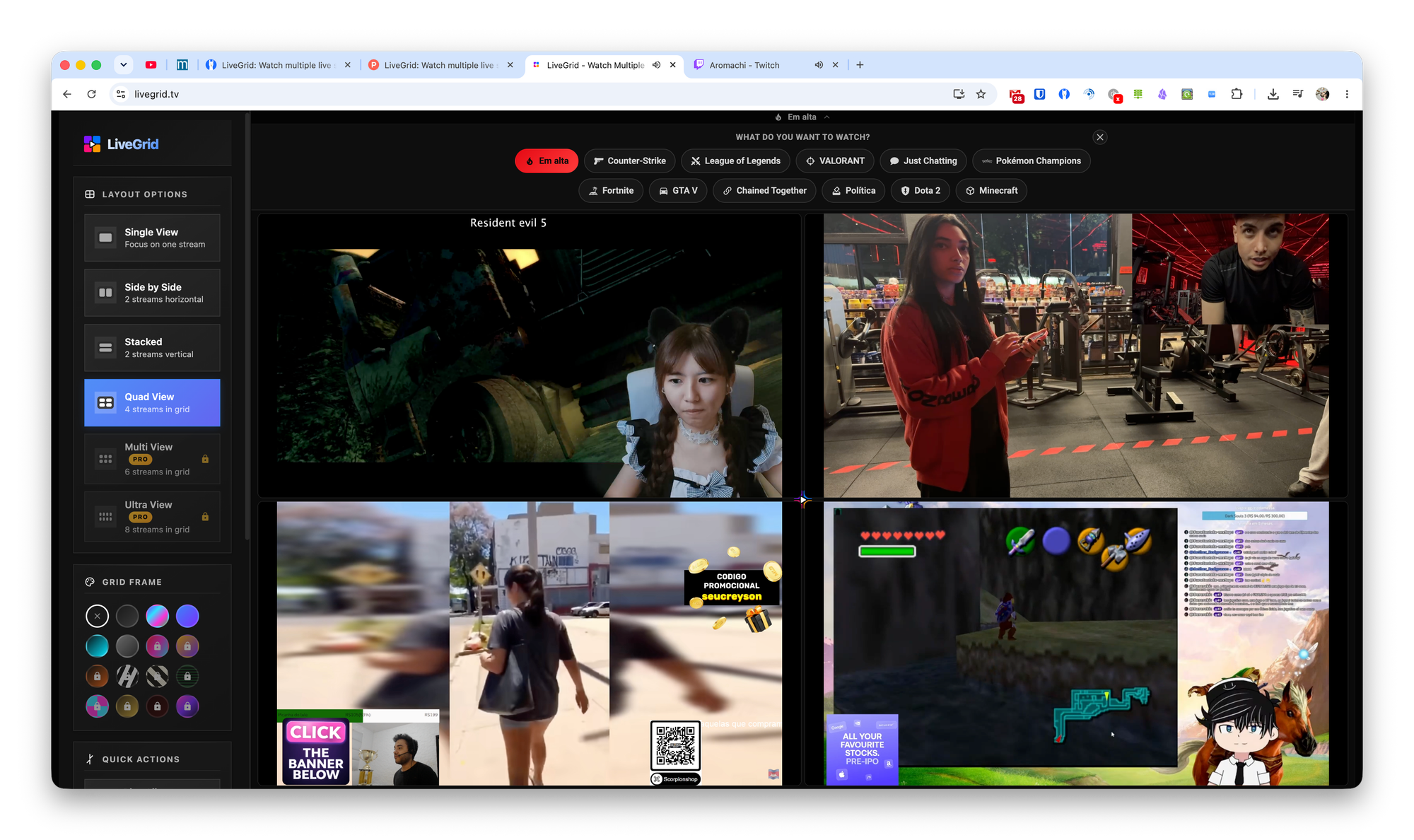
By default, the service displays one of the popular categories in a 2x2 grid, but you can switch to any other streamers. Here's how to change their visual layout on the tab:
- Change the background;
- Change the grid;
- Switch to theater mode.
You can share the grid you’ve created with other users.