
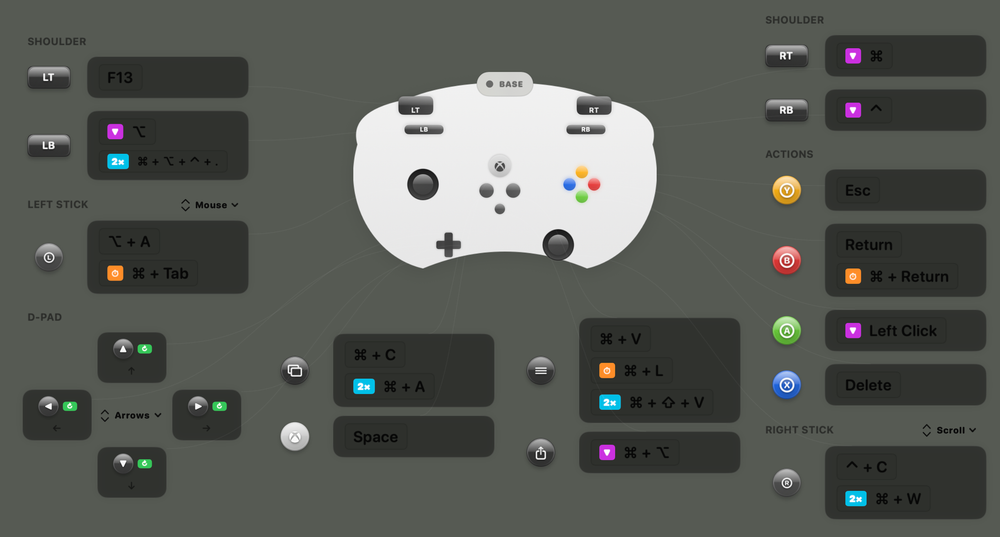
Game controllers can be useful even if you don’t have a gaming console. For example, they can be used as a remote control for your computer. You just need to install and configure a special app.
ControllerKeys allows you to assign Xbox controller button presses to perform various actions on a Mac.
Figuring out how to use ControllerKeys would be easy if it weren’t for the interface. On a standard iMac, the icon sizes are so small that it’s very difficult to understand what they represent.
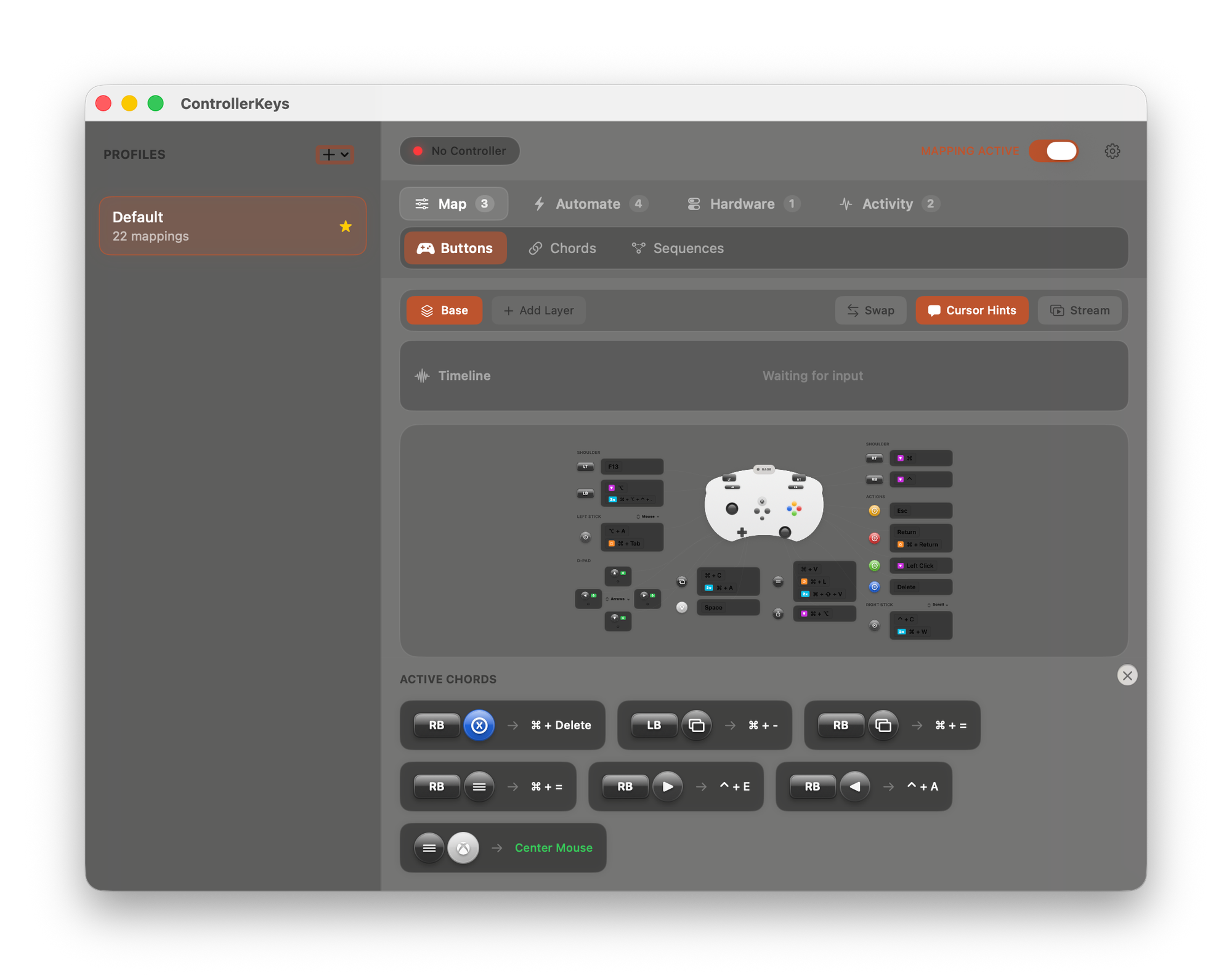
How to assign controller buttons to actions
In the Map tab, you can configure which controller button combinations will perform specific actions on your computer. Already assigned actions are shown in the bottom panel.
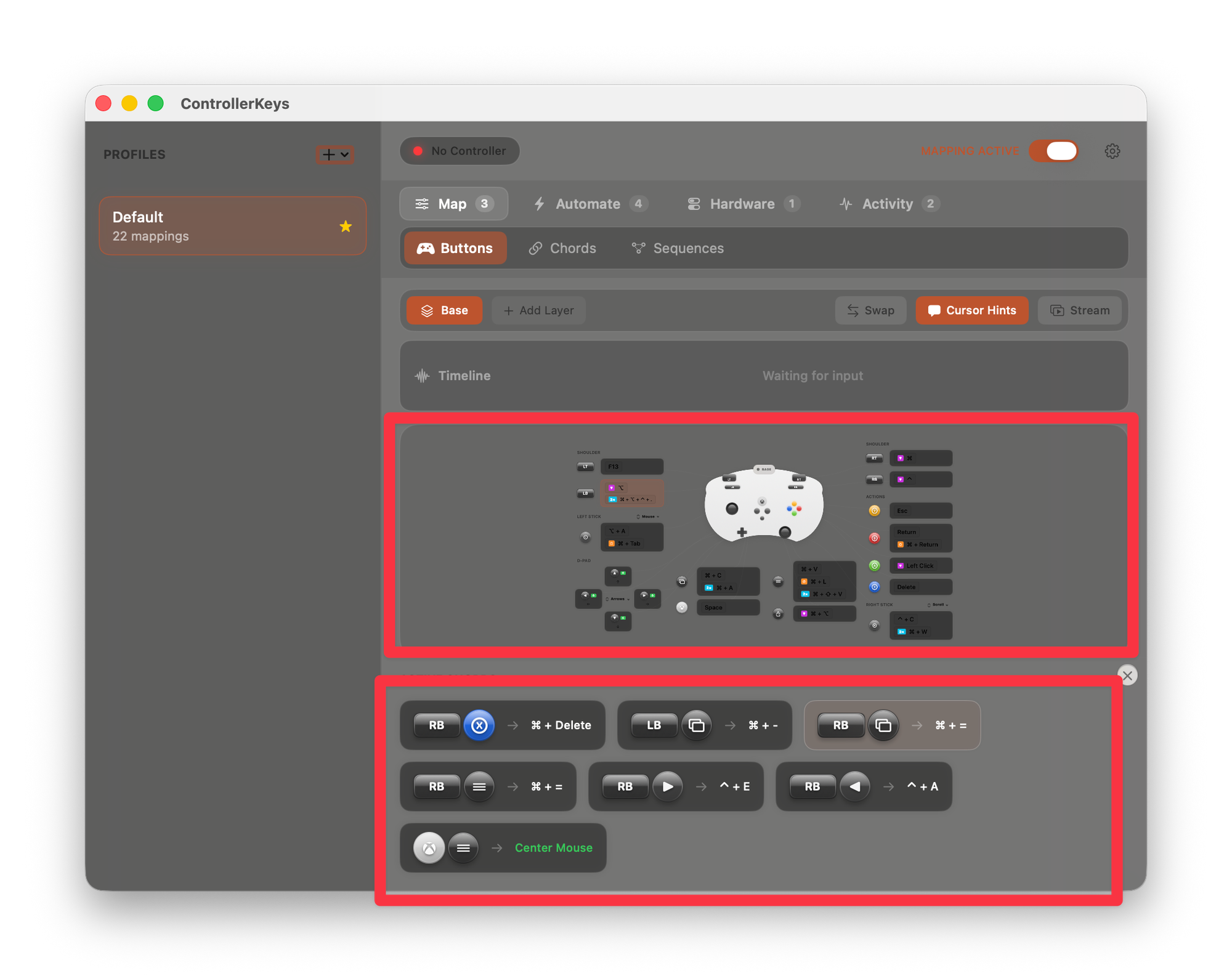
To add new ones, you need to click the corresponding free button in the section above. In the window that opens, you can choose the type of action: a hotkey, a macro, a script, or executing system actions.
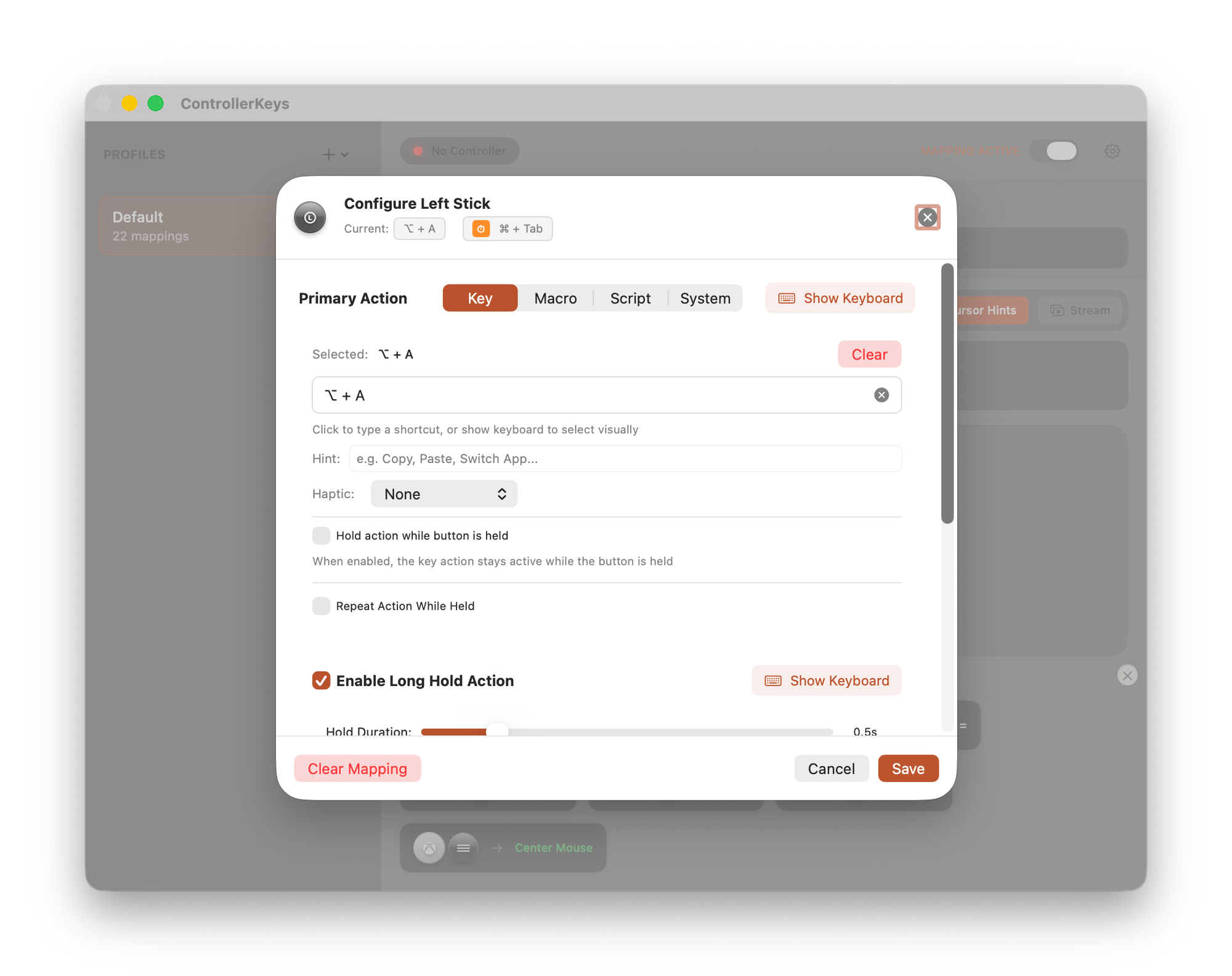
Depending on the selected action type, different configuration options will be available. Interestingly, ControllerKeys allows you to configure not only actions on the PC but also on the controller itself. For example, you can enable haptic vibration if a combination is successfully executed.
Among the additional features of the Map section, it’s worth highlighting the ability to display a controller overlay on the desktop. This can be useful for streamers to show button presses during gameplay.
In addition, you can set up multiple “layers” of actions and switch between them using activator buttons. This way, a single button can be assigned multiple actions.
Button mappings themselves can be stored in different profiles and switched as needed.
Other features
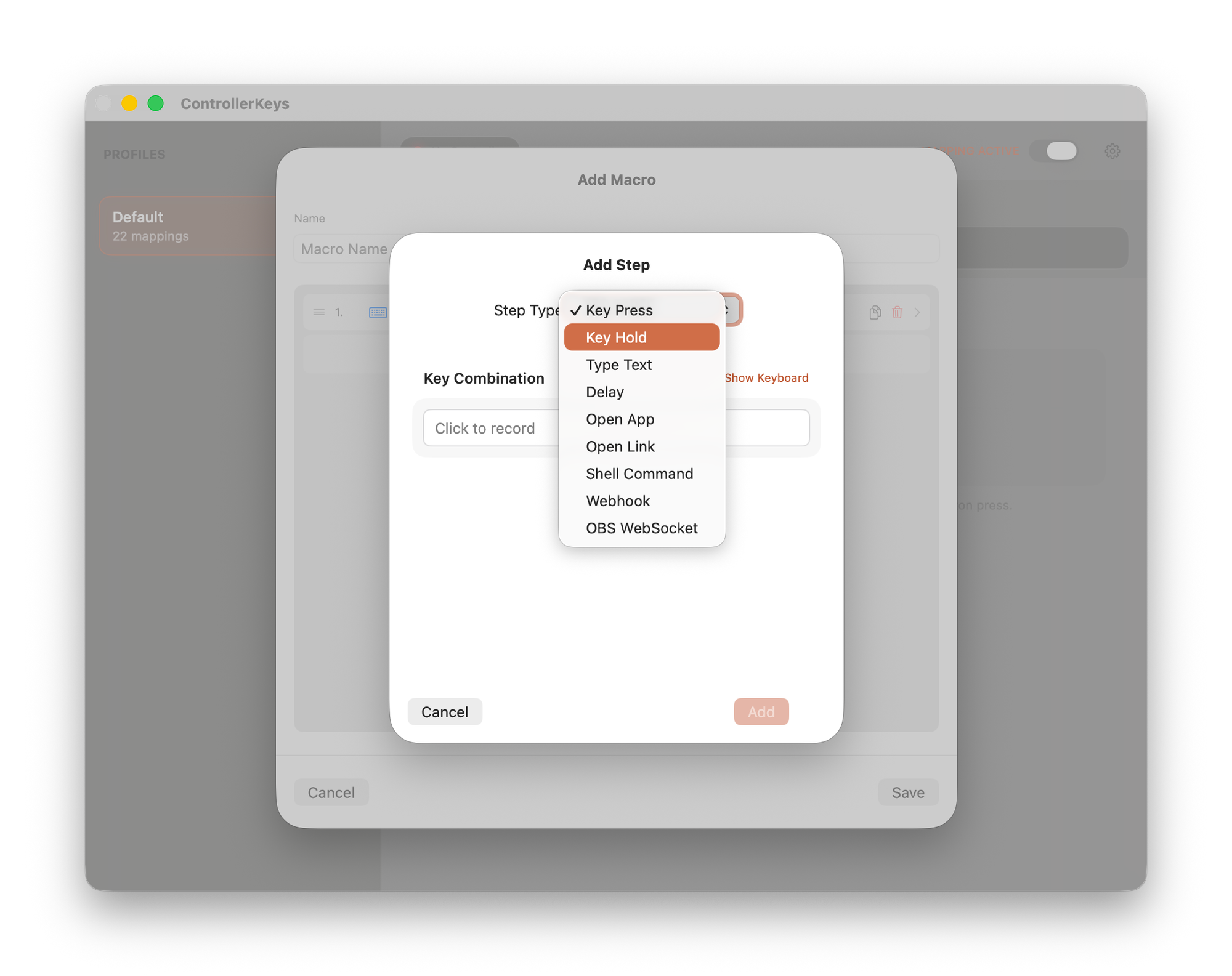
In the Automate section, you can create various macros. With them, pressing a gamepad button can trigger a sequence of complex actions. For example: open an app > wait > enter text.
In the Hardware section, you can adjust stick sensitivity, dead zones, and other useful parameters.
Pricing
ControllerKeys does not offer a free trial. The purchase price is $9.99.