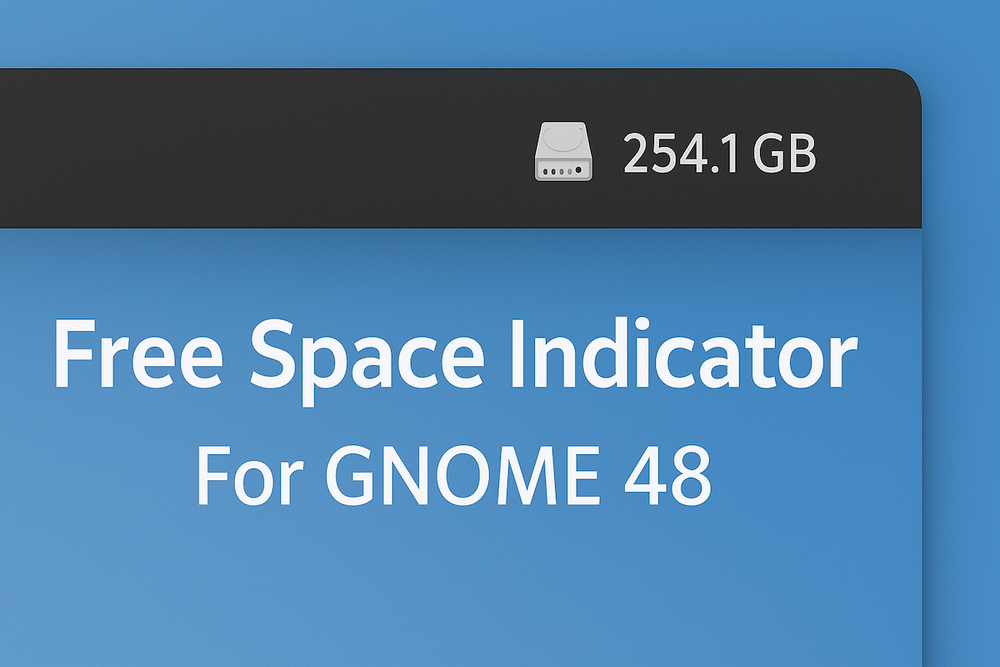
If you always want quick access to up-to-date information about available disk space, it’s worth placing it in the most visible spot — right next to the clock on the Panel.
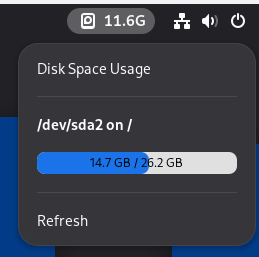
Linux users running Gnome version 48 can do this with the Free Space Indicator utility. Immediately after installation, you’ll see the free disk space, and by clicking on the icon, you’ll get full details about storage usage.
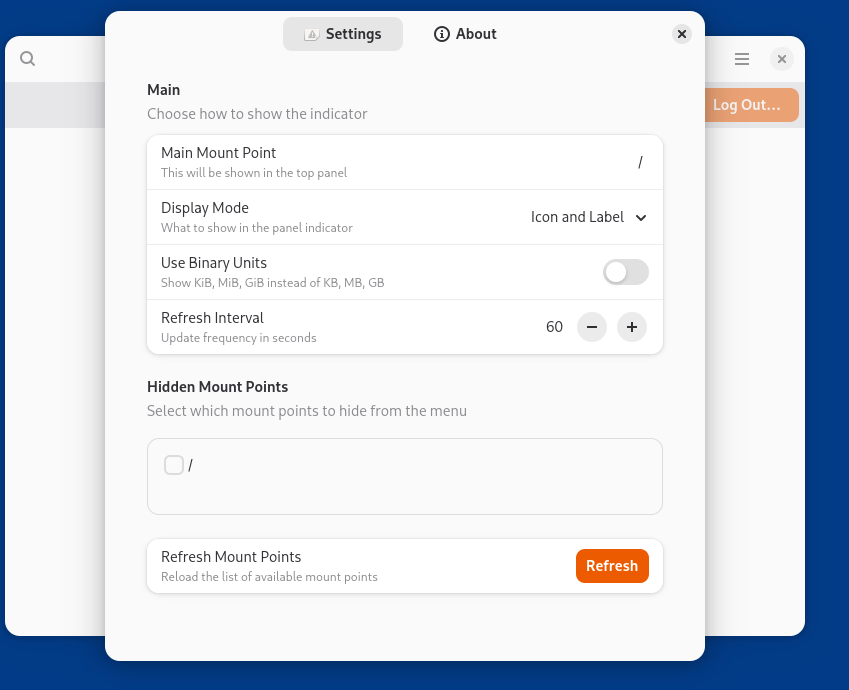
In the app’s settings, you can change how the icon looks and also hide unnecessary disks.